Participant
April 28, 2023
Question

Page wrap bug

  • April 28, 2023
  • 2 replies
  • 613 views

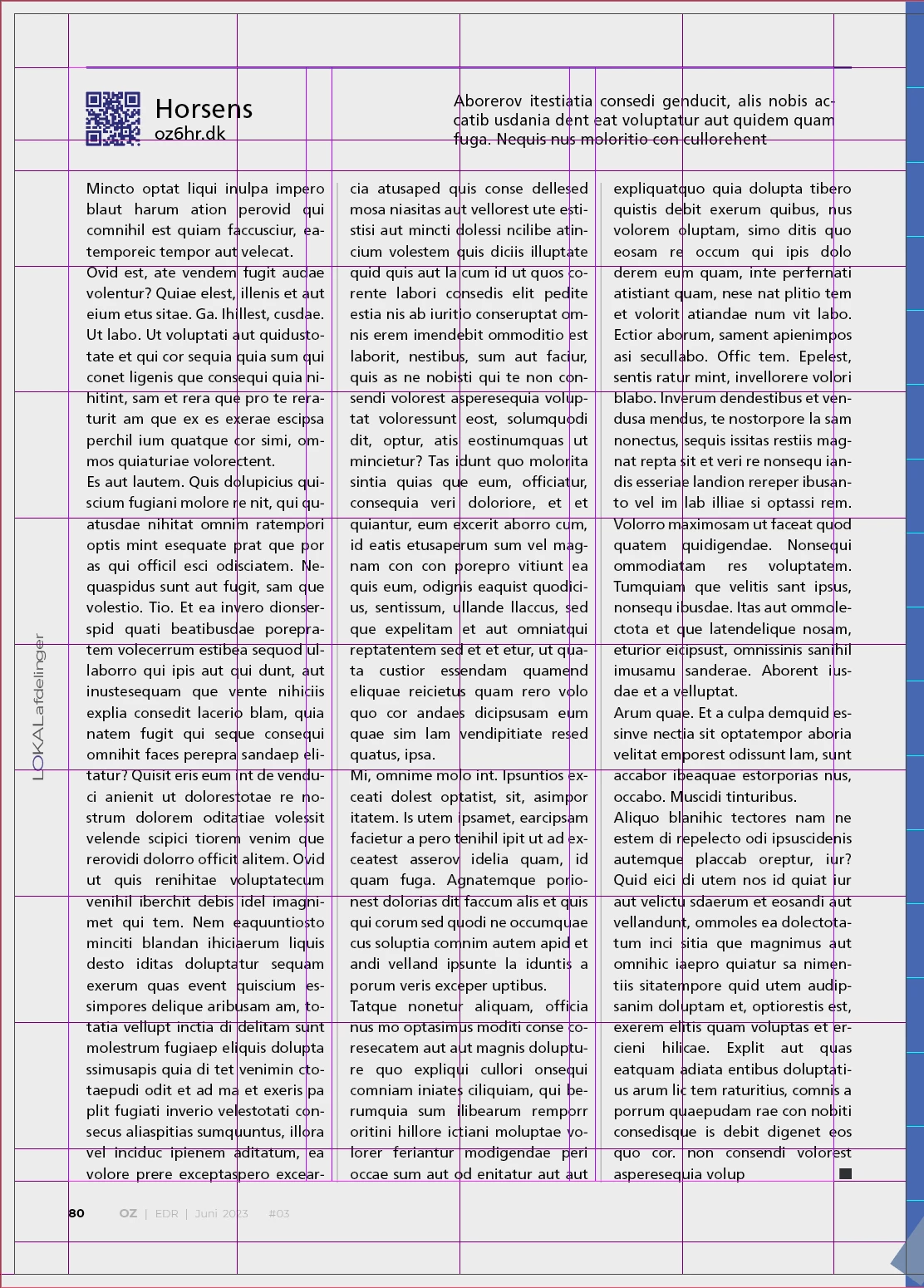
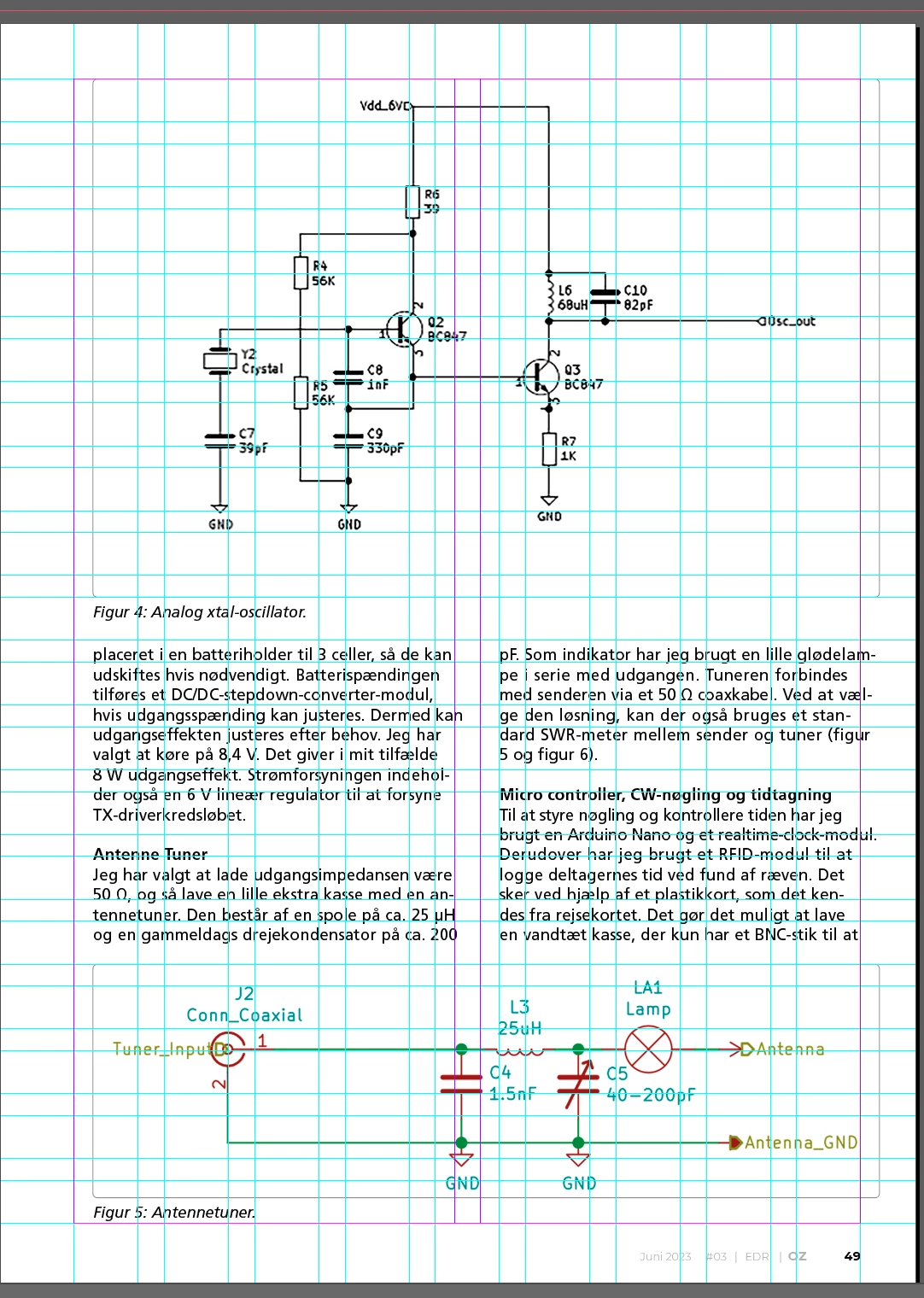
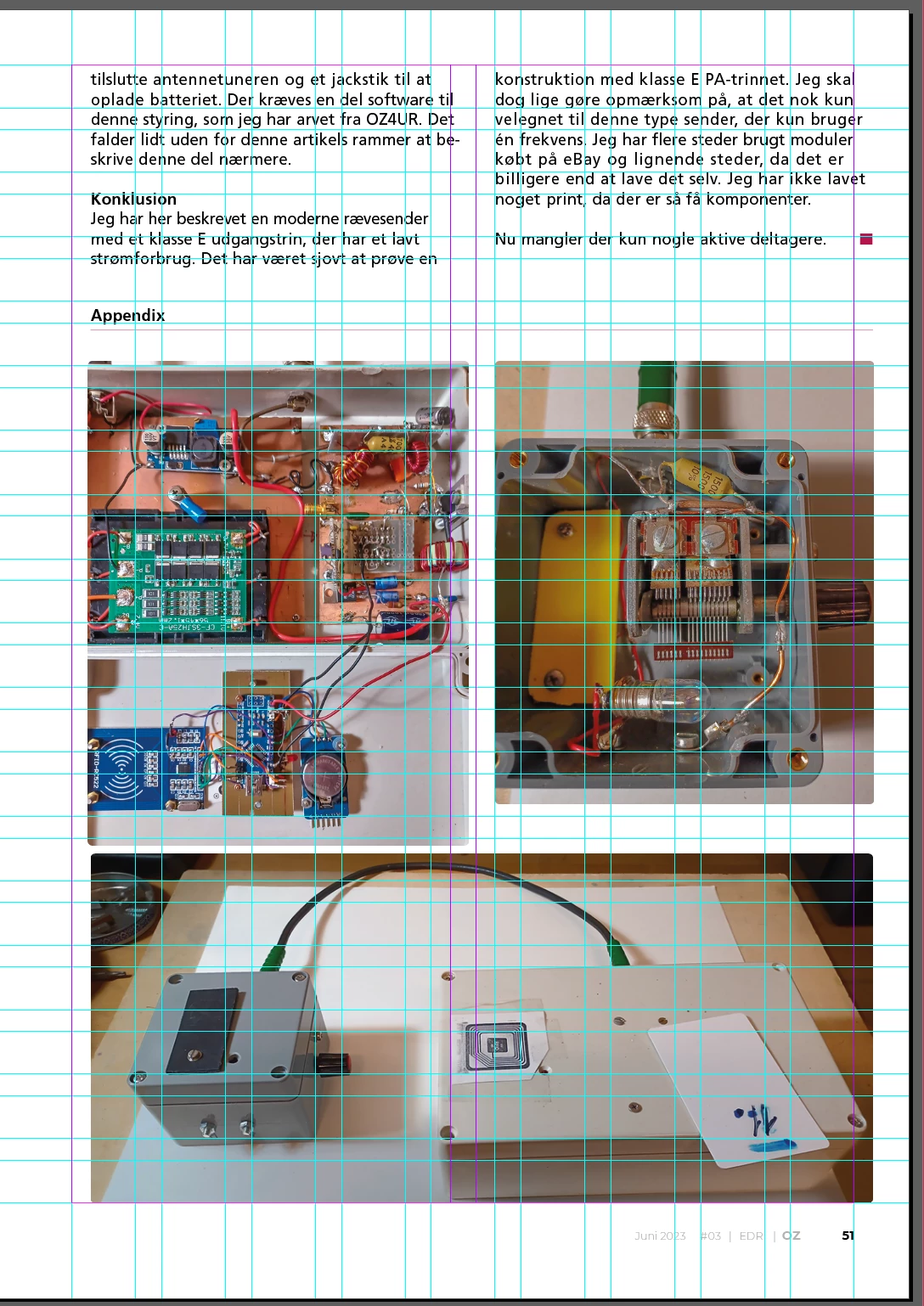
When I make page wraps at the end of magazine production, the layout on some pages slips when pages are moved. It is a huge problem because every time I move one or more pages, the pages slide and I have to go through all the pages in the magazine whenever I have moved one or more pages.
Locking all layers has no effect. 
A bleed of 3 mm has been added to the design.

Seems to be a severe bug or any solution?
This topic has been closed for replies.

2 replies

Peter Spier
Community Expert
Community Expert
May 6, 2023

You don't say how you have added your frames, but using frames from a Parent Page might help (though editing the frames can detach them from their positional link to the parent if you move them off your guides). Enabling Layout Adjustment might also help, but again things must be snapped to guides for it to work.

Peter Spier
Community Expert
Community Expert
May 6, 2023

I've done some more playing around, and even without Parent page frames or Layout Adjustment frames drawn on the page and snapped to a margin guide seem to move from side to side correctly (that is they remain snapped to the margin guide) for me when moving pages around with a wide disaprity in inside/outide margin dimensions.

Participant
May 29, 2023

Will not solve the problem. I've worked with ID for 22 years and never experinsed this before until a few years ago. 

I'm doing exactly the same

Willi Adelberger
Community Expert
Community Expert
April 28, 2023
  1. All frames should align to the page borders.
  2. All main text frames should have object styles, those should have defined size and position.

Beside this there is a known bug that shifts sometimes frames.

Participant
May 6, 2023

All items are set as described. The challenge for InDesign is when you use different inner and outer margins. The margins here are created with the golden ratio principle. I could use an ordinary 12,7 cm margin all the way around but that's kind of dull, isn't it?
Really hope Adobe will focus on the issue and come up with a solution. This is very time-consuming and increases the risk of mistakes before printing