
Answered
Pages are created in a wrong order
Hello everyone, I am new to indesign so I'm sorry if I'm asking the obvious.
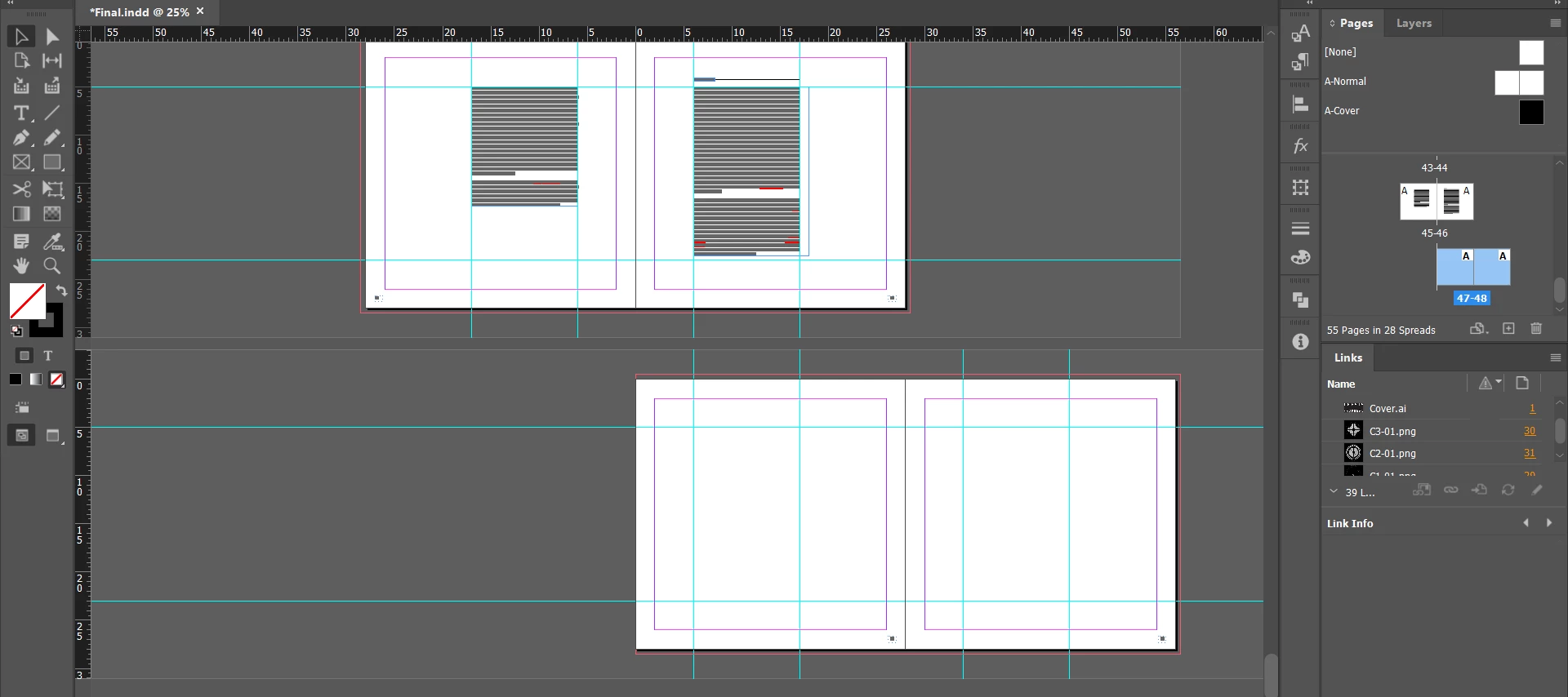
I have a document with facing pages that used to work perfectly but now when I add new pages, I see in my "Pages" window that the new pages are not in the right place and they are slightly shifted to the right side. I should manually replace them ( sometimes I can not even do that so easily). I don't know when this problem started, I think after I added sections to my document but I'm not quite sure. What should I do to make it work as it used to? There are different symbols on my mouse when I'm trying to drag the pages in the right position and I do not know their meanings.)
 AdChoices