Participant
February 8, 2023
Answered

Pantone alert in indesign

  • February 8, 2023
  • 3 replies
  • 1717 views

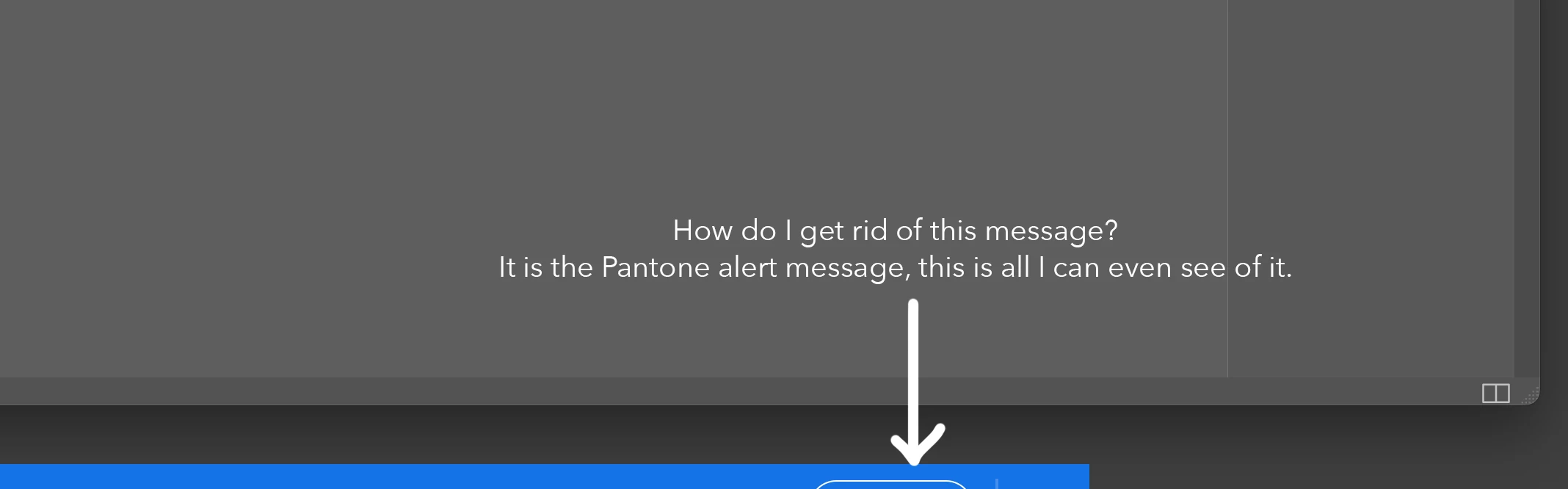
How do I get rid of this message?

I can't even read it, but if I click the oval it brings up the pantone message page...
 

This topic has been closed for replies.
Correct answer rob day

Hi @Joe63 , The latest version of InDesign no longer installs the Pantone .acb files, and I’m guessing that’s what the message refers to.


There are a few options if you need to use the Pantone libraries: You can install the .acb files yourself from an earlier version of InDesign, they are located in this folder:


Applications⁩ ▸ ⁨Adobe InDesign 20XX⁩ ▸ ⁨Presets⁩ ▸ ⁨Swatch Libraries⁩


If you don’t have a backup of an earlier InDesign application folder, you can download the .acb files here:


https://github.com/Autocrit/Pantone-color-libraries


Or you can subscribe to and install Pantone’s Pantone Connect extension—InDesign>Window>Find Extensions on Exchange

3 replies

rob day
Community Expert
rob dayCommunity ExpertCorrect answer
Community Expert
March 21, 2023

Hi @Joe63 , The latest version of InDesign no longer installs the Pantone .acb files, and I’m guessing that’s what the message refers to.


There are a few options if you need to use the Pantone libraries: You can install the .acb files yourself from an earlier version of InDesign, they are located in this folder:


Applications⁩ ▸ ⁨Adobe InDesign 20XX⁩ ▸ ⁨Presets⁩ ▸ ⁨Swatch Libraries⁩


If you don’t have a backup of an earlier InDesign application folder, you can download the .acb files here:


https://github.com/Autocrit/Pantone-color-libraries


Or you can subscribe to and install Pantone’s Pantone Connect extension—InDesign>Window>Find Extensions on Exchange

Participant
March 21, 2023

In the swatches pallet: click the menue on the upper right and uncheck find this color.

Participant
December 4, 2023

Thanks, I don't care about the Pantone colours and this got rid of the alert for me.

Rene Andritsch
Community Expert
Community Expert
February 9, 2023

Despite being truncated, did you open a document that already had Pantone colors in the Swatches Panel?

