
Paragraph format picked up an override -- how to get rid of it?
Hi.I'm importing several Word documents into ID (v15.1.1/windows 10). During my style definition process, my main body style (paragraph ROP) somehow picked up an override for a superscript, so that when I apply paragraph ROP, it looks like this on the lower paragraph:
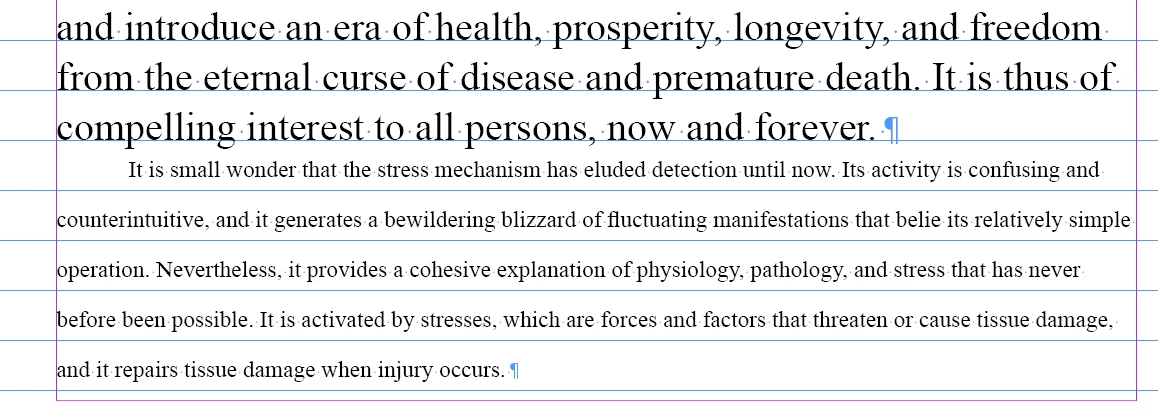
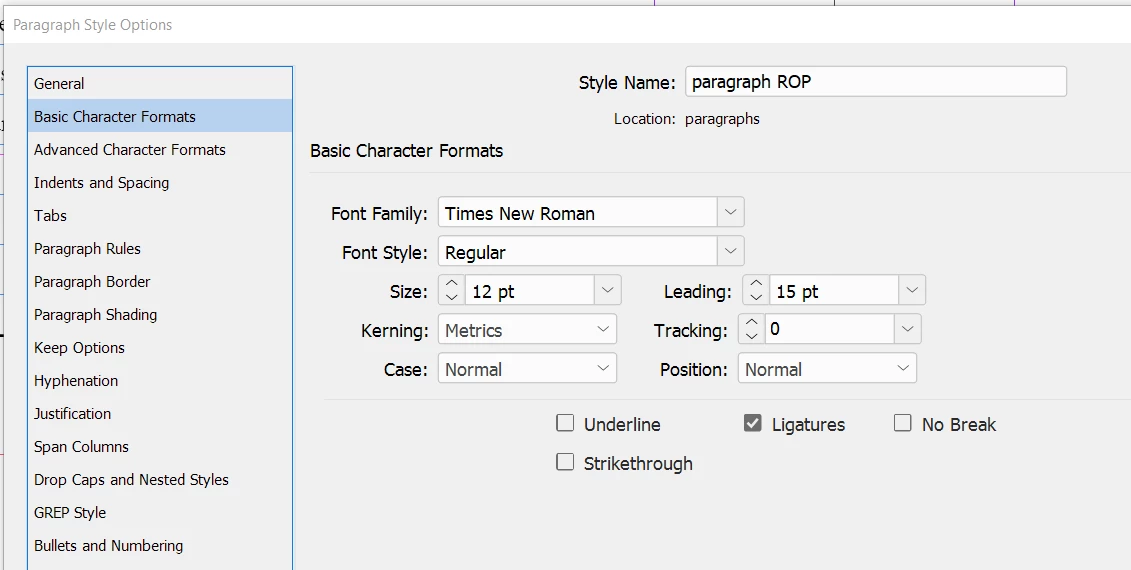
The problem is, that this override doesn't appear anywhere -- it just occurs. Here is the style definition for paragraph ROP, showing Position: Normal
Yet, even though I make sure that Character Style is set to None, when I click paragraph ROP, it jumps to endnote_superscript.
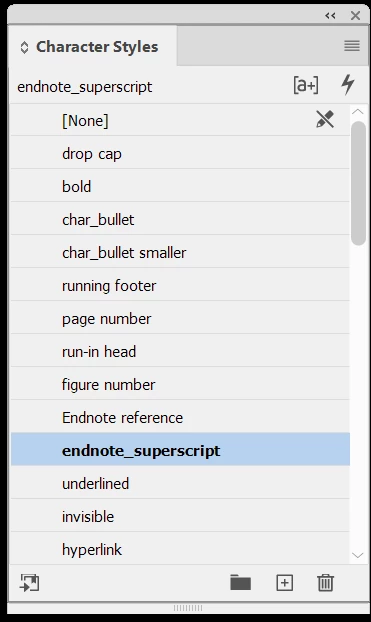
Selecting all the text in the paragraph and clicking None in Character Style only sometimes removes the override. But sometimes paragraph ROP suddenly shows a + and I can remove the override on the Paragraph Styles list... but sometimes it stays superscript and both Character Styles is set to None and Paragraph Styles does not show an applied override. Then I have to fool around with it -- clicking, selecting, and eventually -- maybe -- it returns to what it should be. This wastes a lot of time, paragraph by paragraph. And if I don't fix it, it will go on for an entire book..
How can I just get rid of this annoying override?
Thanks as always to the community.
-j
 AdChoices