

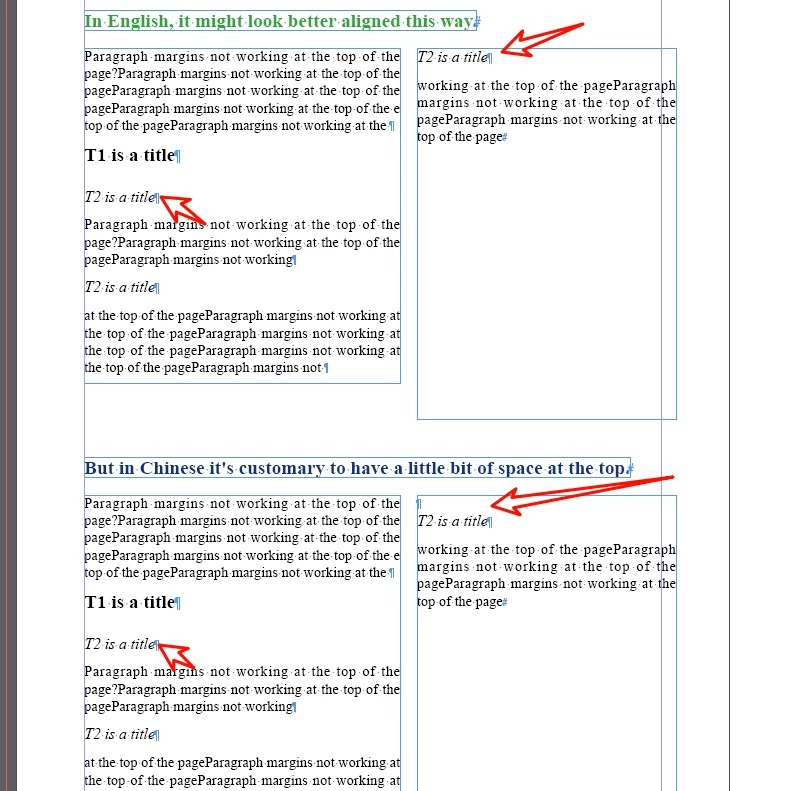
Paragraph margins not working at the top of the Frame?
Is it possible: the same paragraph style, can automatically determine the position of the paragraph in the Frame, and then use a different paragraph before and after the spacing.
For example, in the same paragraph style T2.
If T2 is in the middle of the page, I want the paragraph margins to be 6mm.
If T2 is in the middle of the page, I want the paragraph margin to be 0 and the paragraph margin to be 6mm.
Also, if T2 is preceded by T1, I want T2's paragraph margins to be 0, which is kind of like “next style”, But there's a difference.
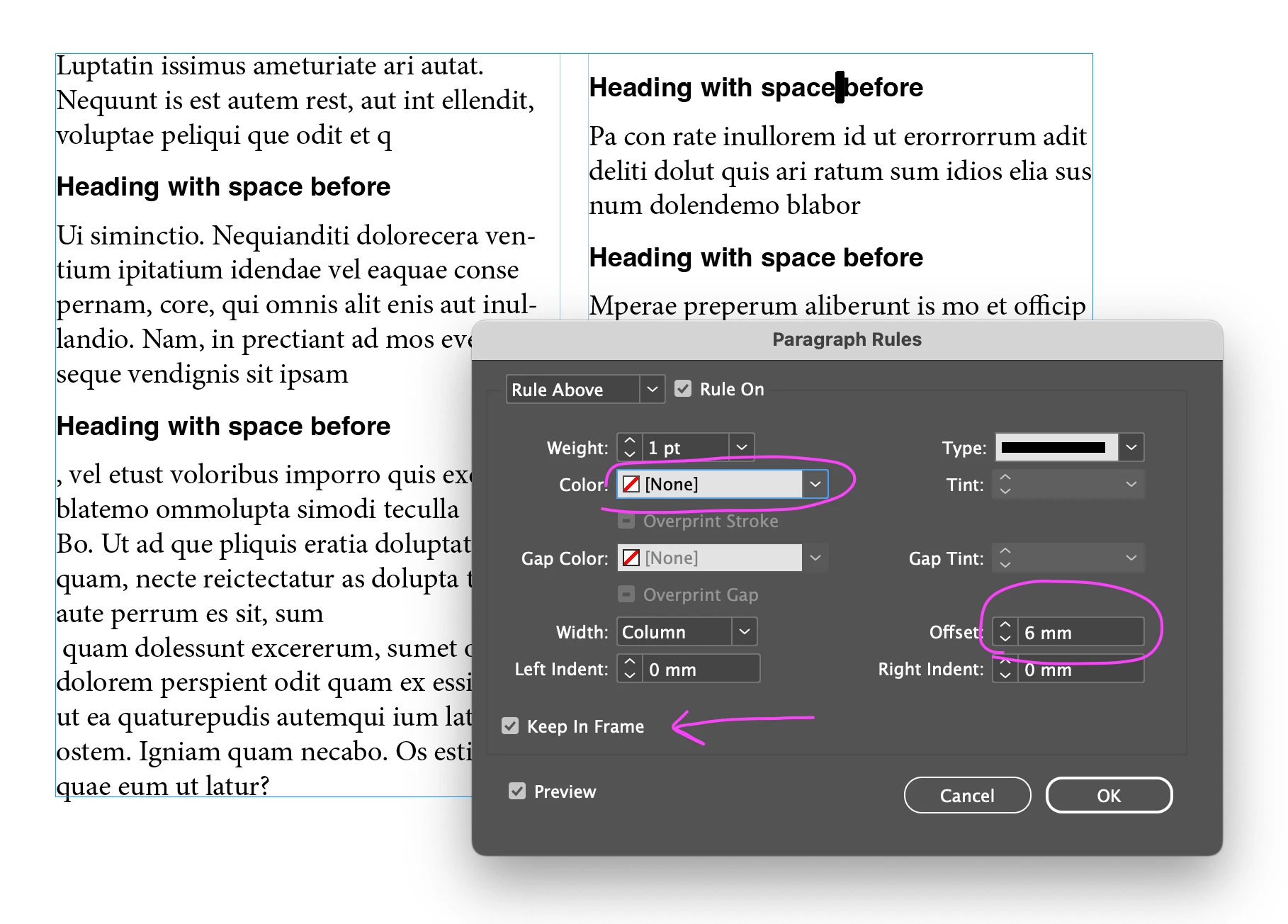
The hold option doesn't always work well sometimes, we have the title just in that spot and the content can't be adjusted.
A more flexible approach is needed.
What's the best way to do it?
Or, can Adobe improve it?
Thank you~
 AdChoices