Participant
April 23, 2020
Answered

Paragraph shading

  • April 23, 2020
  • 1 reply
  • 931 views

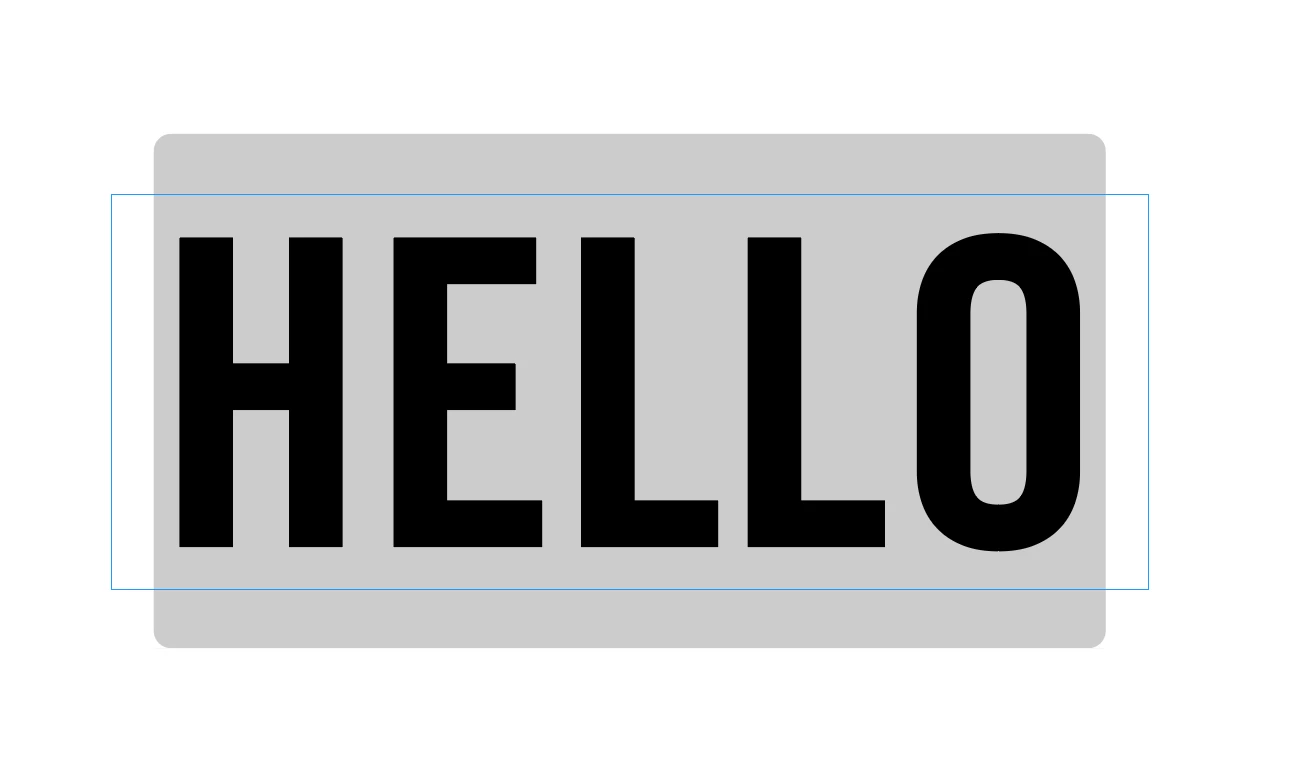
I've just set up a new iMac and I'm getting some issues with paragraph shading. See attached screen grab. I seem to get margin above and below the text so there is extra shading there and I can't get an even top, botttom, left, right, shading. Any ideas? It's the same version of indesign I use on my laptop and it doesn't do that on my laptop.


I'm using the very latest version of indesign 15.0.2
 

This topic has been closed for replies.
Correct answer Maria Grist

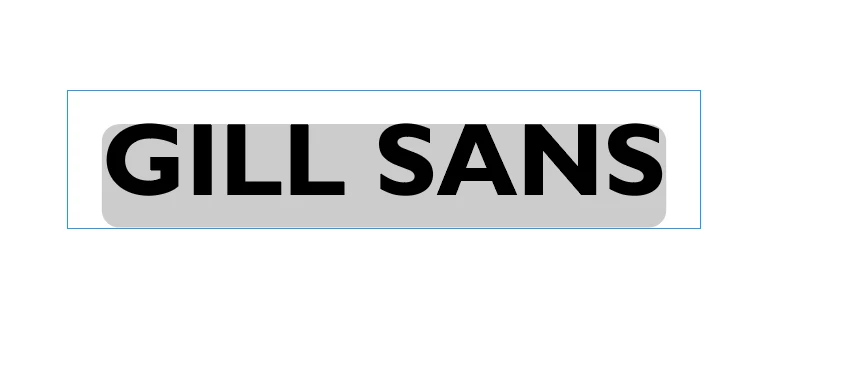
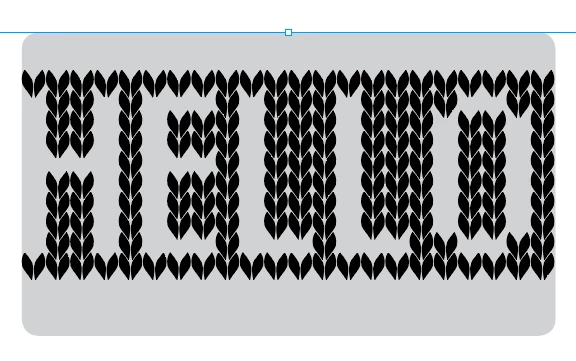
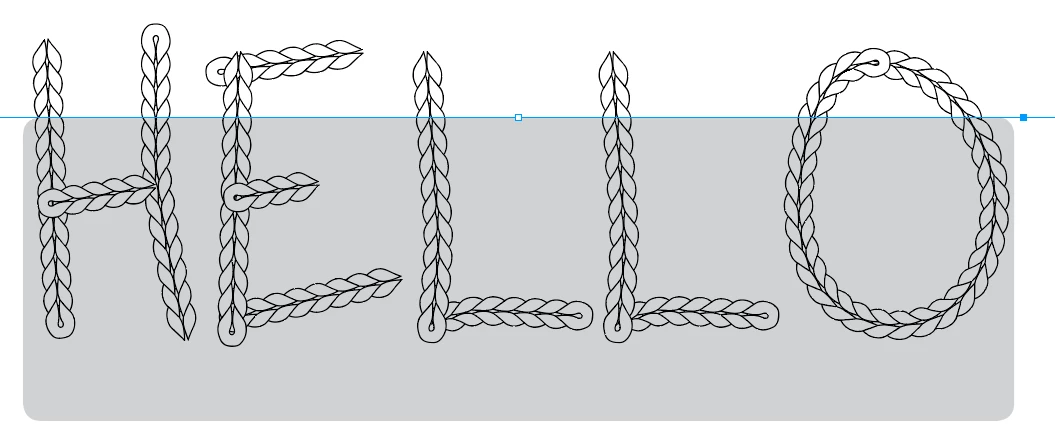
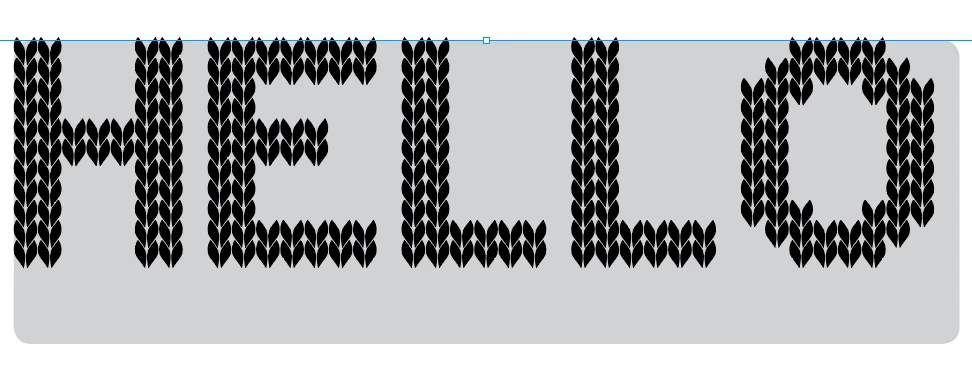
It has to do with the chracteristics of the font. If you change the font, you'll notice that somtmies there is shading above your letters, and sometimes not, It has to do with how the font designer made the font. Some fonts occupy a smaller vertical height than others at the same point size. When that is the case, your paragraph shading will extend out the top. Here are some examples. These all have the same settings that you used. It all has to do with the font.


So you're just going to ned to adjust your offset amount to get the look you're after.


Oh good to know it's not something that's wrong.

1 reply

Document Geek
Community Expert
Community Expert
April 23, 2020

Please explain what the two screenshots are. Is the top one the desired effect and the bottom one what you're actually getting? Or is one from your laotop and one from your desktop?


Have you tried using the same font on both your laptop and your desktop? Because the screenshots you posted are two different fonts.


Also, please post screenshots of the paragraph shading settings you're using.

Participant
April 23, 2020

Sorry ignore the bottom one, I was just trying to show that it does it on a variety of fonts. The top one is from my new iMac with indesign 15.0.2. These are the settings. So the shading is applied top and bottom even though I've not put any into the dialogue box.


Document Geek
Community Expert
Community Expert
April 23, 2020

It has to do with the chracteristics of the font. If you change the font, you'll notice that somtmies there is shading above your letters, and sometimes not, It has to do with how the font designer made the font. Some fonts occupy a smaller vertical height than others at the same point size. When that is the case, your paragraph shading will extend out the top. Here are some examples. These all have the same settings that you used. It all has to do with the font.


So you're just going to ned to adjust your offset amount to get the look you're after.