Exit
  • Global community
    • Language:
      • Deutsch
      • English
      • Español
      • Français
      • Português
  • 日本語コミュニティ
  • 한국 커뮤니티
0

Paragraph Style - Heading Numbering

New Here ,
Jul 02, 2024 Jul 02, 2024

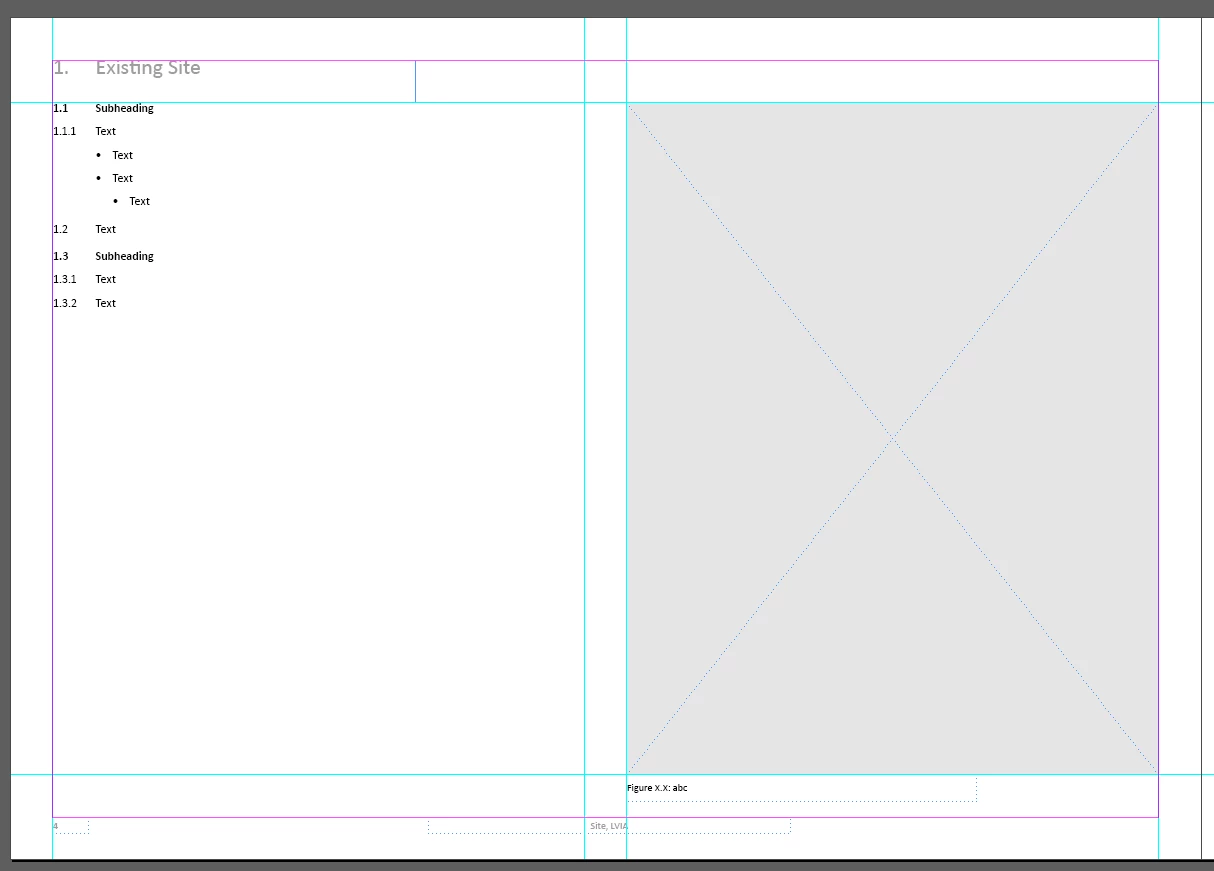
I am having a lot of trouble to get my report headings to show the correct number. They all want to stay on number 1. I have managed worked out how to get the sub-headings and body text to work subsequently after each point but not the headings. Sorry this is difficult to explain, hopefully the screenshots will be clearer. 
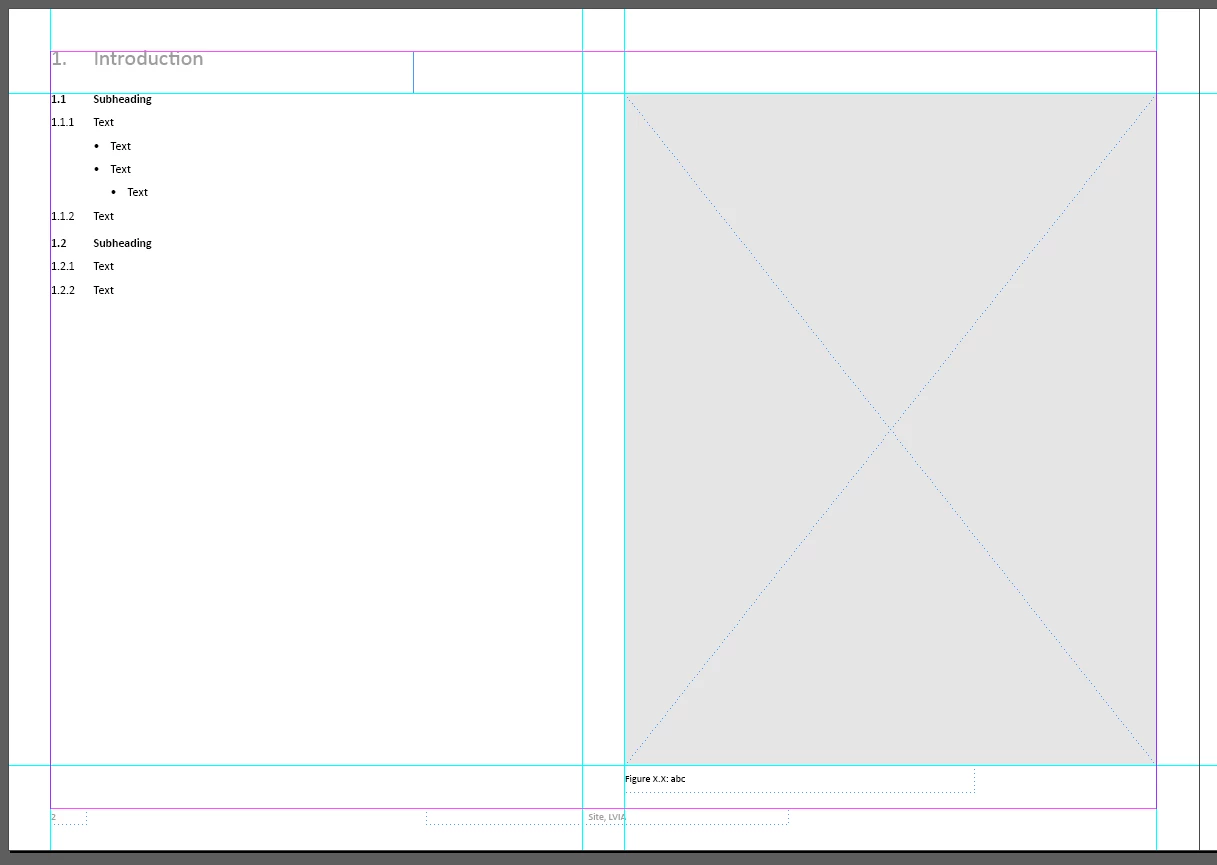
 

Hope31572346lwom_0-1719933140883.png

Hope31572346lwom_4-1719933389161.png


From the above two screenshots both of my sections are showing they are heading 1, when I would like them to be 1. Introdution and then 2. Existing Site and so on. 


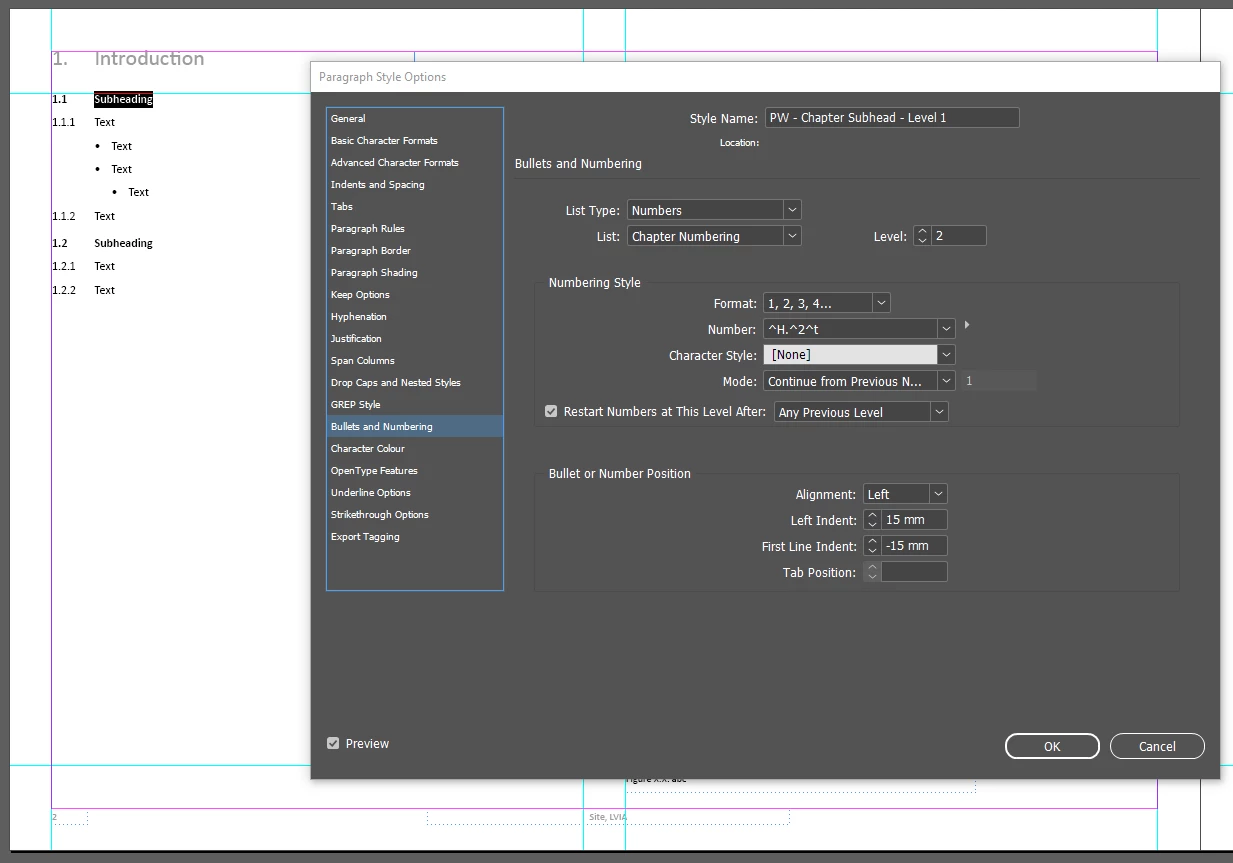
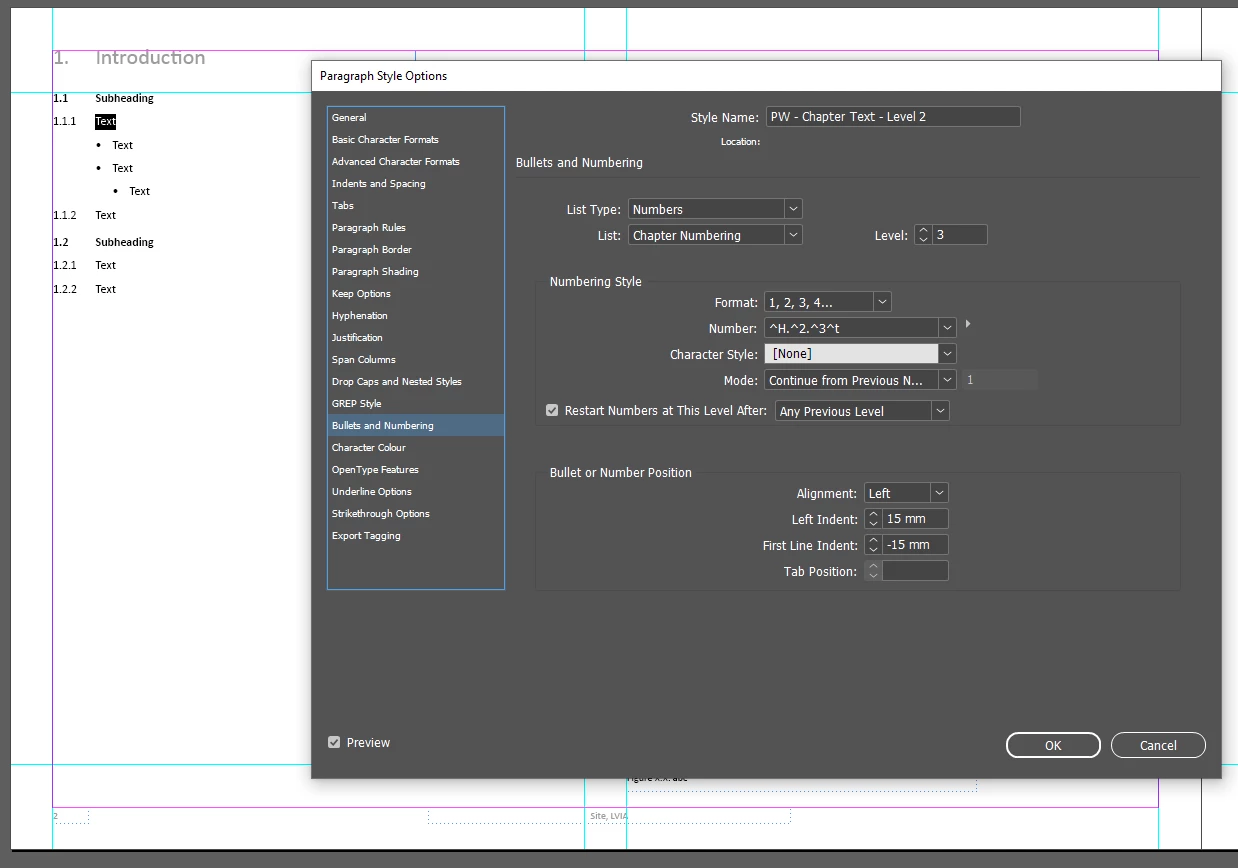
I have created paragraph styles for each of the headings which are as follows: 
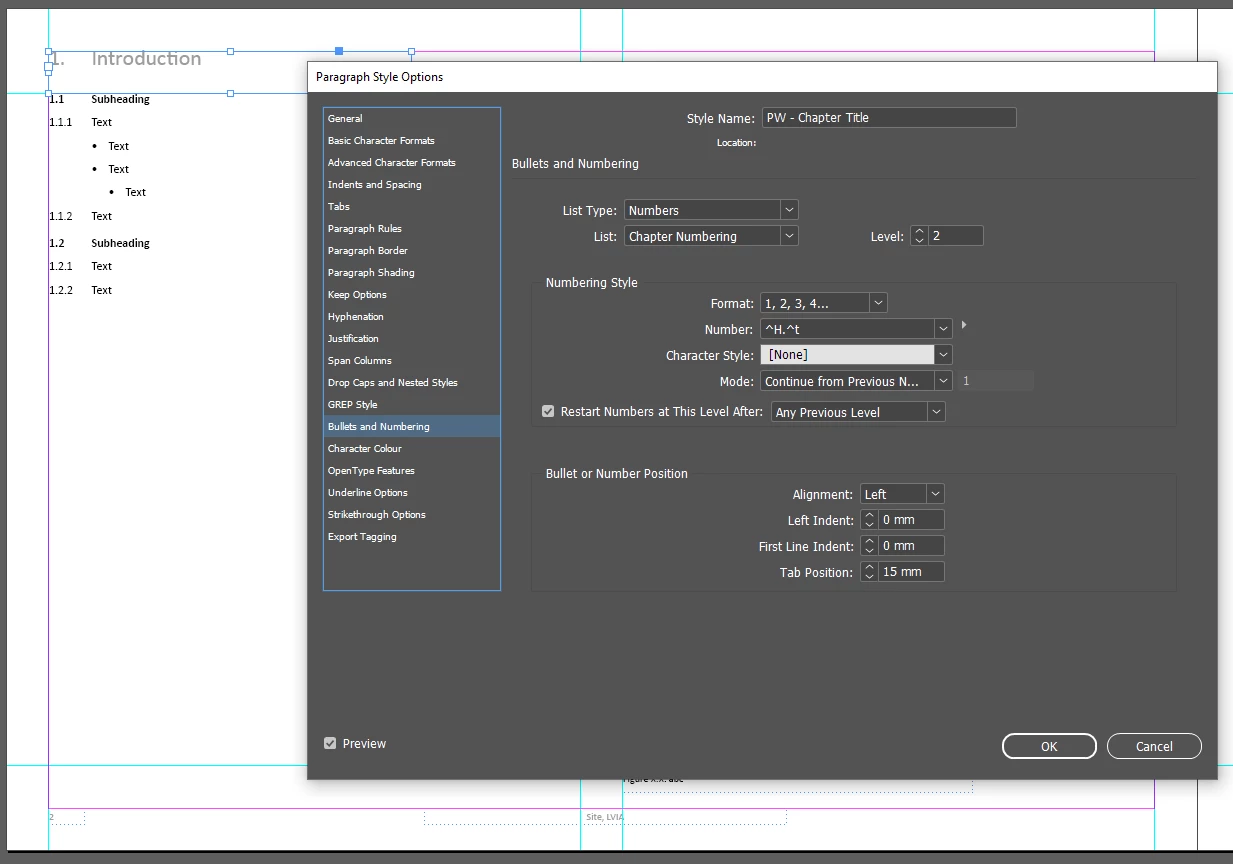
Hope31572346lwom_1-1719933248508.png

Hope31572346lwom_2-1719933284011.png

Hope31572346lwom_3-1719933316439.png


Thank you for any help with this. I am also attaching the InDesign file if needed.


TOPICS
How to
212
Translate
Report
Community guidelines
Be kind and respectful, give credit to the original source of content, and search for duplicates before posting. Learn more
community guidelines
LEGEND ,
Jul 02, 2024 Jul 02, 2024
Translate
Report
Community guidelines
Be kind and respectful, give credit to the original source of content, and search for duplicates before posting. Learn more
community guidelines
New Here ,
Jul 04, 2024 Jul 04, 2024
LATEST

Hi, thank you for your comment. I am still having trouble getting the section numbers to follow one another and not just be all section 1.

Translate
Report
Community guidelines
Be kind and respectful, give credit to the original source of content, and search for duplicates before posting. Learn more
community guidelines