Answered
Paragraph Styles: Spacing (Indesign 18)
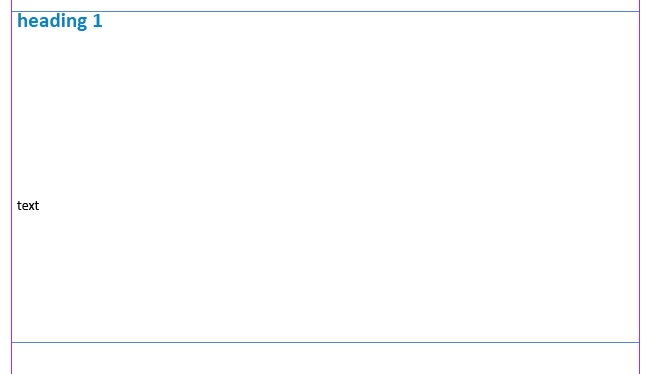
I have added a heading. The moment I press enter, there is a lot of space. Please could anyone tell me how to correct this?
Adding Indents and Spacing settings here:

I have added a heading. The moment I press enter, there is a lot of space. Please could anyone tell me how to correct this?
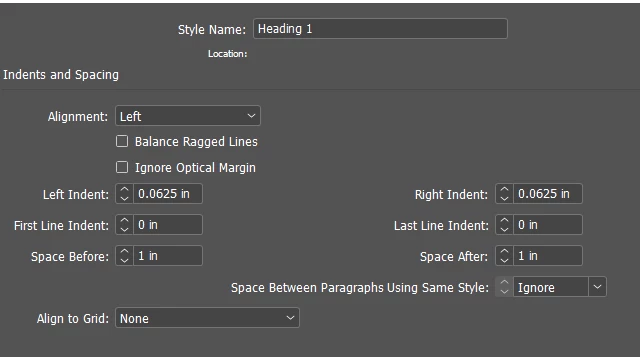
Adding Indents and Spacing settings here:
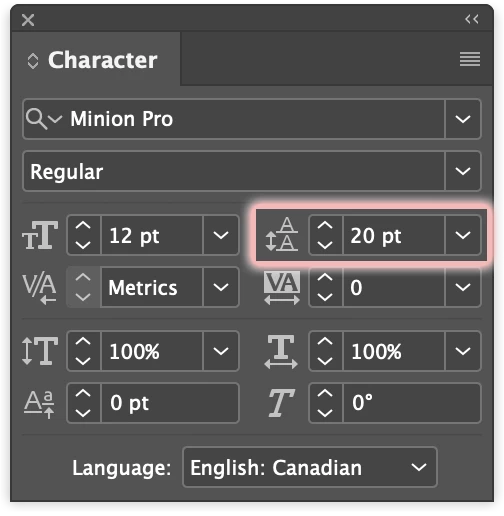
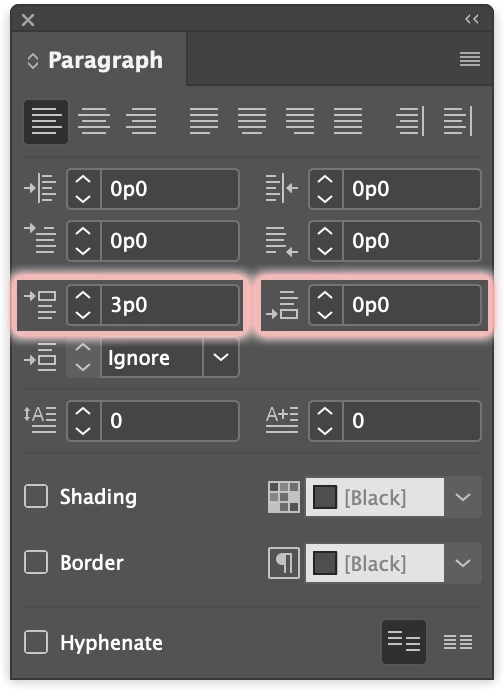
This could be caused my a number of things. First place to look is space before in the paragraph below or space after in the paragraph above. You can find these in the Paragraph panel or the Properties panel. Also look at leading in the Character panel.
In your screen capture (which took a while to load for some reason, so I did not see it right away) the Space After value is one inch. This means one full inch of extra space is being added between paragraphs.
Already have an account? Login
Enter your E-mail address. We'll send you an e-mail with instructions to reset your password.
 AdChoices