Answered
Parallel Strokes?
My document has a series of strokes of various lengths. How can I constrain them to be parallel to one another?

My document has a series of strokes of various lengths. How can I constrain them to be parallel to one another?
Colin -
I can't seem to duplicate your results. When I try dragging an endpoint, it's free to move in any direction and the angular constraint is therefore lost. Are you using some special selection tool or some combination of keystrokes?
Thanks,
Bill
This worked for me.
The following screengrab shows what happens when I select the line with my black arrow tool.
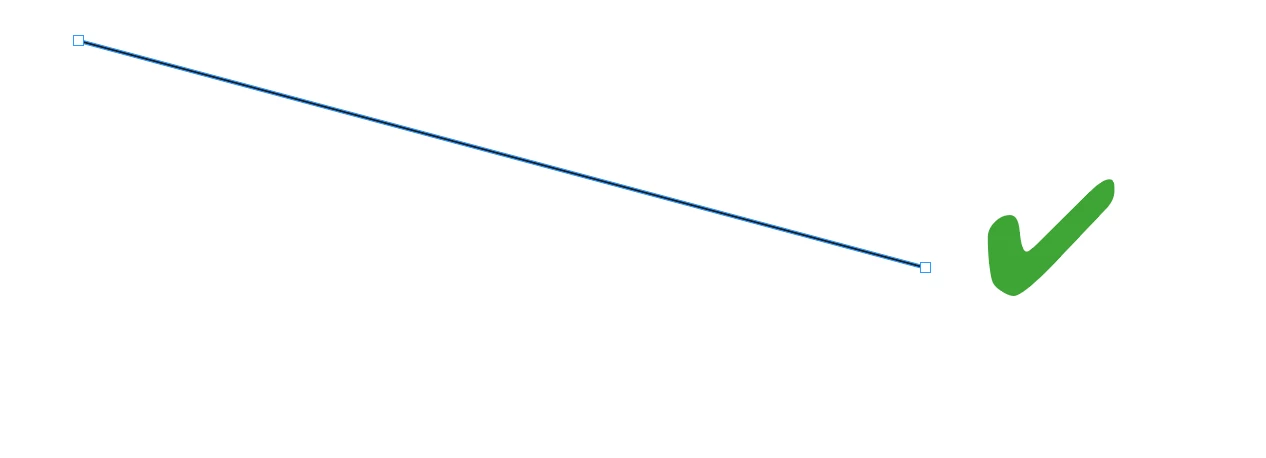
If you have drawn a line that wasn't constrained by holding the shift key, and when the line is selected it displays a four corner box, the technique won't work and looks like this when selected with the black arrow tool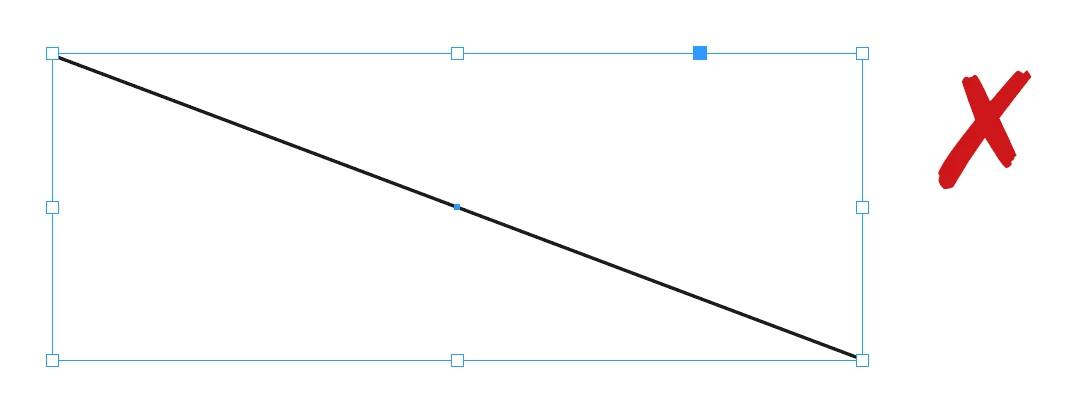
Already have an account? Login
Enter your E-mail address. We'll send you an e-mail with instructions to reset your password.
 AdChoices