

Chris  P.  Bacon
Inspiring
December 11, 2022
Question

Paste in place in the same place on linked images
  • December 11, 2022
  • 4 replies
  • 5916 views

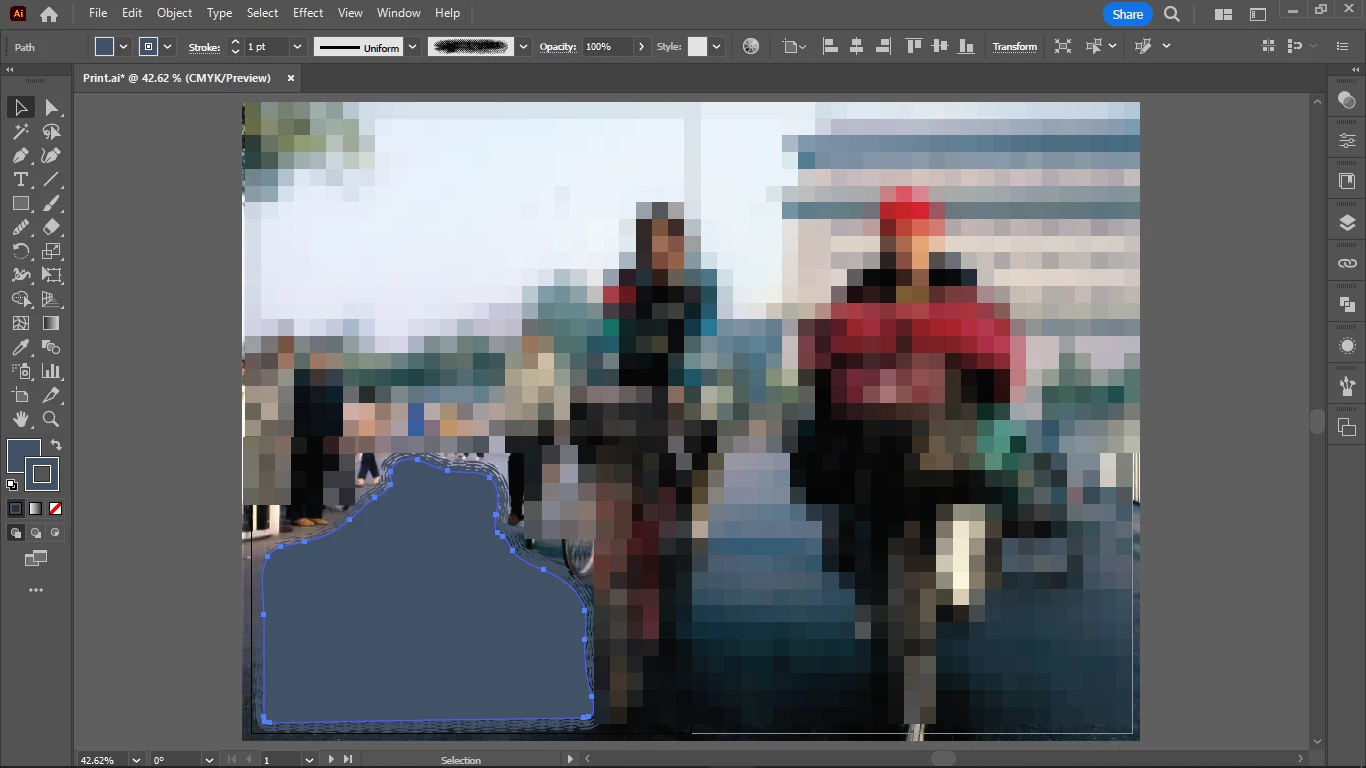
I tried to paste in place this element from Illustrator into InDesign (a popup warned that it would cause issues so it will be placed as an EPS), but it did not get placed in the right position.

I thought paste in place should paste it in the same place where it was copied from, if it's placed on the same linked image.

It's the same linked image in both Illustrator and InDesign.

But the image got placed where I right clicked for paste in place, not where it originally was on the linked image in Illustrator.

How do I get it pasted into the same place?


This topic has been closed for replies.

4 replies

Peter Spier
Community Expert
Community Expert
December 12, 2022

I'm wonderinfg why not just draw these paths that are supposed to be text frames directly in InDesign after placing the AI artwork?

Chris  P.  Bacon
Inspiring
December 12, 2022

No need for that anymore, all Illustrator paths now can be live in InDesign as I figured it out. 

As to why draw them in Illustrator?

Envelope distort and brushes.

Peter Spier
Community Expert
Community Expert
December 12, 2022

You misunderstand, I think. The paths you fill with InDesign text don't need distort or brushes -- you 've set that ext in Illustrator. You are filling freeform paths with ordinary text and you can easily draw those withthe pen tool in InDesign wherever you want them.

Mike Witherell
Community Expert
Community Expert
December 12, 2022

Chris,

After having read all this, it seems that File > Place is the better workflow to embrace. Copy n Paste makes too many problems to work around. This is not a new concept.

Mike Witherell
Community Expert
December 12, 2022

Agree

rob day
Community Expert
Community Expert
December 11, 2022

Are you doing anything in Illustrator other drawing the enclosed path for the text frame—you are creating a text frame but not setting the actual text in Illustrator?

Chris  P.  Bacon
Inspiring
December 12, 2022

That is correct, I don't do my body text in Illustrator, only the graphics (mostly just graphical text backgrounds) and the subheadings (those I do with envelope distort and maybe with other effects).

But the body text that belongs to the subheadings will be inserted in InDesign, because I won't have any graphical effects for body text, only very good justification which InDesign can do, so they can adapt optimally to the irregular text boxes.

But replicating the same body text boxes with the same shape in InDesign that will be a challenge, because the subheading and the body text are 2 shapes that are made with a horizontal cut from one single "subhead text chunk" shape. So I should be able to move over the path for the body text to InDesign and make it a text box with the exact same shape, as it is in Illustrator. 


Community Expert
December 11, 2022

As far as I know paste in place only works in the same application. 

It's probably taking the X  Y coords 

Maybe set your Illustrator rule to the top left of the Artboard

View>Rulers - and then drag the corner of the rule to the edge of the artboard


Then try again to paste in Place - make sure your InDesign rules are set to 0 too.


https://www.youtube.com/watch?v=IrGuB4gSe8Q&ab_channel=Juliapak


https://helpx.adobe.com/indesign/using/rulers-measurement-units.html#:~:text=in%201%20inch.-,Change%20the%20zero%20point,-The%20zero%20point


No guarantee it will work. 


What I do sometimes is draw a blank frame around it and align to the edge of the artboard.

Then paste in InDesign - and you can set move it to edge of the Page and that will be the same place.


Hope it helps.

Chris  P.  Bacon
Inspiring
December 11, 2022

Ah indeed I could group it with an empty frame that is the full dimension of the image, move it over, then remove the big frame.

Nice trick.