Participating Frequently
September 3, 2024
Answered

PDF Export ohne abgedeckte Schrift und Objekte

  • September 3, 2024
  • 2 replies
  • 1238 views

Moinsen Community,


ich hätte da gerne ein kleines Problem. Ich habe einige mehrseitige (600-1000) PDFs die bearbeitet werden müssen. Fast ausschließlich Tabellen, ich habe ein schönes Import-Skript, alles gut.


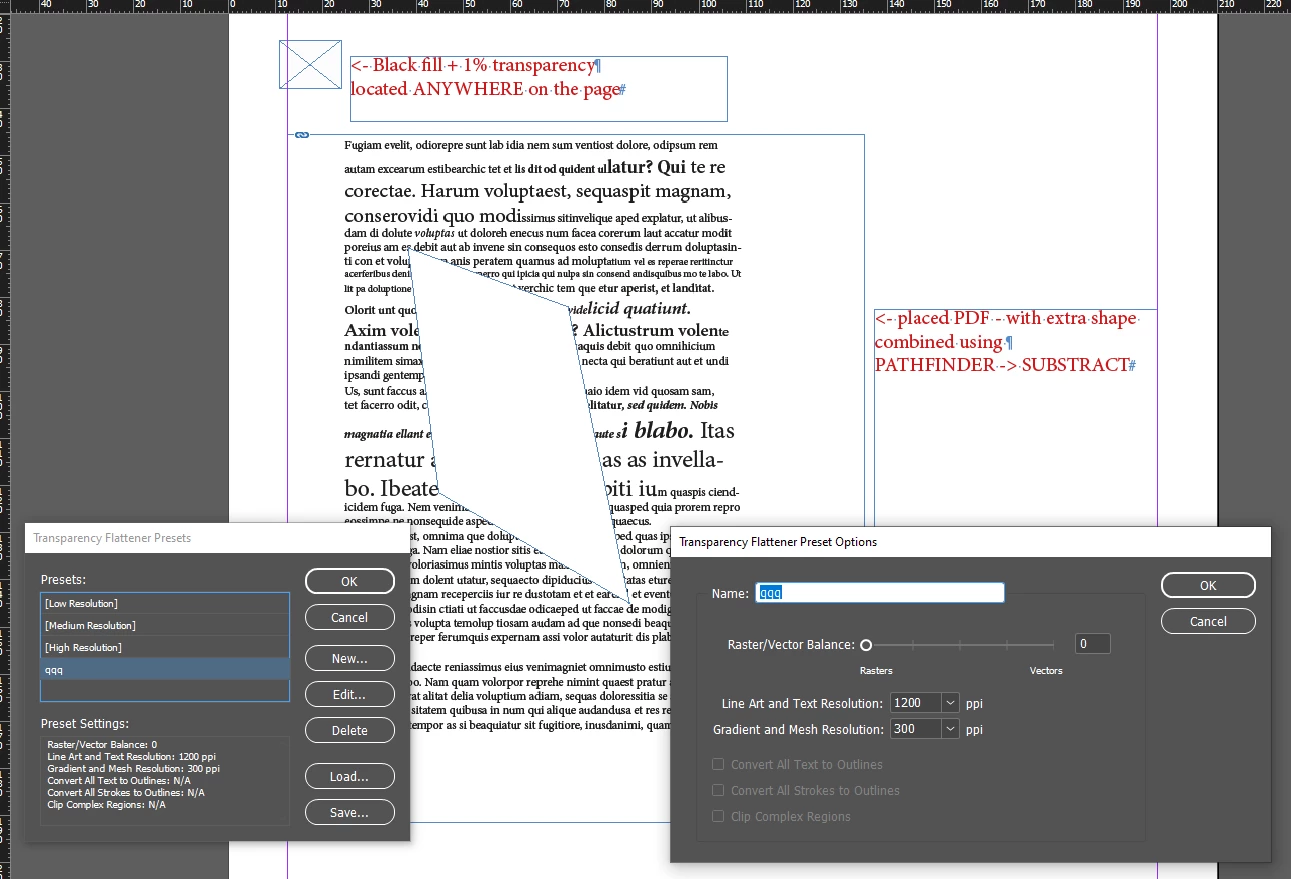
Ich muss mit einer "Maske" (also letzendlich einer weißen Fläche) bestimmte Bereiche abdecken, damit diese Infos auch nicht mehr im neuen Dokument zu sehen sind. Sind immer an der gleichen Stelle, macht auch ein Skript, ist auch nicht das Problem.


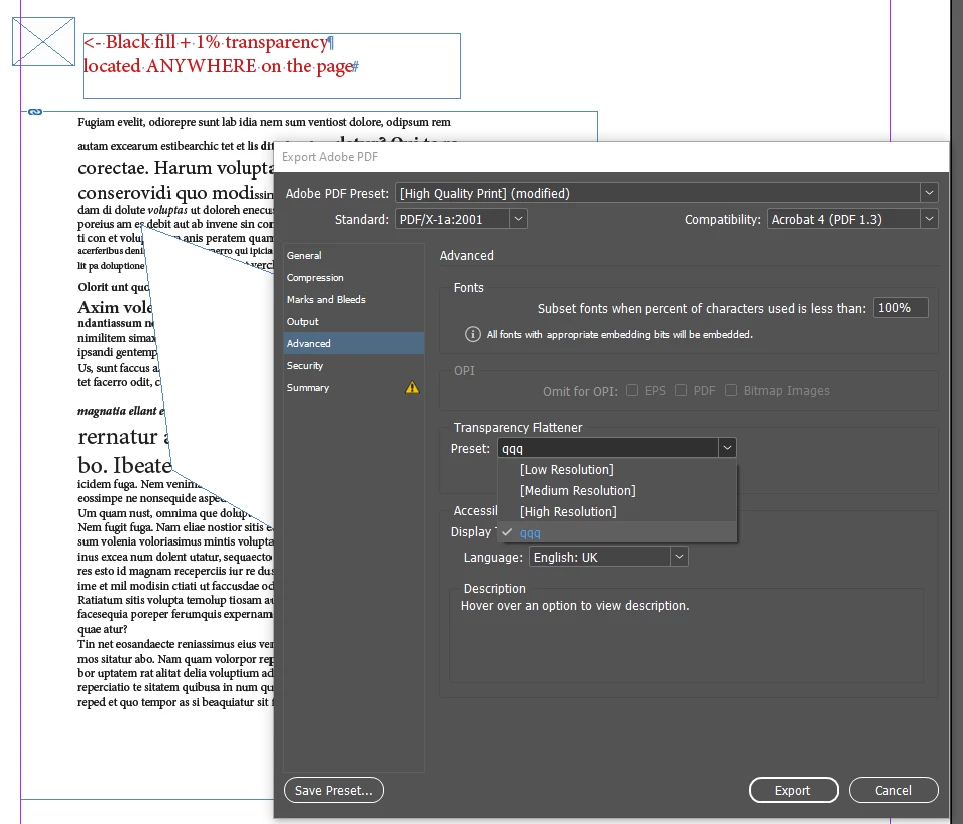
Mein Problem ist, das diese Infos nach dem Export in ein neues PDF auch nicht mehr vorhanden sein dürfen. D.h. die Information hinter dieser Maske muss aus dem neuen PDF getilgt und nicht wiederherstellbar sein. Weder über AdobeDC, Illustrator oder andere Dinge.


Kann ich das über den Export regeln? Kann ich das überhaupt regeln? OCR etc. pp. brauchts im Endprodukt nicht mehr.


Bestes
M

This topic has been closed for replies.
Correct answer Robert at ID-Tasker

Sorry. It kind of says it in the initial Post. But I see how this could be misunderstood in translation.


quote

Sorry. It kind of says it in the initial Post. But I see how this could be misunderstood in translation.


By @Zuzey


Right, sorry.


PDF attached.


2 replies

Robert at ID-Tasker
Legend
September 3, 2024

@Zuzey


Does the contents still need to be a vector?


What kind of information do you need to cover? Can you post a sample screenshot? 


By "the same place" you mean same place on the page / spread? Or always header of the table? 


Either way - perfectly doable through scripting - as long as you'll supply more info - and some screenshots. 


ZuzeyAuthor
Participating Frequently
September 4, 2024

Its just text that needs to be covered.


Screenshot is no option because it's classified. Just imagine a table where some of the table elements need to be hidden, the elements are always on the same spot on the page. Therefore I was able to automate placing a cover over these elements after importing the PDFs. This is all done by script.

The final document does not need to be OCRd or vector or anything. I wouldnt even care if it was a jpg placed in a pdf container ^^

Robert at ID-Tasker
Robert at ID-TaskerCorrect answer
Legend
September 4, 2024

Sorry. It kind of says it in the initial Post. But I see how this could be misunderstood in translation.


quote

Sorry. It kind of says it in the initial Post. But I see how this could be misunderstood in translation.


By @Zuzey


Right, sorry.


PDF attached.


leo.r
Community Expert
Community Expert
September 3, 2024

In theory, this can be done via a script that deletes or otherwise obfuscates the undesired elements automatically upon exporting to PDF. 

ZuzeyAuthor
Participating Frequently
September 3, 2024

So it probably should be easier to take a second step and use AdobeDCs Redact function.
Was wondering if I could skip that, but I'm not sure how I'd put that in a script.


Thx anyway.