
PDF exports are turning images pink
Hey everyone, I'm really struggling here. Working on a document in indesign, in which i've imported jpegs (created in photoshop). Everything was going well, then I modified and saved a new Jpeg. Updated the link in InDesign, and now the pdf exports are pink. (primarily in the white areas of the black and white images).
I know that this often has to do with color profiles, but I cant seem to find the problem.
Using InDesign 2025
Photoshop file is in CMYK mode.
InDesign document is in Print mode.
Transparency Blend space set to CMYK (though also tried RGB)
I've tried exporting to pdf using all the preset options.
I've tried modifying output settings to "no color conversion" as well as "convert to destination"
Any suggestions?
(PDF attached. The original images have a pure grayscale background, no warmth or pink)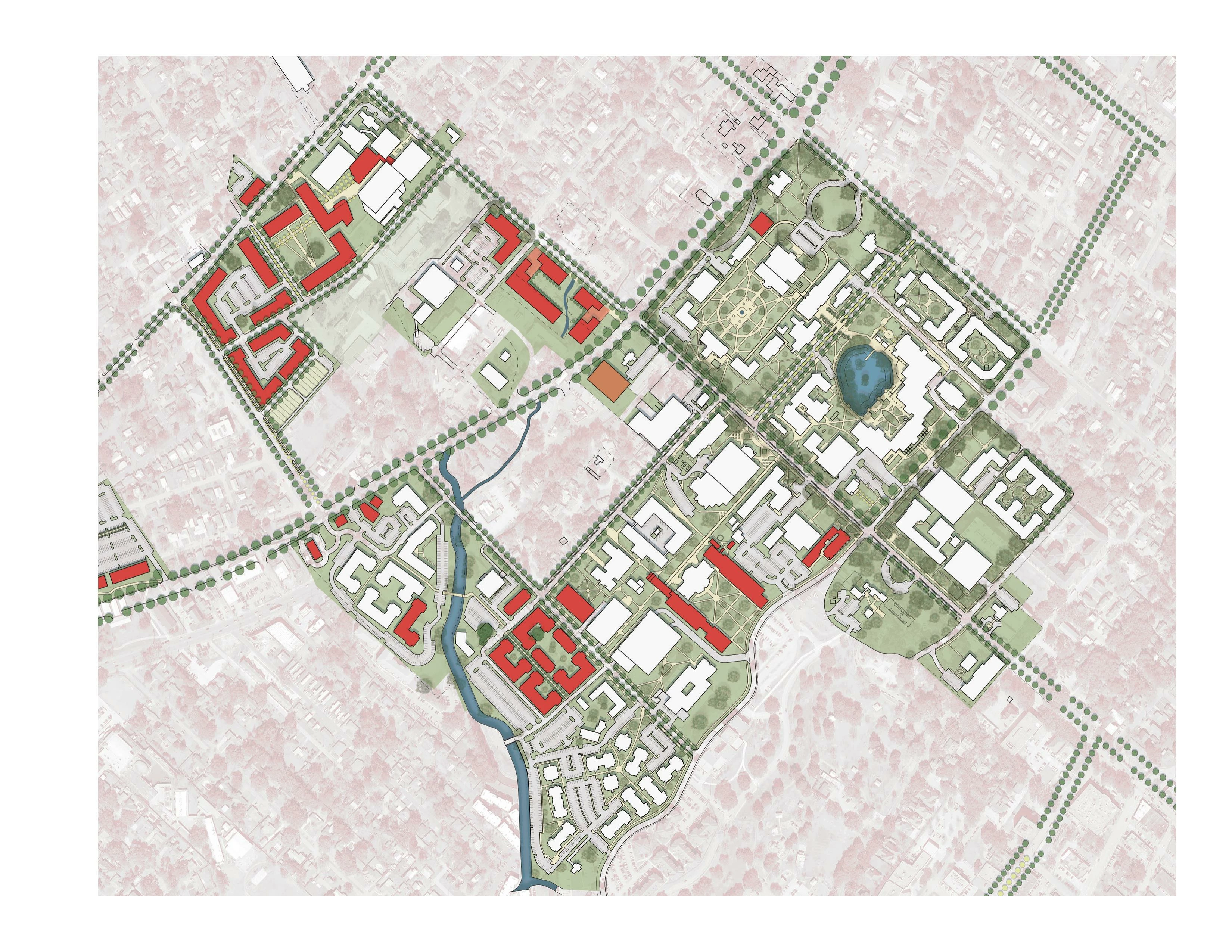
 AdChoices