
Inspiring
November 17, 2022
Question

PDF to InDesign/Illustartor charts

  • November 17, 2022
  • 6 replies
  • 962 views

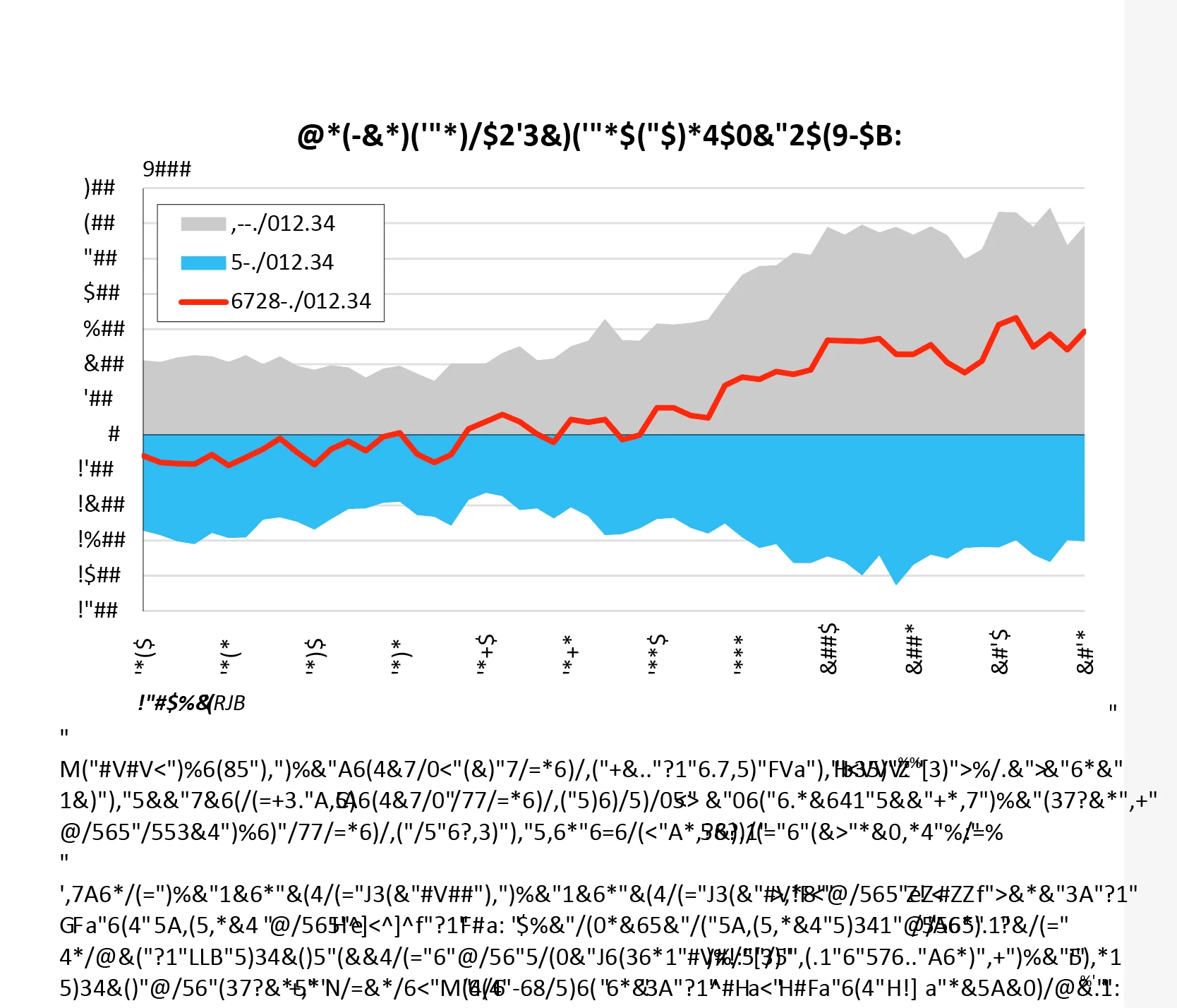
Does anyone know how to open a PDF in InDesign or Illustartor which would not result in the following font issue? I am trying to find the easiest way around this. I need the text to be editable so I don't want to convert to paths. See attached result.
 

Thanks


Paul

This topic has been closed for replies.

6 replies

JR Boulay
Community Expert
Community Expert
November 20, 2022

Open the PDF with Acrobat Pro, if the text appears correctly you should be able to edit it with the modification tool.

At worst, you will have to replace the font if the one used is not present in your OS.

Acrobate du PDF, InDesigner et Photoshopographe
Inspiring
November 20, 2022

I had the same problems, this worked (at least for me, on Mac), working on fonds catalog for our bank client - with data in excel and word (created in word or word cooperating with excel or so, i am no office expert): open your PDFs with graphs from office in Affinity Designer (30-day trial available), export to new PDF. This new PDF will open in Illustrator with correct editable texts.

Brad @ Roaring Mouse
Community Expert
Community Expert
November 18, 2022

@paule_PWS : If you ARE working on a Mac and using Mac Word, save your PDF with "Best for electronic distribution..." instead of "Best for printing". I know this seems backwards thinking, but what the first option does is force a more universal font encoding. Unfortunately, Mac Excel does NOT have diffrent options, so a PDF saved from there will be encoded with the custom encoding that will jumble up the text.


Brad @ Roaring Mouse
Community Expert
Community Expert
November 18, 2022

Sometimes creating the PDF on different System will yield different results. e.g. creating a PDF from Excel in Windows will embed the fonts with different encoding than one saved on a Mac (or vice versa). It depends on the font installed, whether it's Unicode-based, etc. What system ARE you working in with these?

Brad @ Roaring Mouse
Community Expert
Community Expert
November 18, 2022

You are getting gibberrish because the fonts are embedded subsets, which have a custom encoding applied, especially with fonts like Calibri. There is no fix for this in Acrobat as the damage is already done. There are some PDF Editors (like PitStop) that can do a global font Find & replace which can then reembed in a different way that does not cause the issue.

Even if you have the originals and create the PDF directly, even if the encodings were compatible, text in a PDF will very likely open up in Illustrator in broken segments (sometimes individual letters) instead of a complete text block, as the purpose of the PDF is to print and not be edited.

In this case you are better off exporting the text or copying and pasting it from the PDF into and rebuilding the file in Illustrator.

Luke Jennings3
Community Expert
Community Expert
November 17, 2022

Open the pdf in Acrobat and go to File> Properties> Description, this will tell you the application that produced the pdf. Are you able to get access to the original file? If it was InDesign, you may be able to copy/paste, assuming you have the needed fonts. If it was Illustrator, you may be able to open the placed pdf in Illustrator (with needed fonts active) and make your edits there, which will update the InDesign file. If you must make the edits in InDesign, one work-around would be to move all text to a separate layer in Illustrator, re-set the copy in InDesign on top of the original copy, then use Object layer options to turn off the pdf type layer.

paule_PWSAuthor
Inspiring
November 17, 2022

The charts were created in excel and pasted into word and saved as a PDF. I can get hold of the original excel or word file if that helps? 

Steve Werner
Community Expert
Community Expert
November 17, 2022

It would be more direct to create the PDF file in Excel (the copy/paste process may cause a problem). That would worth a try.