
Answered
Perfectly justified columns?
Does anyone know how does The New York Times achieve these perfectly justified columns without extra spacing without words?
How do I do that in In Design?
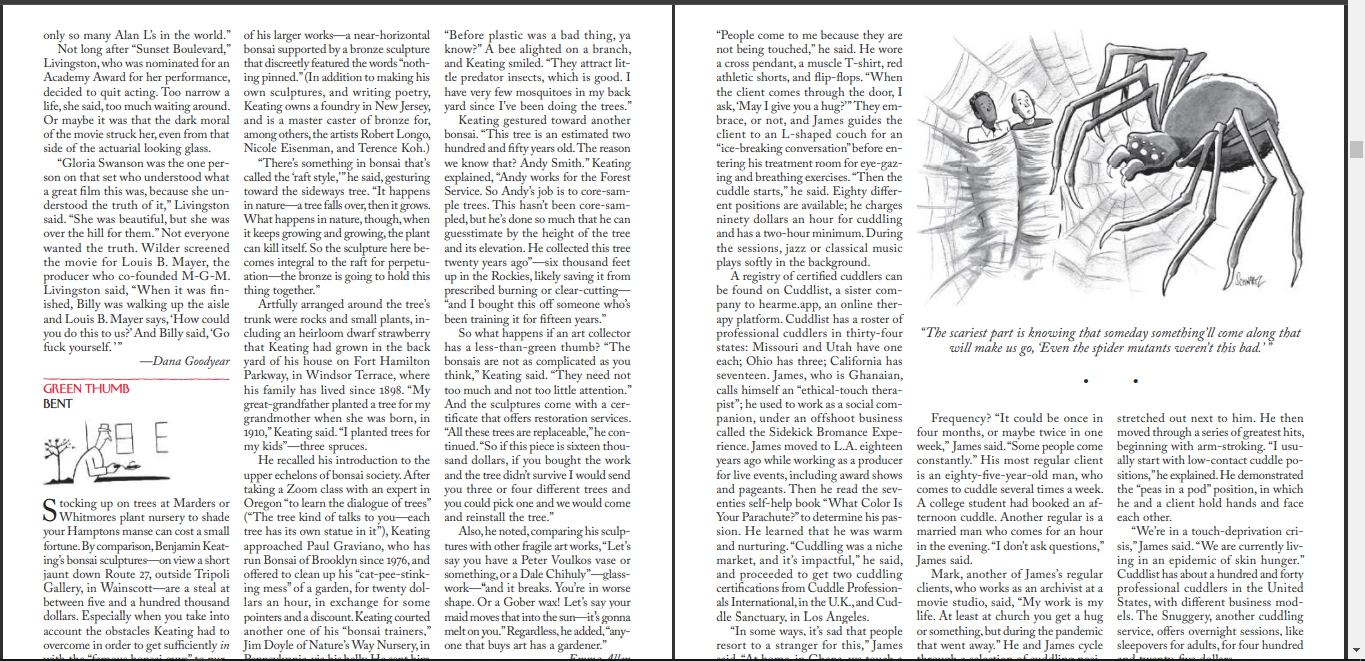

Does anyone know how does The New York Times achieve these perfectly justified columns without extra spacing without words?
How do I do that in In Design?
I don’t think eliminating H&J violations means you’ll get the best setting—the violation highlight simply indicates lines where InDesign can no longer adhere to the rules you have set. So I might argue that the ideal is to not allow any hyphenation, word spacing, letter spacing, or glyph scaling (glyph scaling distorts the letter forms).
But obviously that’s not possible with a short measure—most of the lines create a violation—and it would look horrible with justified text as InDesign makes adjustments without knowing what your preferences are:
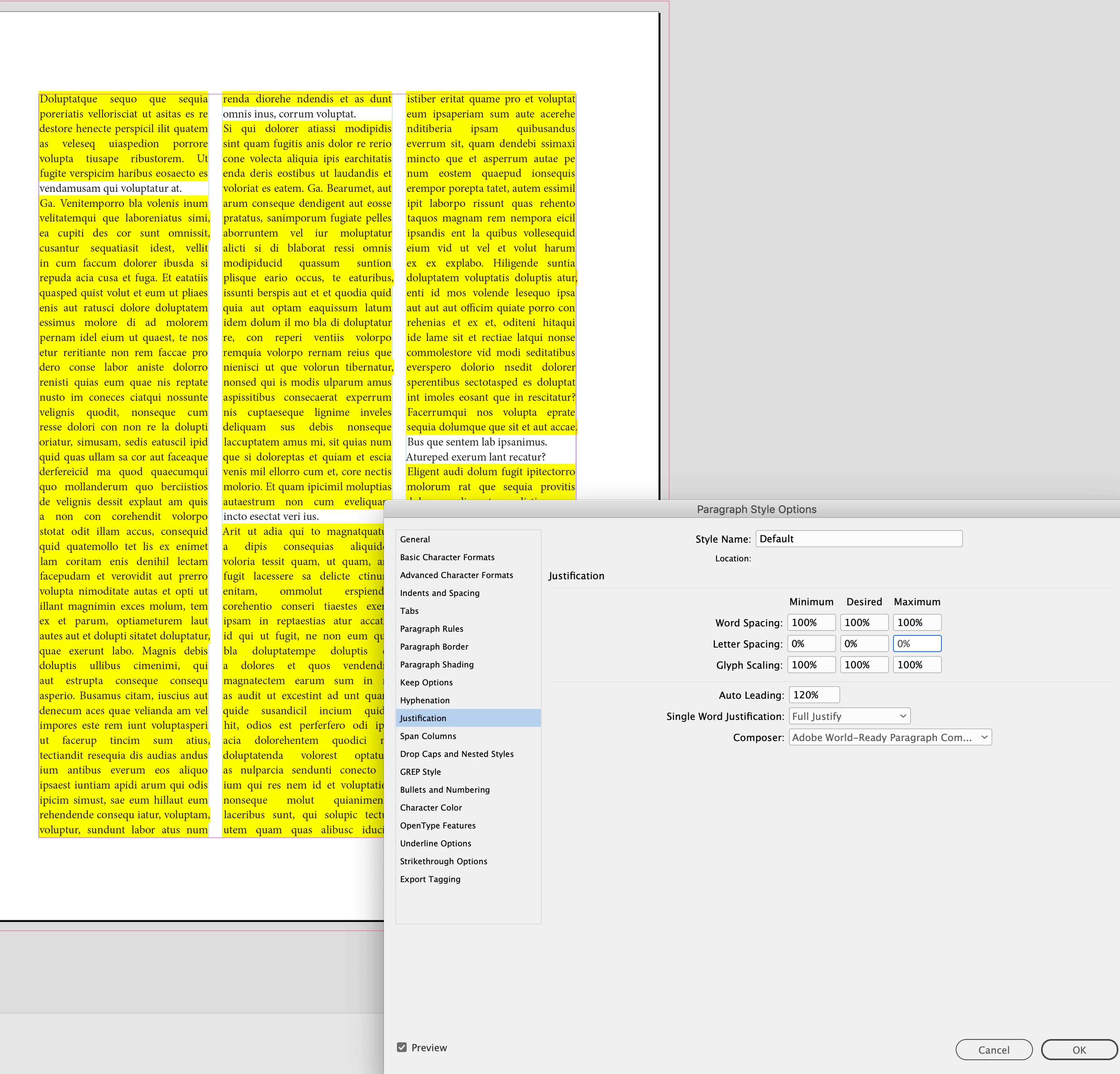
The InDesign default loosens up the rules for Word Spacing and allows word spacing to flex between the 80% and 133% , with the ideal being 100%. However, there will still be violations because there is no flexibility allowed with letter spacing and glyph scaling
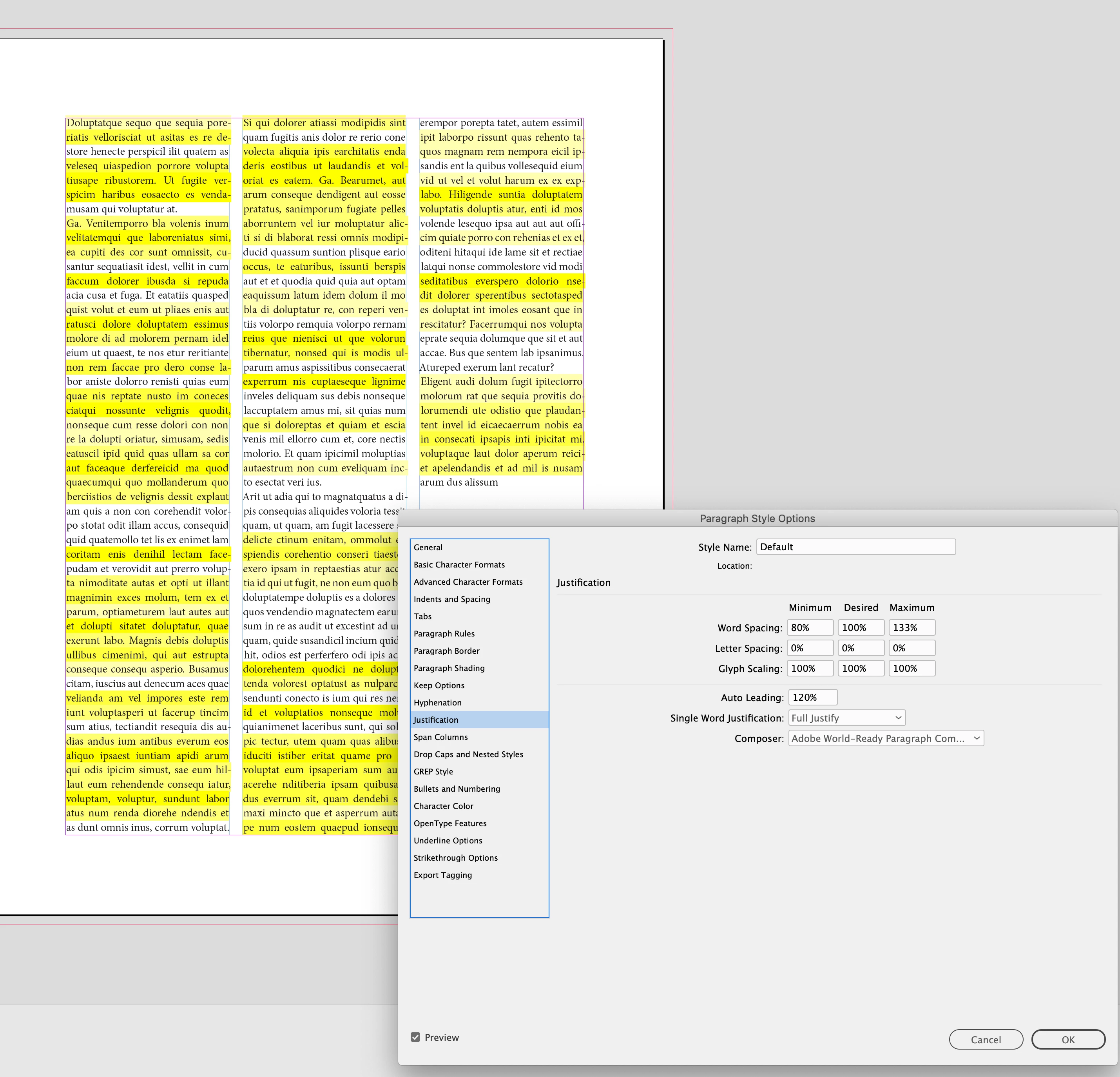
If I set very liberal rules for word/letter spacing and glyph scaling, I can get rid of the violations, but at the cost of distorting and tracking the text:
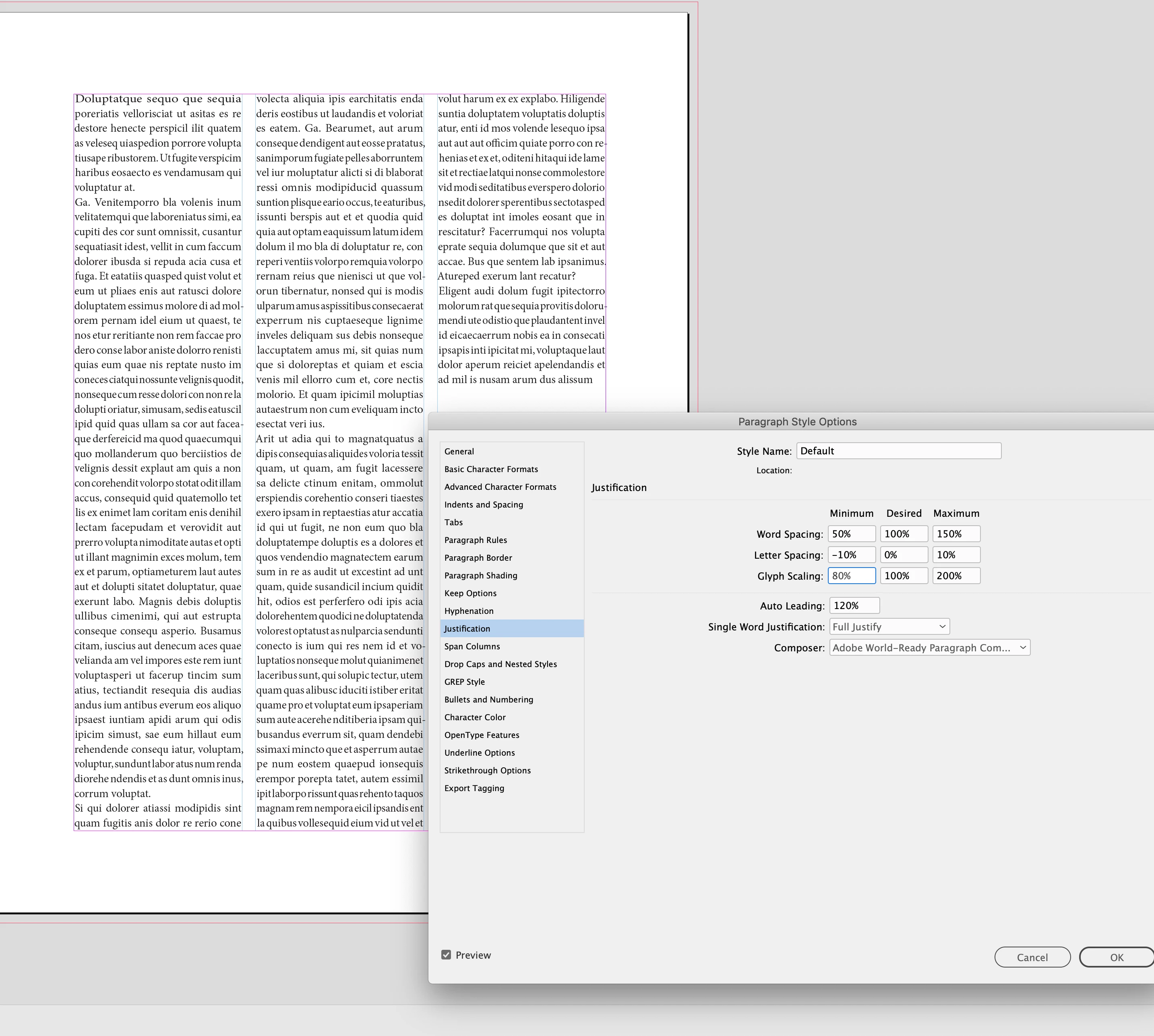
I can tighten up the rules, get less distortions and tracking, and live with the violations:
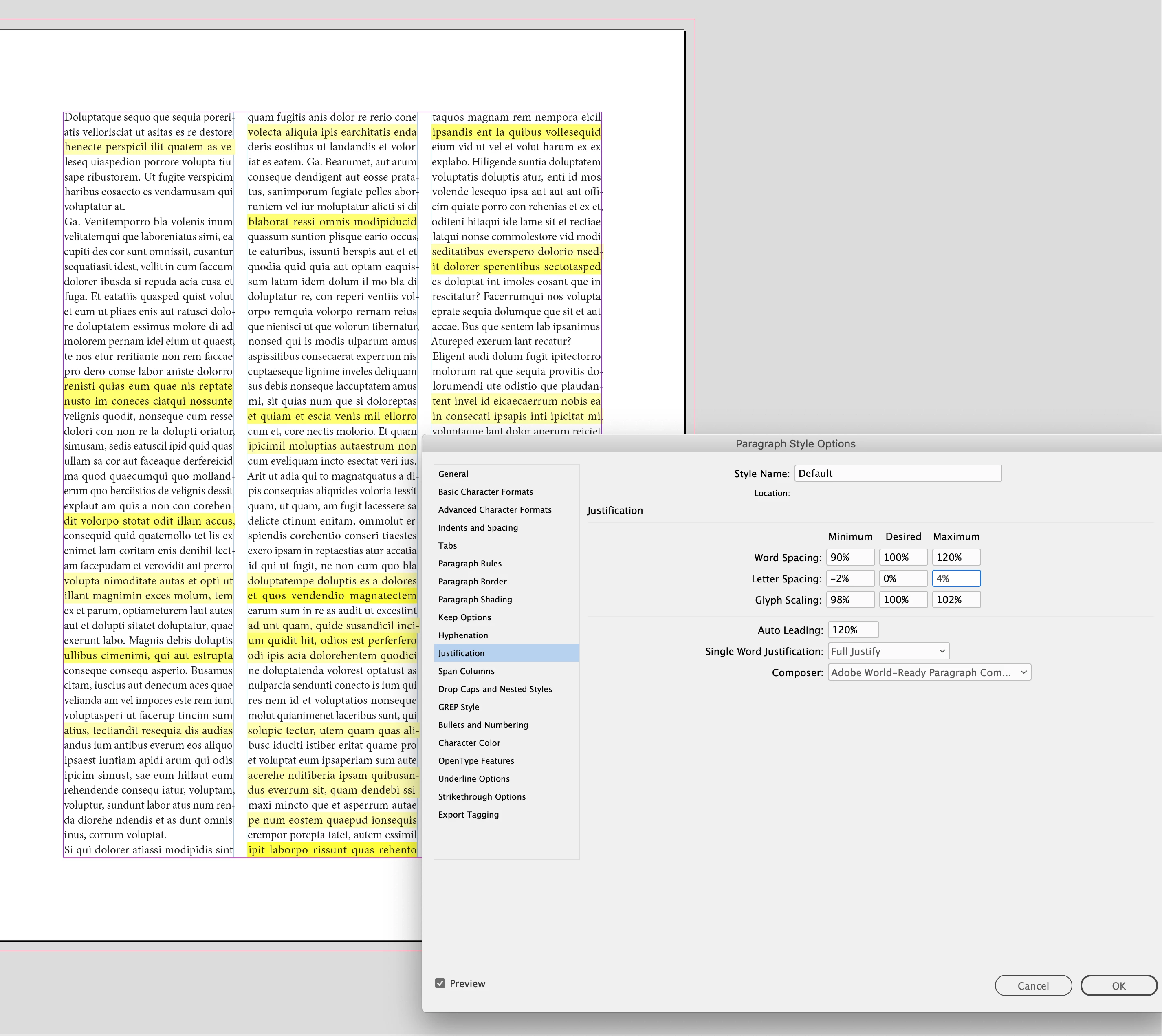
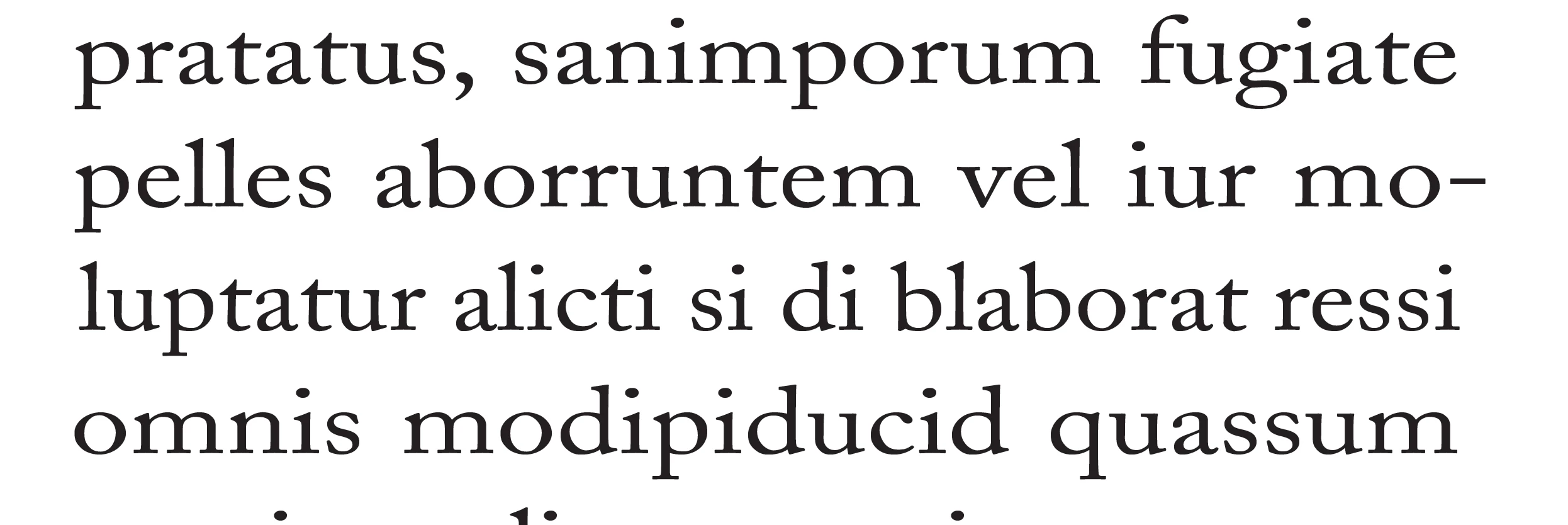
I would rethink your 105% |120% |145% Glyph scaling—it’s distorting the the horizontal scaling to the point where it would be obvious to the reader. You want the desired setting to be 100%, and only allow a slight Minimum and Maximum change so the scaling is not discernible.
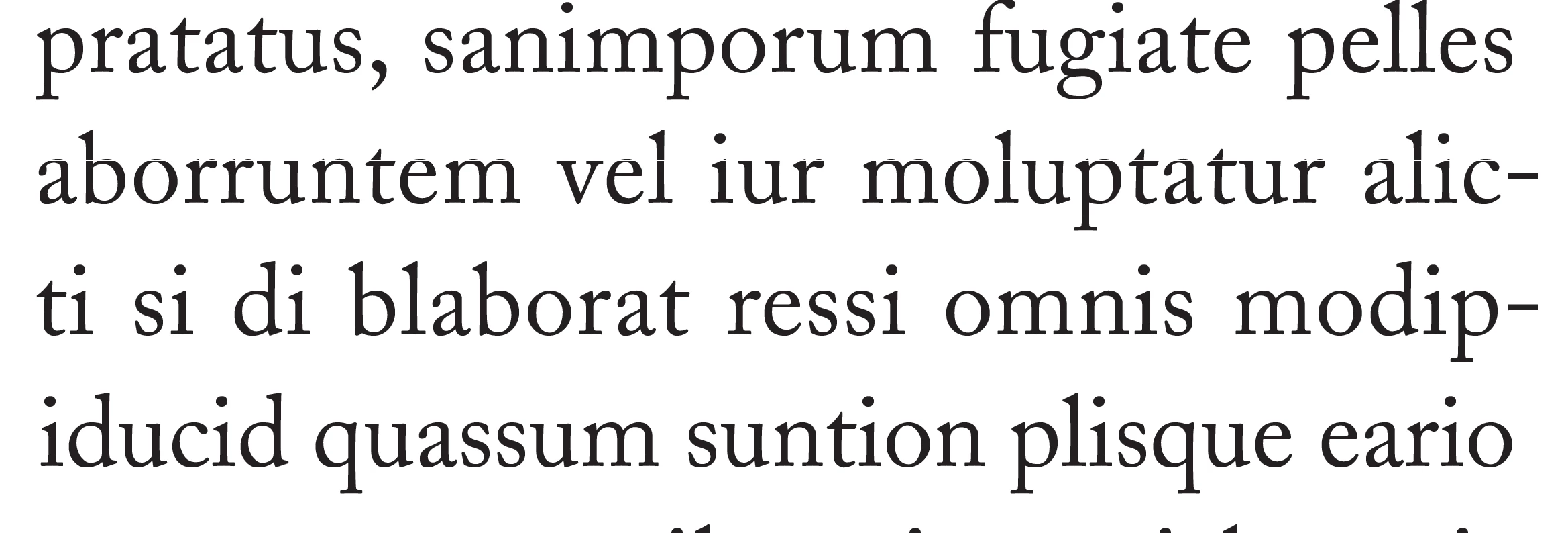
105|120|145 distortion:
Already have an account? Login
Enter your E-mail address. We'll send you an e-mail with instructions to reset your password.
 AdChoices