Luke Jennings
Inspiring
October 15, 2018
Answered

Photoshop file with spot channel placed into InDesign, turn off 4C

  • October 15, 2018
  • 3 replies
  • 4737 views

Is there a way to place the spot color only from a 5 channel .psd file into InDesign? Normally I would just place a grayscale tiff and color it in InDesign.

I do not want anything but the spot channel to appear in the exported PDF.
    This topic has been closed for replies.
    Correct answer rob day

    Yes, The 5C content appears in InDesign, but I need the spot color only, (with the 4C content appearing as white), which I can only achieve using a grayscale tiff colored in InDesign. I could delete the 4C content in Photoshop, but would prefer to use one file for both the 4C and 1C content, which appears to be not possible.


    with the 4C content appearing as white

    You should be able to do that.

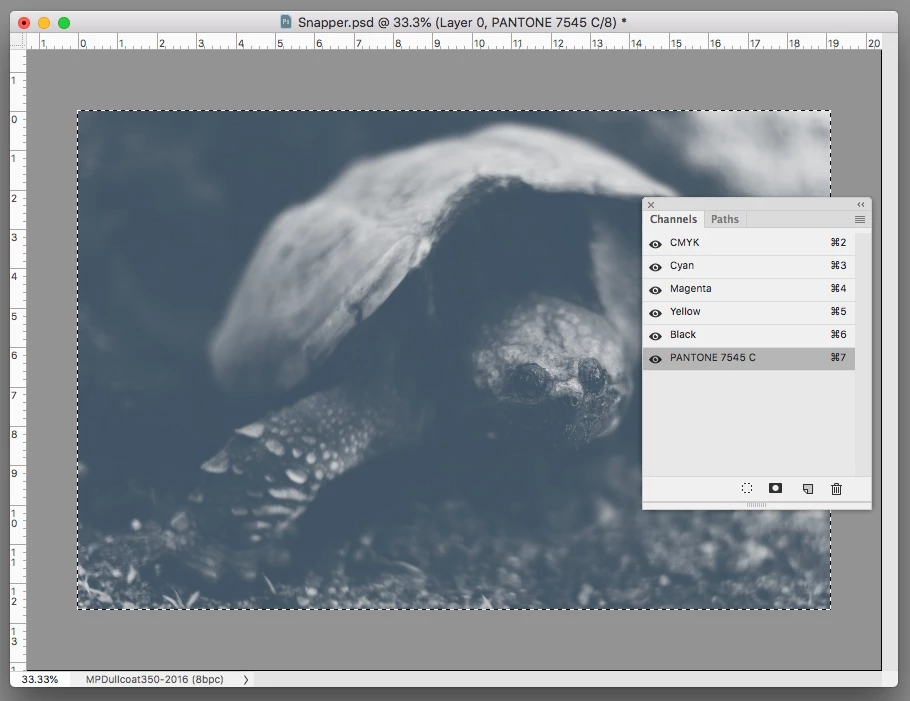
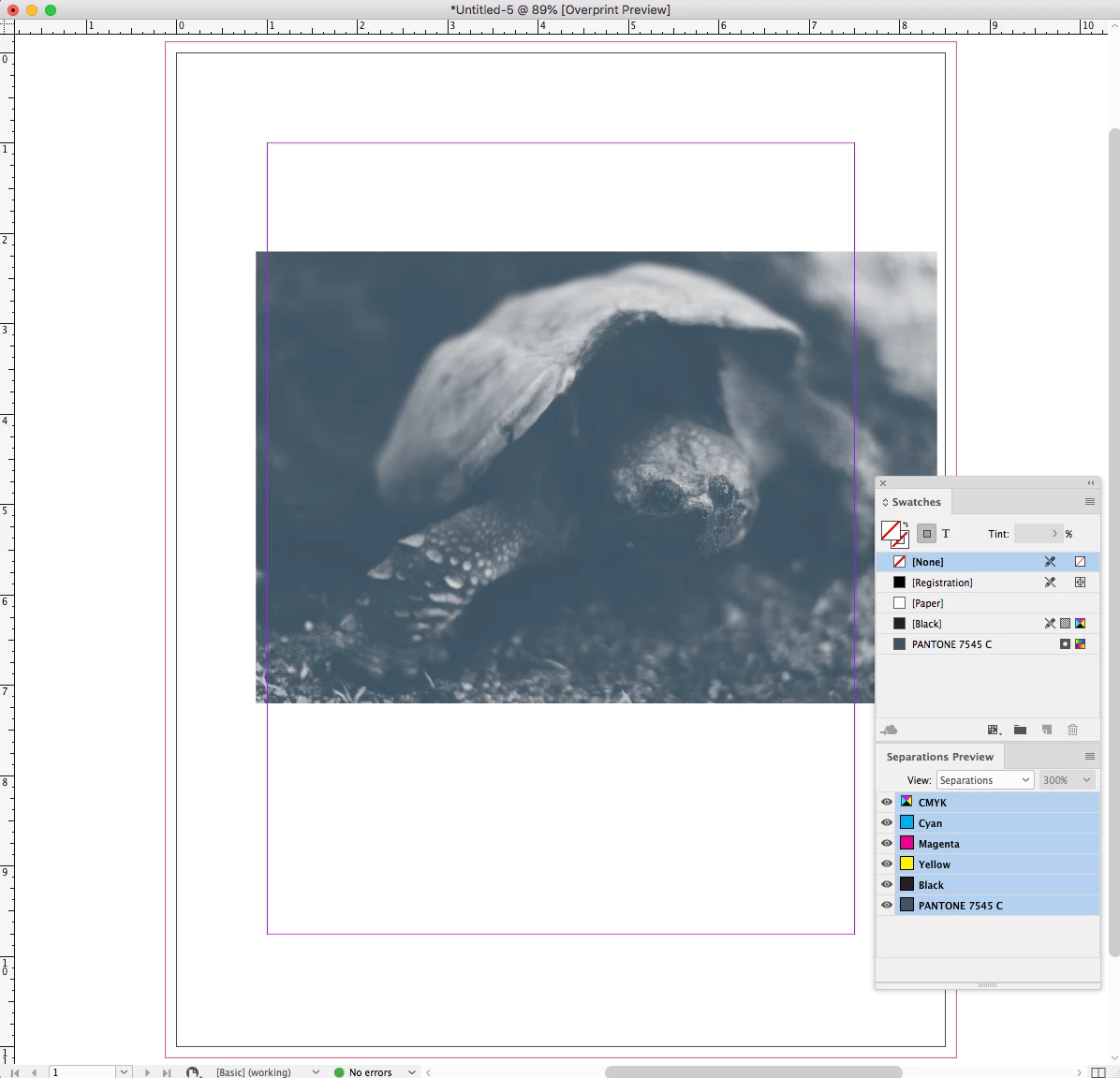
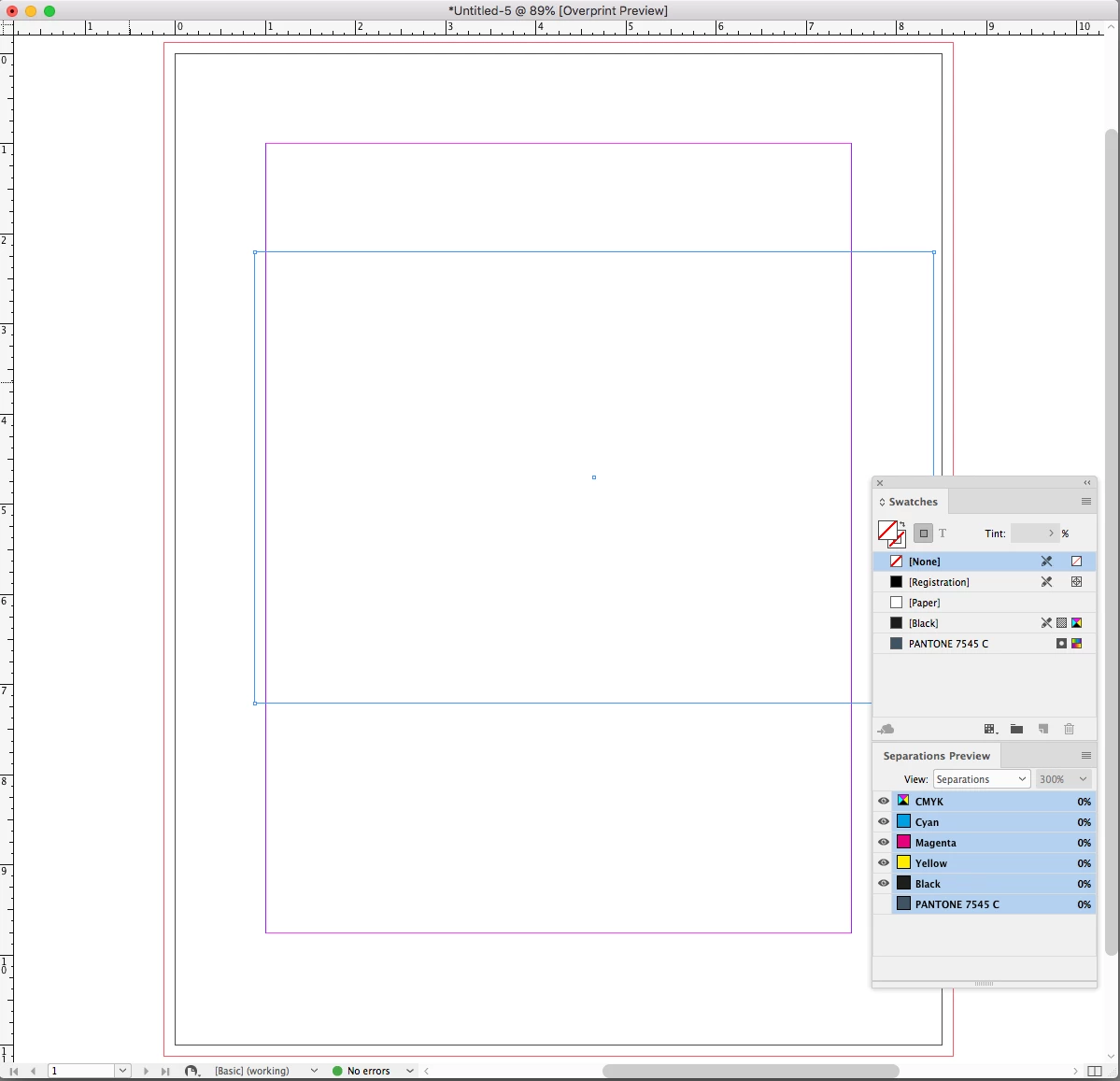
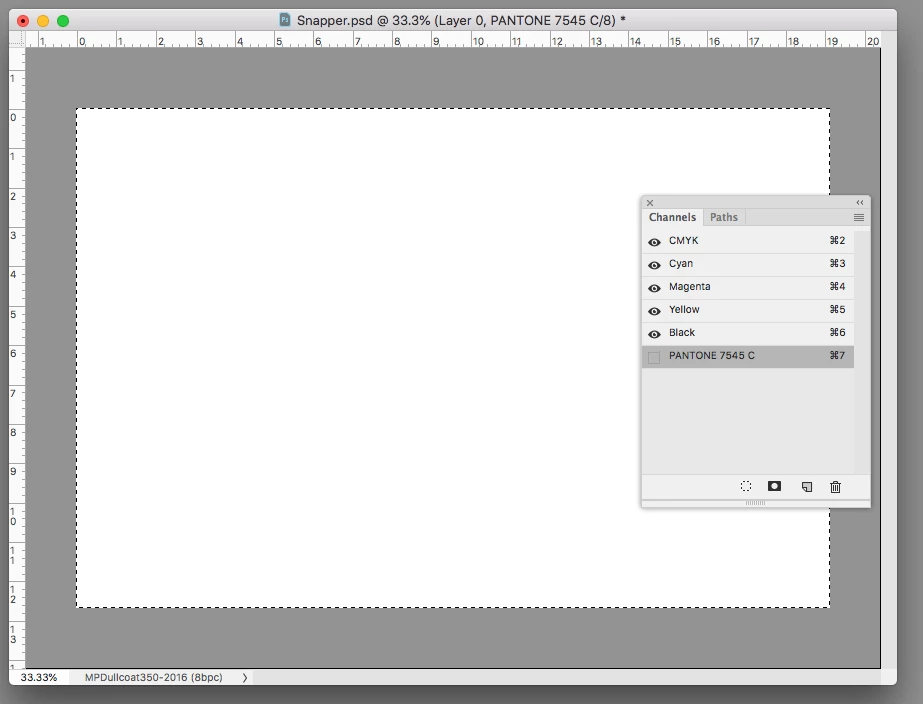
    Here's a CMYK + Spot Channel .PSD with the CMYK channels filled with white

    Showing the spot channel:

    Placed in ID:

    Hiding the Spot channel shows the CMYK channels are white:

    3 replies

    Dave Creamer of IDEAS
    Community Expert
    Community Expert
    December 4, 2021

    I haven't played with spot color channels in ages--brings back memories!

    Try a multi-channel file in Photoshop.

    InDesign will not import a multi-channel PSD file. You get the following error:

    Going back to my QuarkXPress days, I saved the file in the DCS 2.0 format. 

    I was able to place it in InDesign, but the preview did not show up until I turned on Separations (Overprint Preview)

    I then printed to the Adobe PDF driver to test the separations:

    The PDF (separation) only contained the spot color channels:

    BTW,  I tried a grayscale with spot color channels and separated it. Got a blank black plate, but most printers can disable output on that plate.


    Ask where the old way is, where the good way is, and walk on it. 

    David Creamer: Community Expert (ACI and ACE 1995-2023)
    schroef
    Inspiring
    December 4, 2021

    Im getting this error color space issue in Indesign trying to place a PSD with spot channels. Doesnt make sense to me? I cant print using separation neither from photoshop. I tried saving image out as a PDF from photoshop, but i only get 5 save file formats in save as?! This is really weird?

    Using photoshop 22.5 on windows


    EDIT
    Well not sure what went wrong. I can use save copy and then PDF does show. But i think save as should also show these options. Still had the same color space issue when i saved the file as TIF. That kinda useless since it renames the spot channels to something else. Kinda weird we need to save separate channels like this old skool thing. Why isnt this possible to to in 2021?!


    EDIT 2

    Well Indsign seems to have big issues with PDF with spot channles. Weird, on OSX this works fine. I now saved it out as PSD PDF and now get a bleed box error in Indesign.


    Edit took a bit of time. But glad i kept researching it. The issue was having spot channels with the same name as one of the default channel names. This issue is in both RGB and CMYK files. As soon as you names it different the file is red properly. Though i find it weird it tells its a color space issue, while its a color spot channel issue!

    Dave Creamer of IDEAS
    Community Expert
    Community Expert
    December 4, 2021

    From my testing, it appears that the spot colors need to be legitimate colors in Photoshop and InDesign libraries Not discussing the channel name, but the selected spot color.


    For example, my old example files use the original Pantone colors and would not work in InDesign. I changed the colors to Pantone+ and they worked fine. 

    David Creamer: Community Expert (ACI and ACE 1995-2023)
    rob day
    Community Expert
    Community Expert
    December 5, 2021

    Hi @Dave Creamer of IDEAS , IIf you wanted to use a legacy CMYK defined Pantone Color, add the legacy swatch in InDesign before placing the PSD with the same named spot:


    rob day
    Community Expert
    Community Expert
    October 15, 2018

    PDFs with spot colors always include the CMYK plates along with the spot colors. The best you can do is set up an InDesign preflight rule that flags any use of the CMYK plates. The only case where you don't get CMYK plates in the exported PDF is with an export to a gray profile (which produces a single black plate PDF), but that would also convert the spot colors to grayscale.

    Luke Jennings
    Inspiring
    October 15, 2018

    OK, so there is no way to place a 5C .psd into InDesign as a spot color only. Saving it as a grayscale and coloring in InDesign is the only option?

    rob day
    Community Expert
    Community Expert
    October 15, 2018

    No, you can place a .psd with a spot channel and the spot channel should show as a spot color in Separation Preview. The color mode of the .psd can be anything, i.e., you can have an empty grayscale with the spot channel.