
Picking RGB colour from images
- August 26, 2021
- 4 replies
- 1735 views
Hi all. I come from working with Illustrator and Photoshop, but I’m now working with InDesign also.
Please see the image at this link: https://imgur.com/a/ZgTDR8d
I’m working with RGB, and these graphics are for the web.
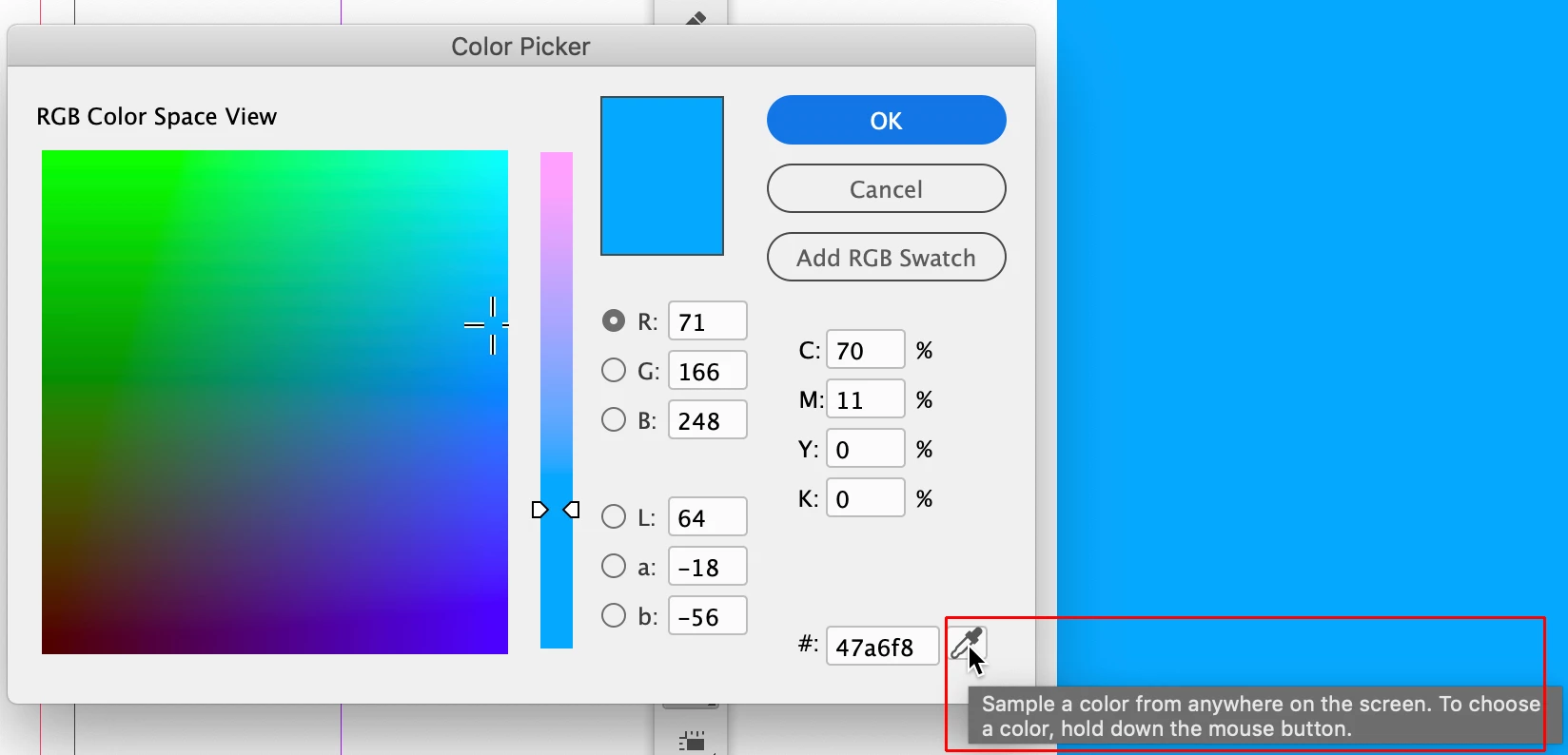
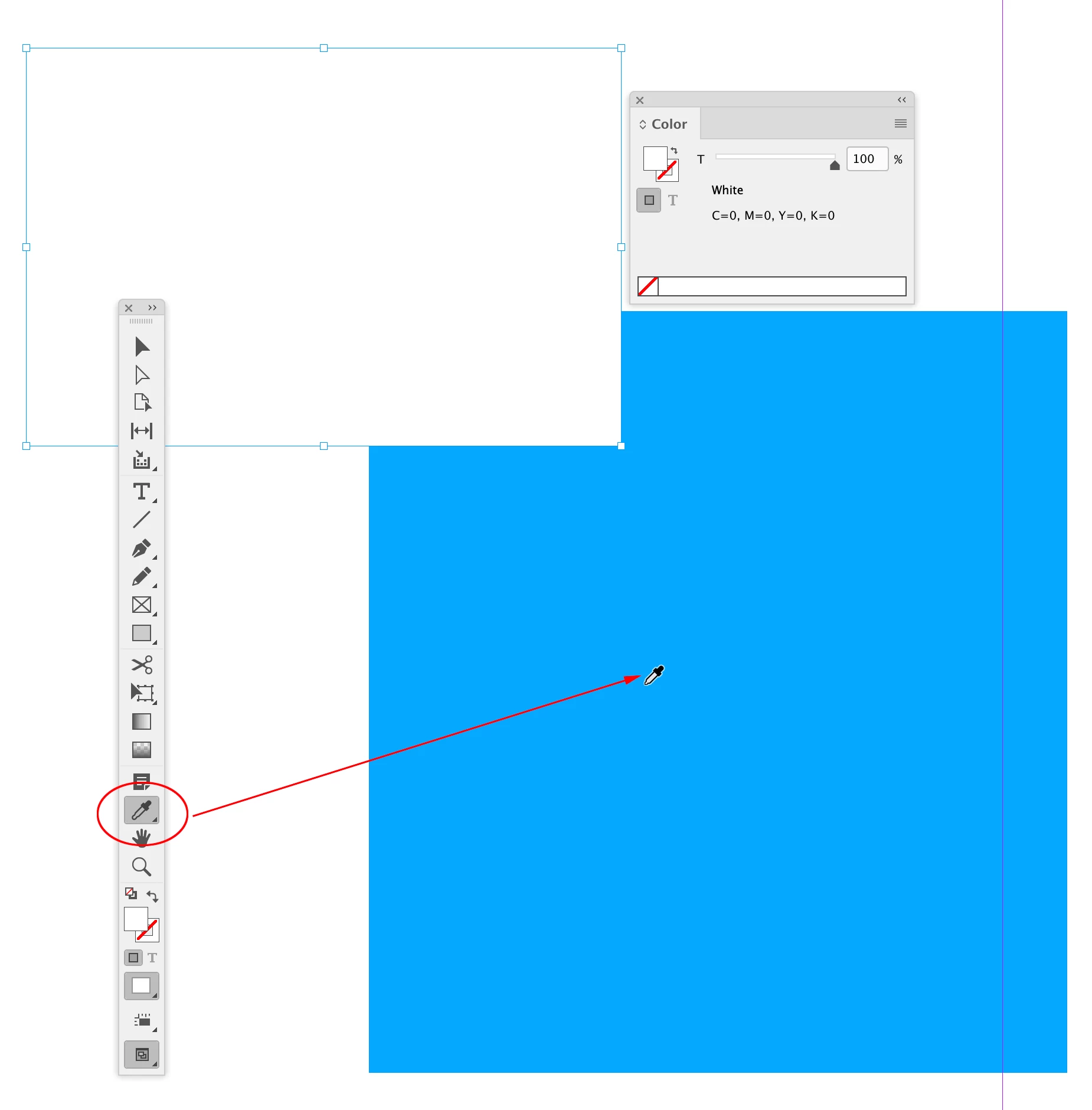
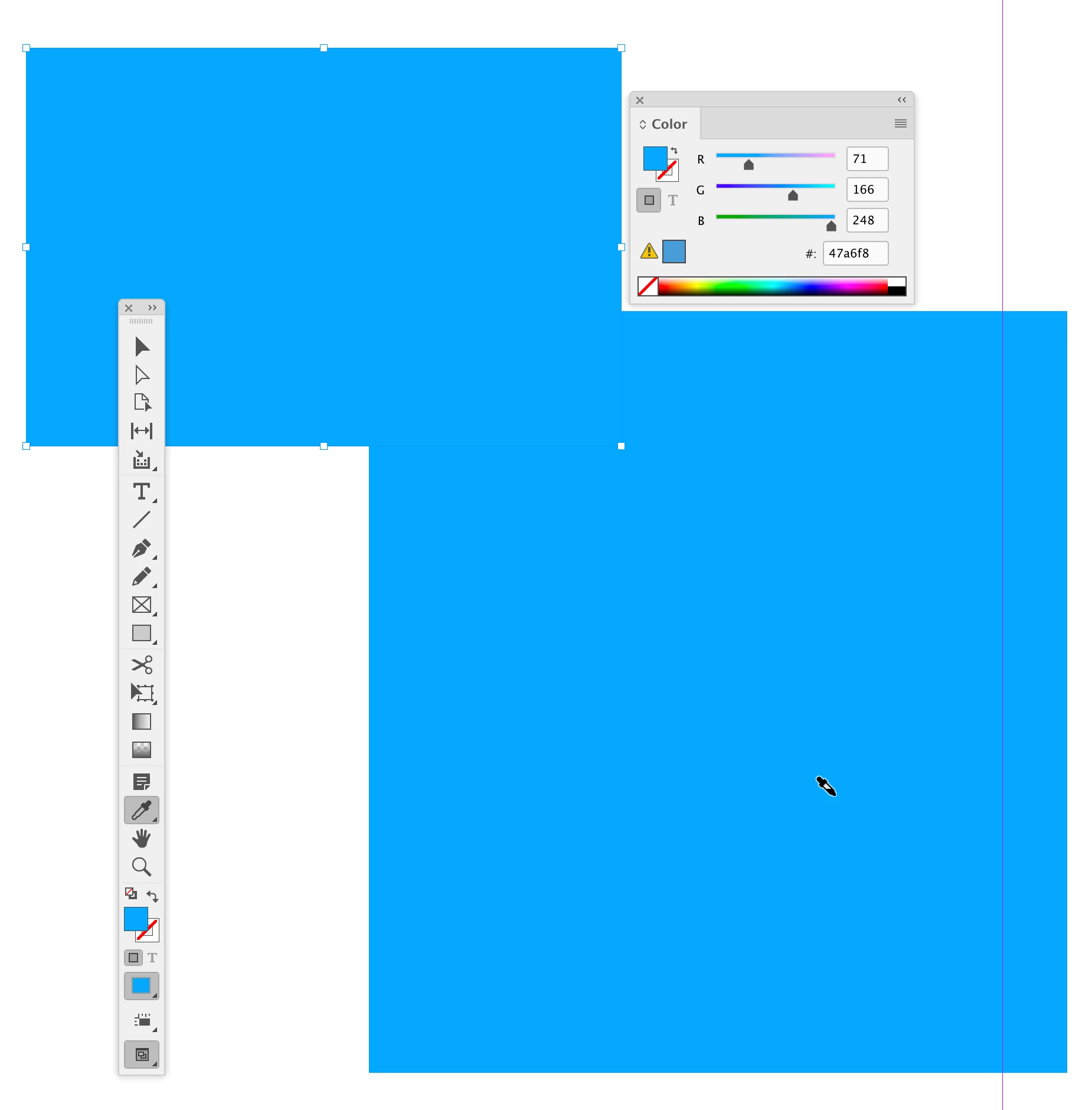
I’m looking to use the blue from the right-hand side (this is an image) to fill the vector rectangle on the left. I’ve used the colour picker and selected the colour 71,166,248 from the image as you can see. However, when viewing both overlapped the colours are different, I can also see from reopening the colour picker that although the colour is set to 71,166,248, it is shown as 95,166,241.
I can’t get my head around why InDesign is able to display the colour on the right-hand side the same as Chrome does (for example), but I’m not able to select the colour with the eye dropper to fill a shape!
Hopefully this is a simple setting tweak or similar..
Thanks.
 AdChoices