
Answered
Place Image Menu - List View - Date Modified Doesn't Show
Long-time InDesign user (next month 20 years!), curently using an iMac 6-Core i5, Big Sur and up to date CS. This might be an MacOS issue but I can't find a way to fix it via the OS. When I attempt to place an image into an InDesign document, the menu that I see doesn't show modification dates or even display the date added information so I can't sort by date modified or date added...
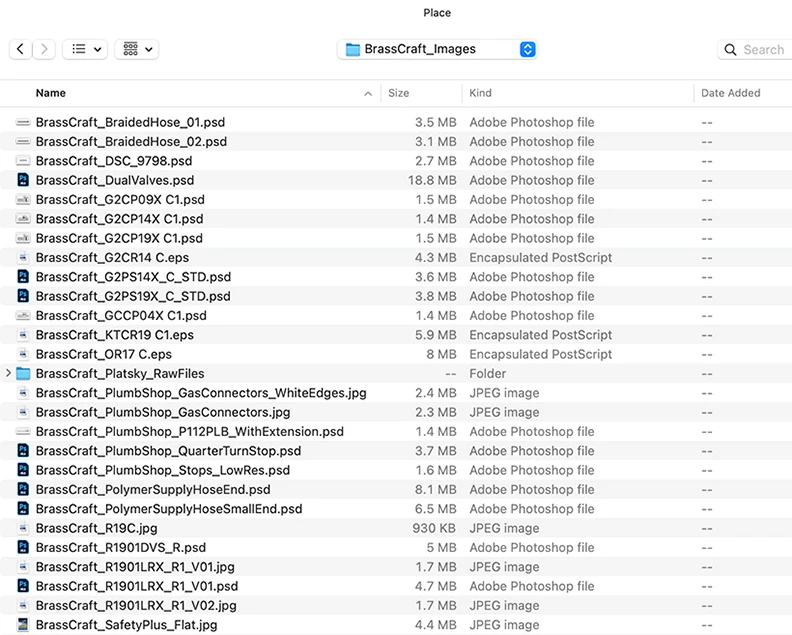
The only way I can see file modification dates is if I use column view and then I can't sort the folder contents (We have so many nested folders on the server that column view is useless anyway)
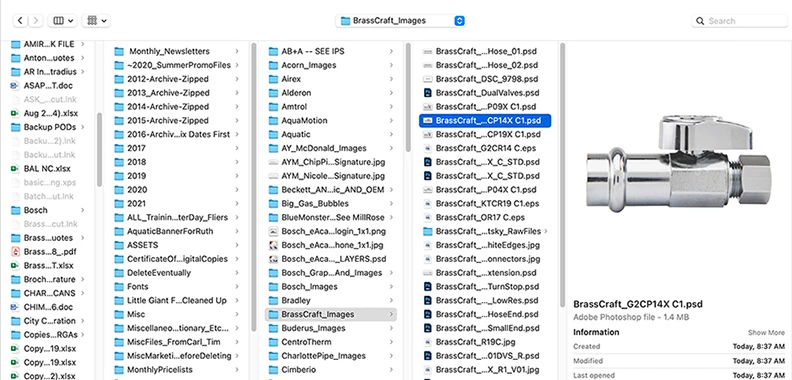
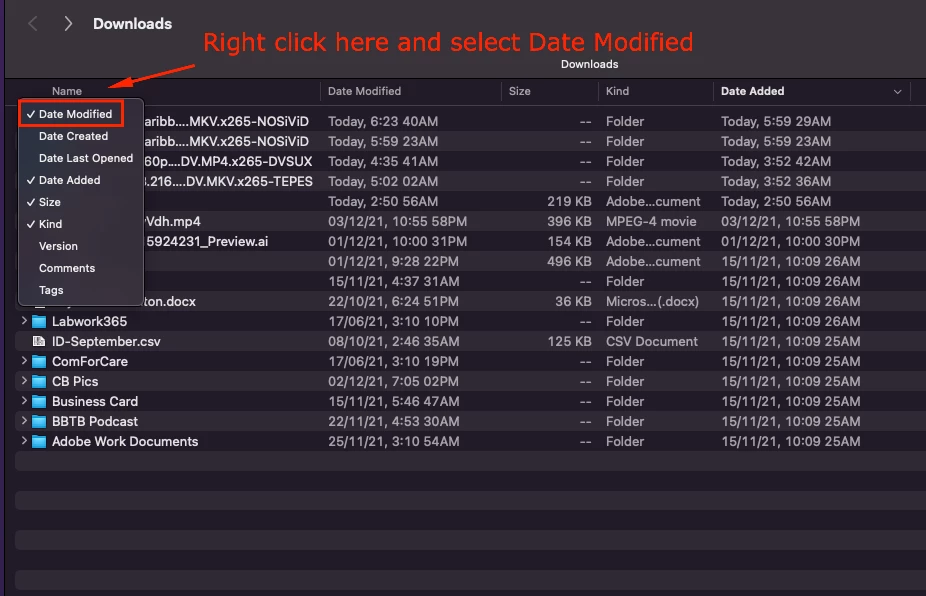
Has anyone else run into this and if so, how did the fix it?
Thank you,
 AdChoices