
Answered
Placed SVG files do not fill frame
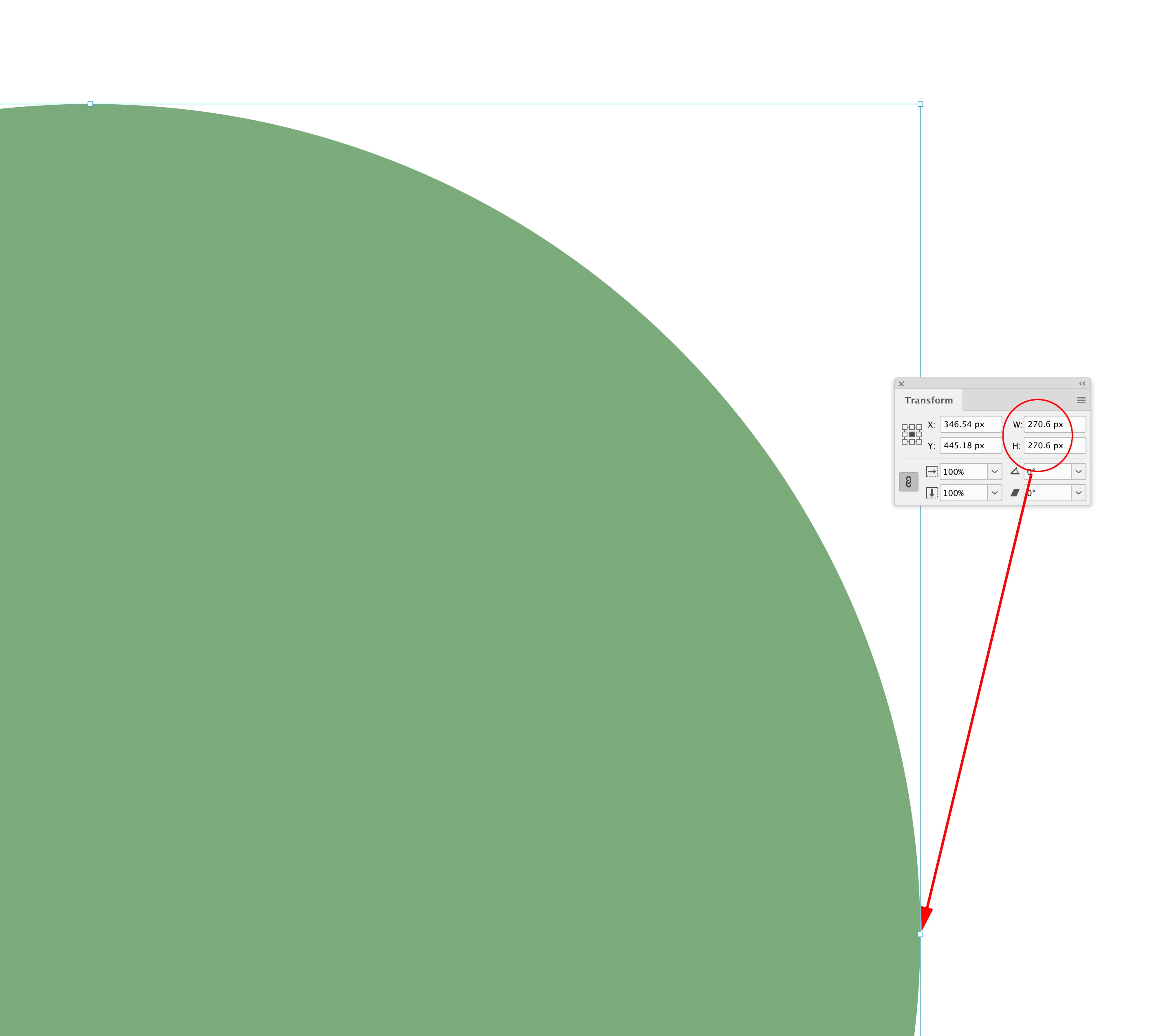
When placing an EPS file in InDesign it automatically fills the frame. The mint coloured object touches the frame:
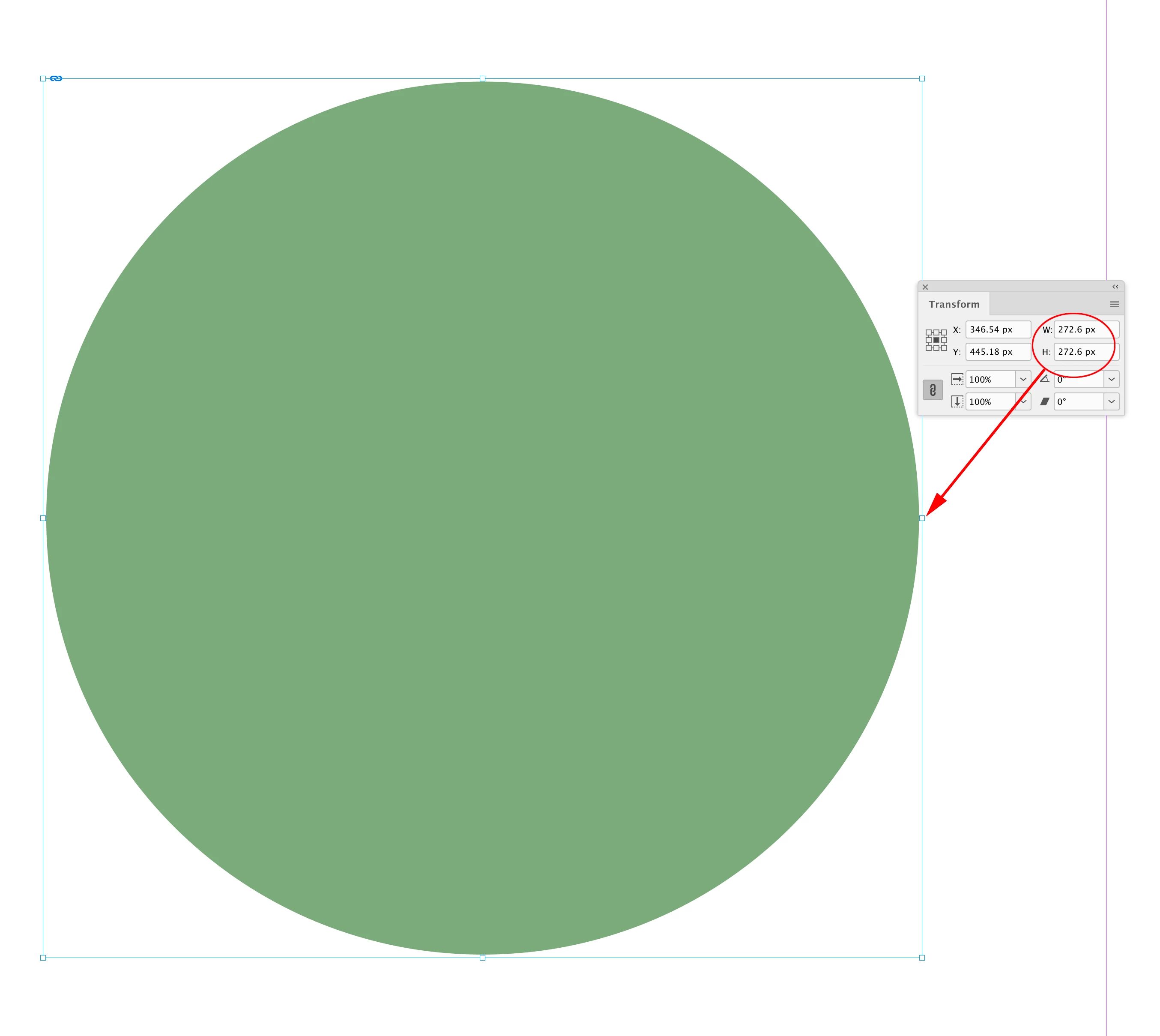
 But in Illustrator, if I save the very same object as an SVG file, and then place it into InDesign there is a margin or space between the object and the frame:

This appears to be true for all SVG files. Even though I've used the Artwork tool to Fit To Artwork Bounds.
In InDesign if I do Fit Frame To Content this doesn't help. It's as if SVG files have an invisible border around them.
How can I get SVG files to behaviour as EPS files and they simply fill the frame?

 AdChoices