

Placing Excel sheets in InDesign with functions .
Hi,
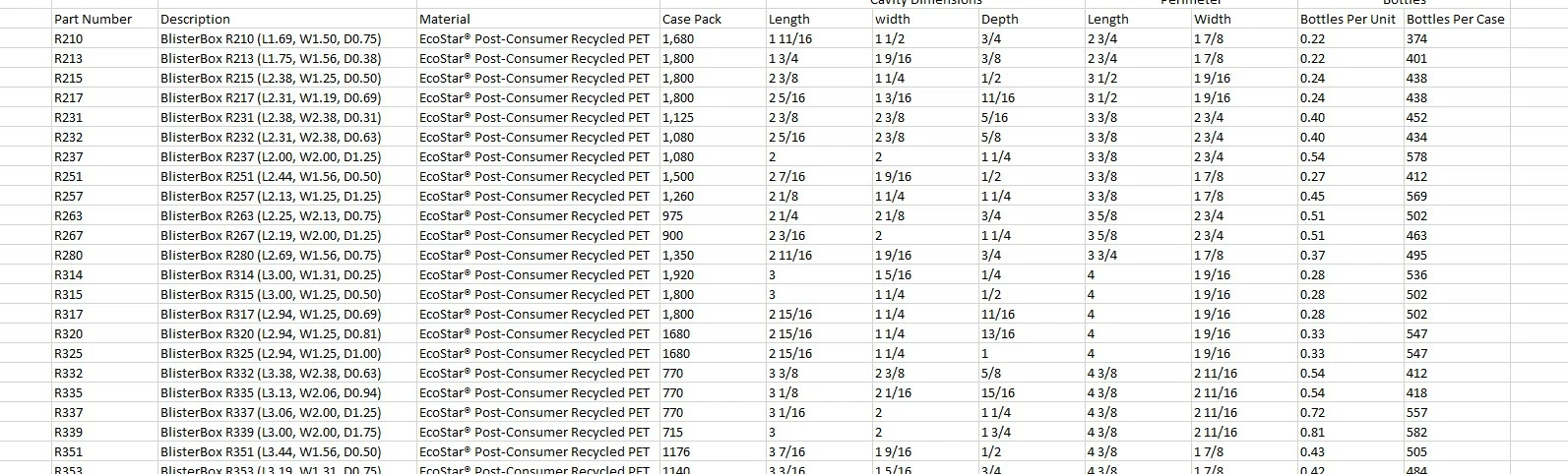
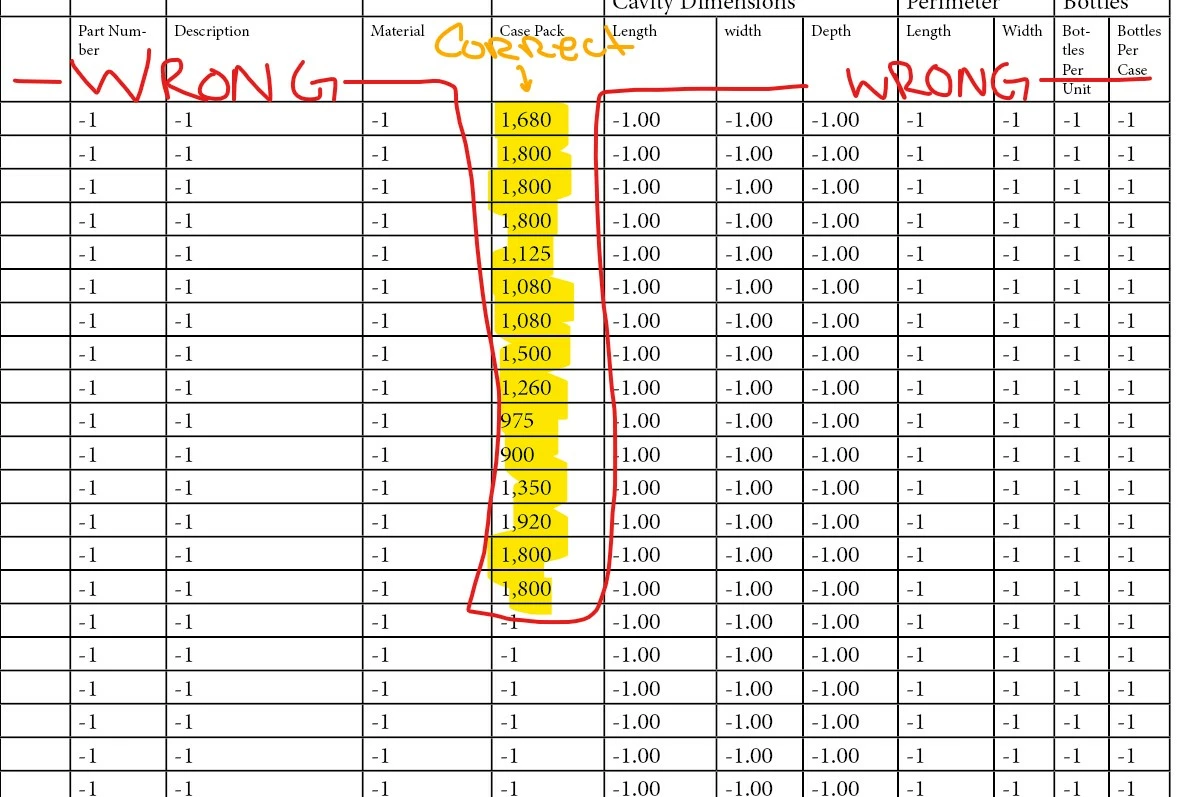
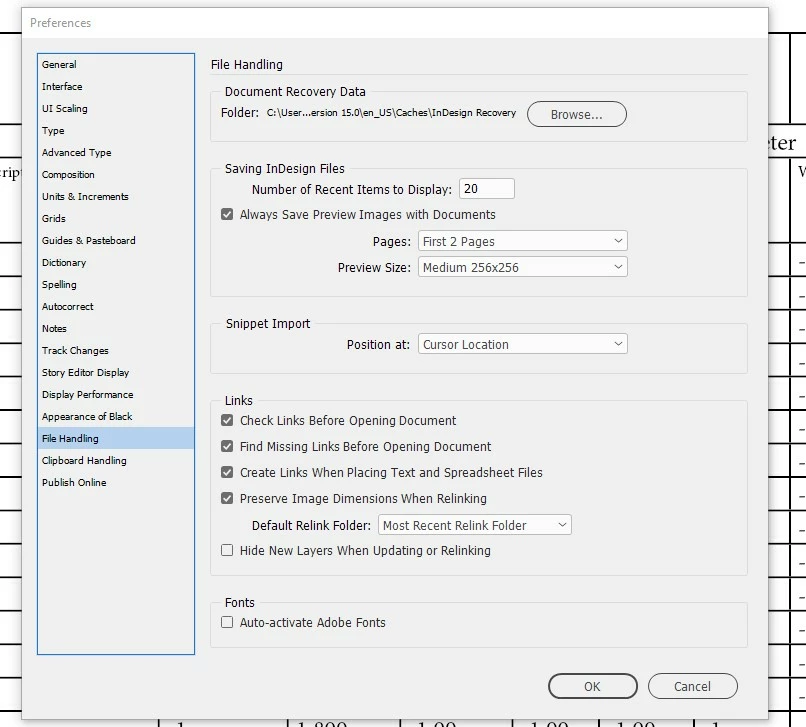
I am trying to place a linked Excel file into InDesign where information can be updated on my Excel file and then update automatically in my InDesign file by refreshing the link. My Excel file has active functions that pull data from other Excel files. When I try to place the Excel file, that has the correct info listed, in InDesign the info is replaced with -1 or -1.00. Some of the missing info that is listed as -1 or -1.00 is text and some are numbers. I have added an example of the info is being placed below. My Excel program is closed and in InDesign I have changed preferences file handling to create links when placing text and spreadsheet files. I also choose show import options when placing the linked excel file in InDesign. I have tried changing the size of the text along with making the cells bigger in InDesign. Is this possible to place a linked Excel file with functions?
Examples below.
Thanks Nic
- Correct info that is listed in Excel that is being pulled from another Excel file.
- How the info is being placed in Indesign.
 AdChoices