
Participating Frequently
July 24, 2017
Answered

Please Help asap: overset text & blank pages

  • July 24, 2017
  • 2 replies
  • 2870 views

So recently I tried to import a word document into InDesign and I have some questions about it.

First, it will be a really big book with more than 1000 pages (not mine) and it's a real struggle to apply styles to every title and dedication manually.

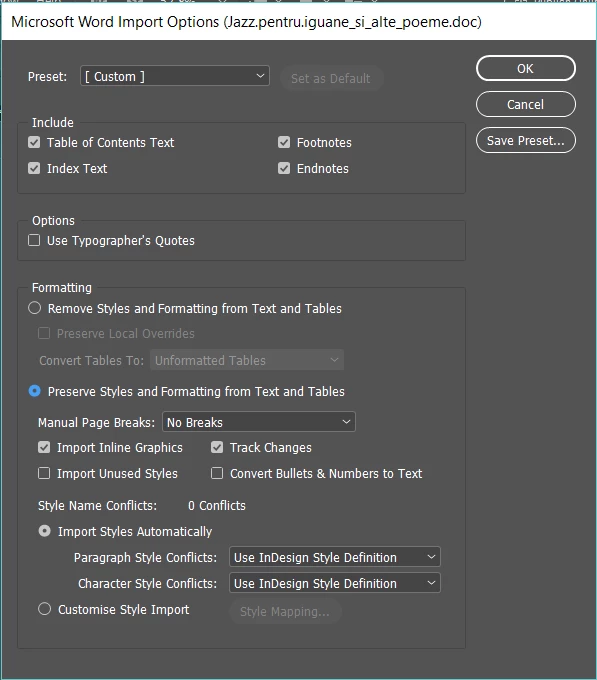
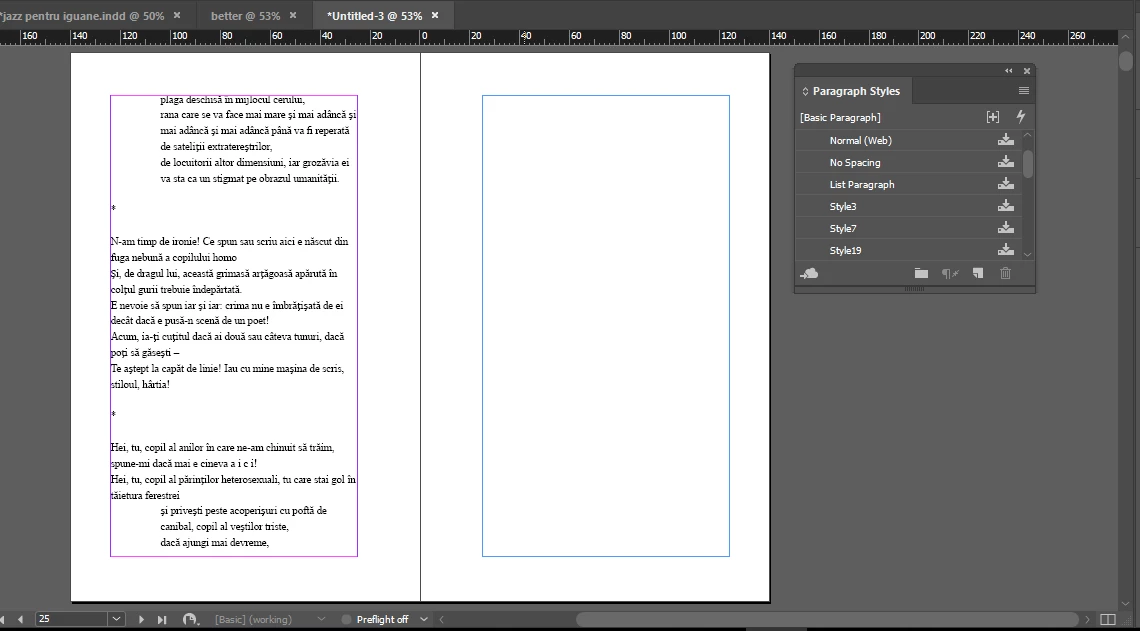
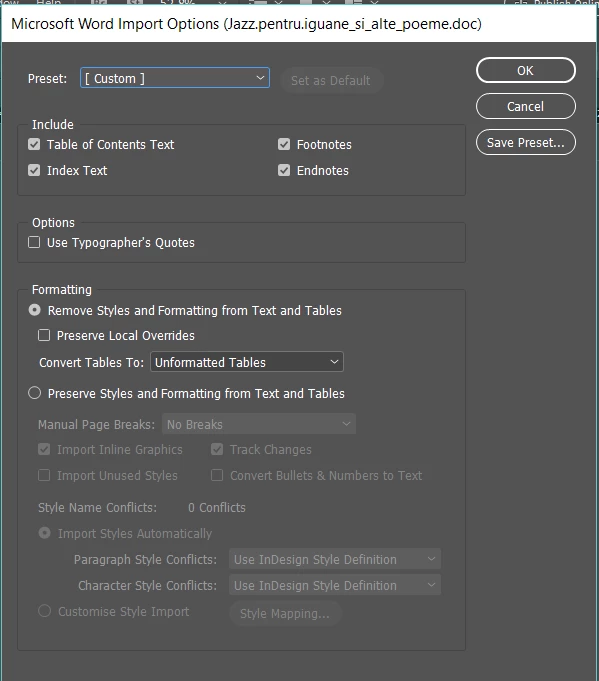
When I tried to import the text with " Remove Styles and Formatting" ticked it worked, but as I said I had to do everything manually. When I try to import the document by preserving the styles and formatting something strange happens. Also I forgot to mention that I hold Shift while placing the text (autoflowing). What happens is that the text isn't placed entirely (2nd image). The pages onward are just blank. Please help me as I have to finish this until tomorrow morning and I can't do this entirely manually (I've already done about 600 pages and it's mentally draining). Thanks!
This topic has been closed for replies.
Correct answer Barb Binder

Ok, I went through the file and was able to make all of the text visible so that you can continue working.

What I found was that there was a lot of formatting done in advance in Word, that was causing issues. In addition, you are using the Normal style (from Word) to format everything manually, and that style had issues. So with the focus of getting you back to work quickly, I went through the file page by page simply to show all of the text. There are much quicker and more efficient ways of working on future projects, but I'm hoping I got you back to where you can continue to move forward and meet that deadline.

2 replies

Participating Frequently
July 24, 2017

I sent you the link

Barb Binder
Community Expert
Barb BinderCommunity ExpertCorrect answer
Community Expert
July 24, 2017

Ok, I went through the file and was able to make all of the text visible so that you can continue working.

What I found was that there was a lot of formatting done in advance in Word, that was causing issues. In addition, you are using the Normal style (from Word) to format everything manually, and that style had issues. So with the focus of getting you back to work quickly, I went through the file page by page simply to show all of the text. There are much quicker and more efficient ways of working on future projects, but I'm hoping I got you back to where you can continue to move forward and meet that deadline.

~Barb at Rocky Mountain Training
Participating Frequently
July 24, 2017

Thank you so much!!

Barb Binder
Community Expert
Community Expert
July 24, 2017

Are you doing this book as one huge 1000 page InDesign document with a single story, or are there chapters/sections that you are creating individually that you will pull together using InDesign's book features?

On that second screen shot—did InDesign draw the text frames? If you go to Story Editor is all the text in the file, just not showing on the InDesign pages? What happens if you choose Recompose all Stories? Ctrl Alt / (Mac Cmd Opt /) Or if you grab the bottom handle of the empty frame and tug it up or down, and then put it back to the bottom margin?

~Barb at Rocky Mountain Training
Participating Frequently
July 24, 2017

In Story Editor it shows me the whole text, but there's a red line next to the text that isn't showing. Also I forgot to mention that this is a book with about 1000 poems and there's a lot to do when it comes to titles and dedications. Also the autoflowing takes a lot shorter when I'm preventing the styles and formatting. Recompose all stories doesn't work for me, and neither does the other thing you said.

Barb Binder
Community Expert
Community Expert
July 24, 2017

Ok, the text is there, that's good.

How about saving the file (or better yet a copy), then deleting the blank pages (which does not delete the text, just the frames), then click on the overset text icon (the red plus) on the last page with text, add a new blank page after, and Shift+click to auto-flow the rest.

~Barb at Rocky Mountain Training