
Question
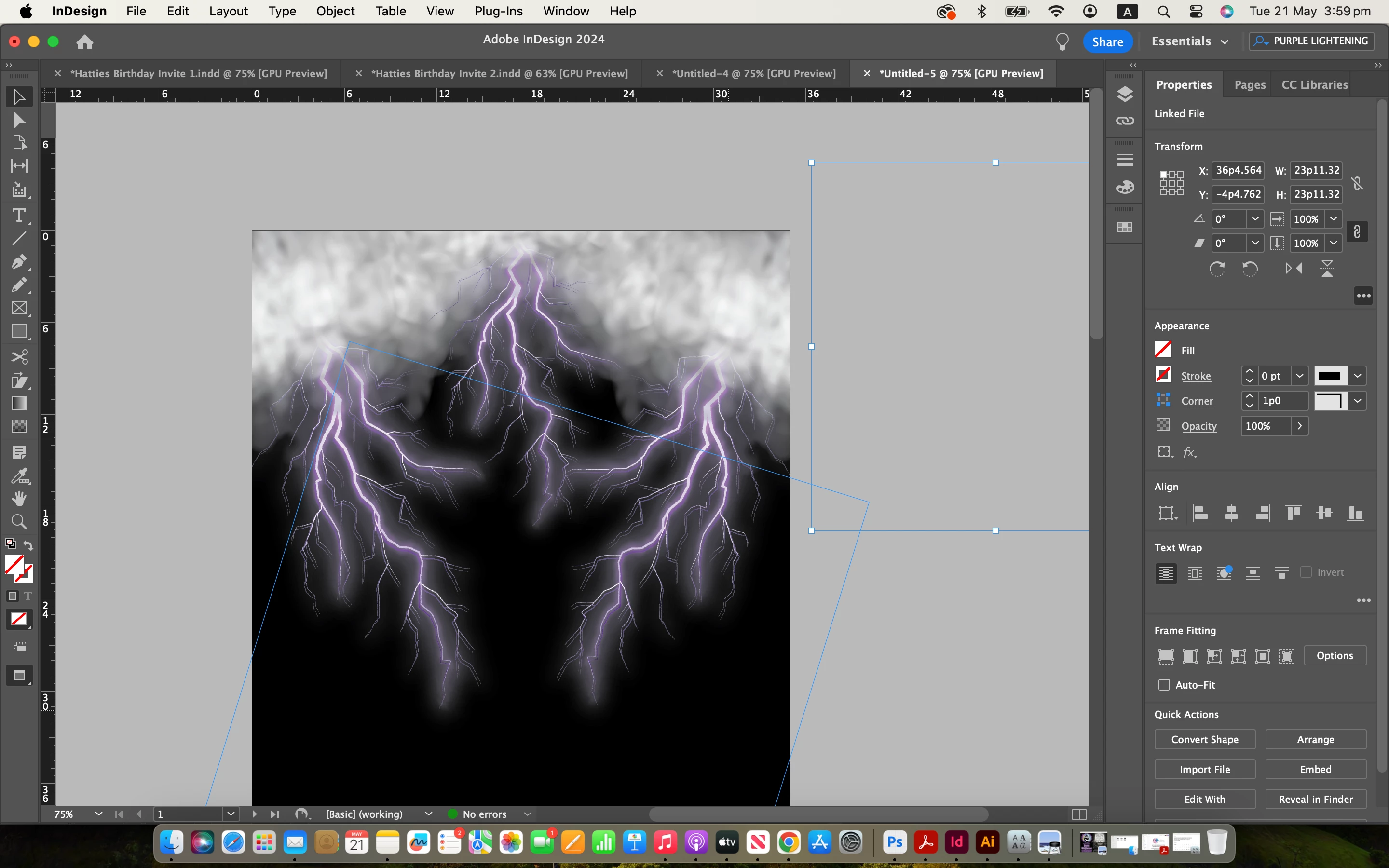
PNG appears different in Indesign compared to Illustrator
Im currently creating a design and have found that a transparent background png that Im using appears very differently in Indesign compared to Illustrator..
I started creating in Illustrator, but then decided to start from scratch in Indesign...
However the image once placed, in Indesign appears to have shadows, where as when placed in Illustrator, there are no shadows.
There are no fx selected - im using the same file in both programs but the difference is very noticable..
Can anyone assist in fixing this or explaining why the same file appears so differently in the 2 programs, pretty please??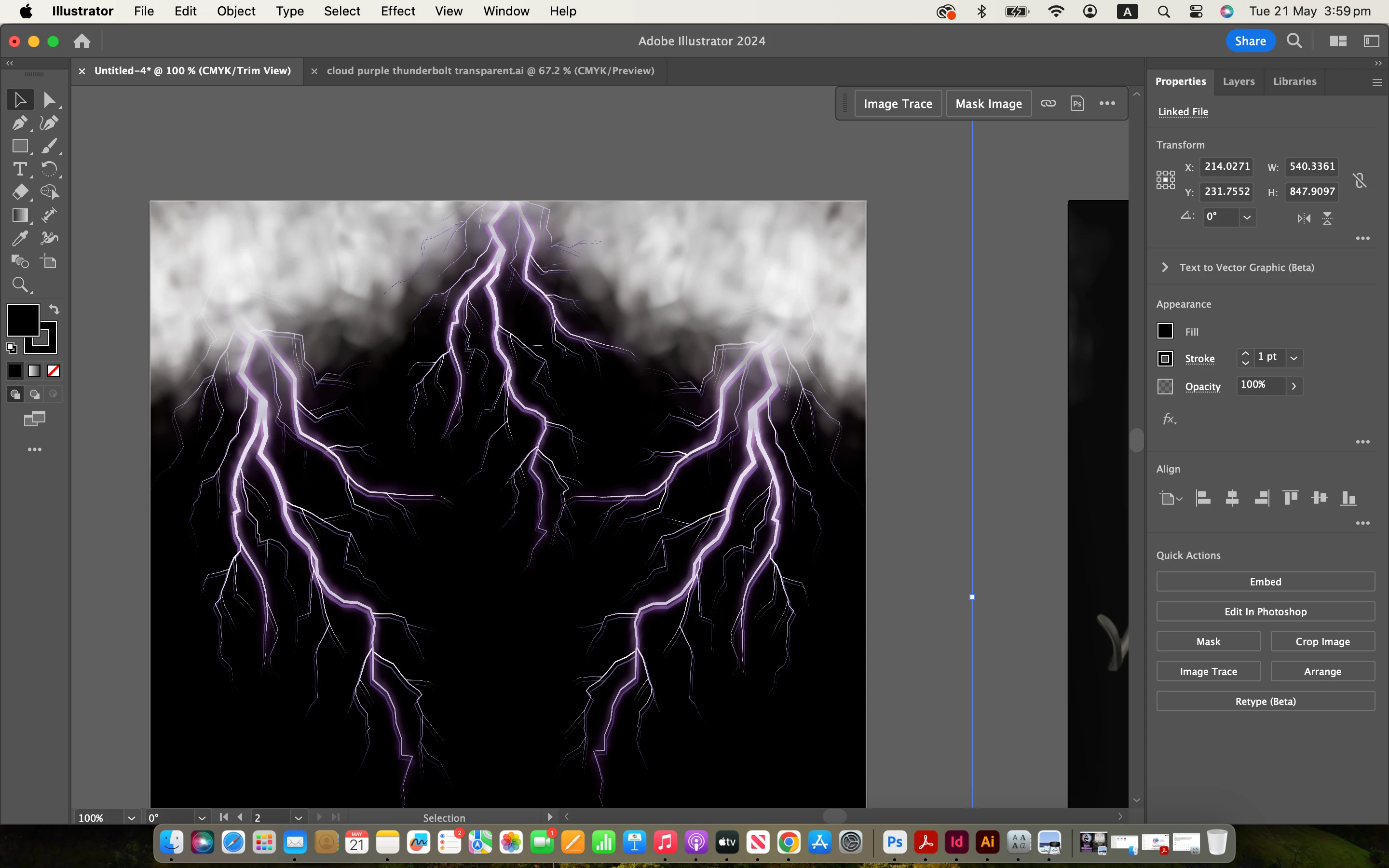
 AdChoices