

Answered
Poor Display Anti-aliasing in InDesign and Illustrator CC
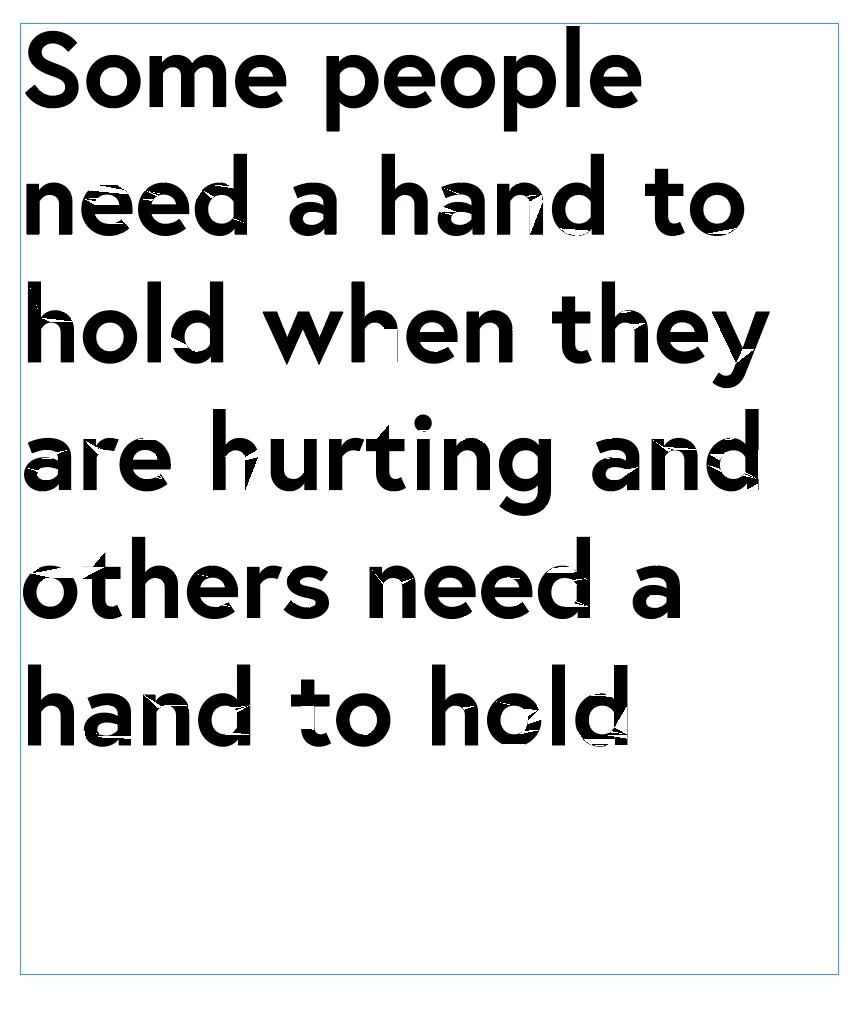
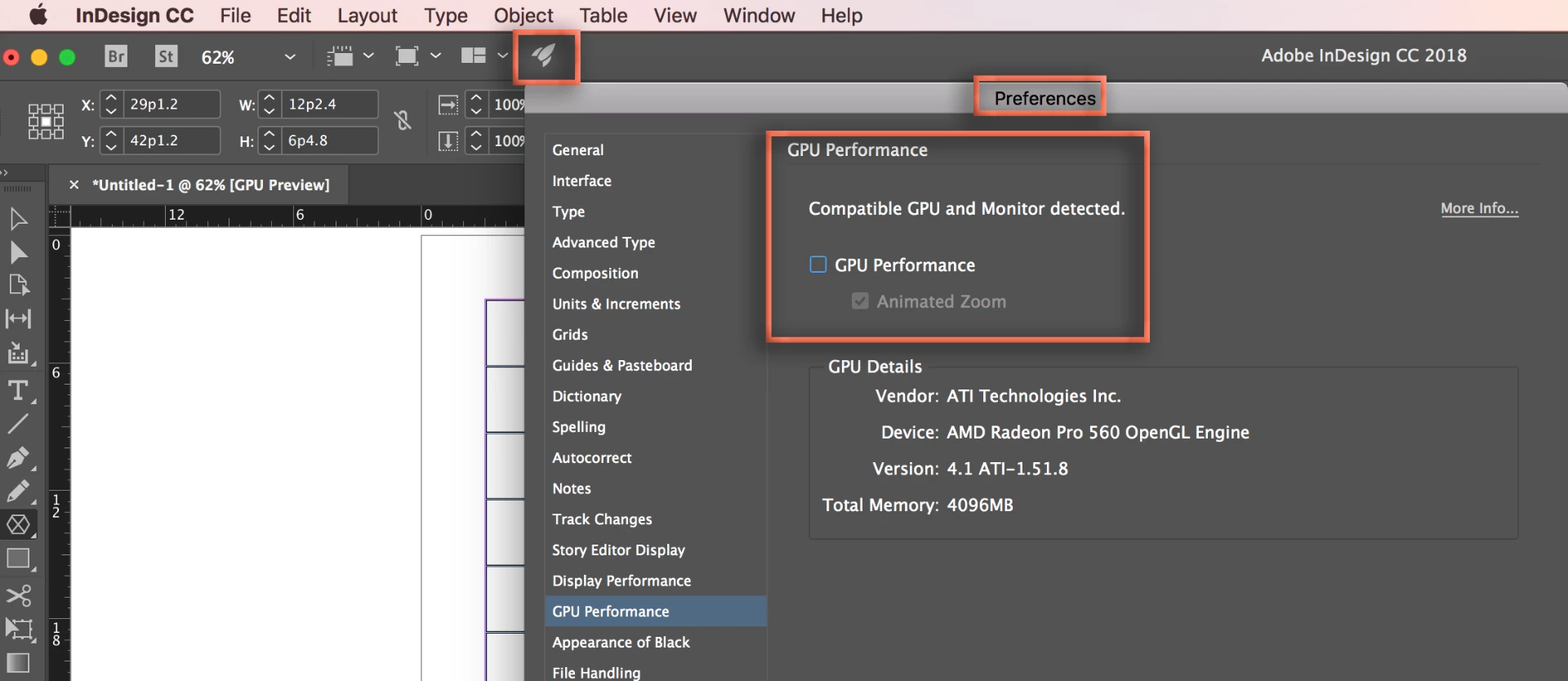
Hi I'm having a real issue with the rasterisation / anti aliasing / display in In Design and Illustrator. Whether its on High Quality Display or Typical Display, any vector based graphic or text on the page displays like the example below. This has only happened since I updated Creative Cloud to the latest programs last year.
Does anyone have any ideas? I've asked other users I know but no one has the same issue so can't help.
 AdChoices