
zamon6996
Participant
February 26, 2019
Answered

Portrait and Landscape Orientation Pages in the Same Document/File

  • February 26, 2019
  • 4 replies
  • 4387 views

Hello,

I am creating a fixed layout epub for the iPad with both portrait and landscape pages. I can't for the life of me figure out how to display each of the pages correctly. When exporting to epub I get this error:

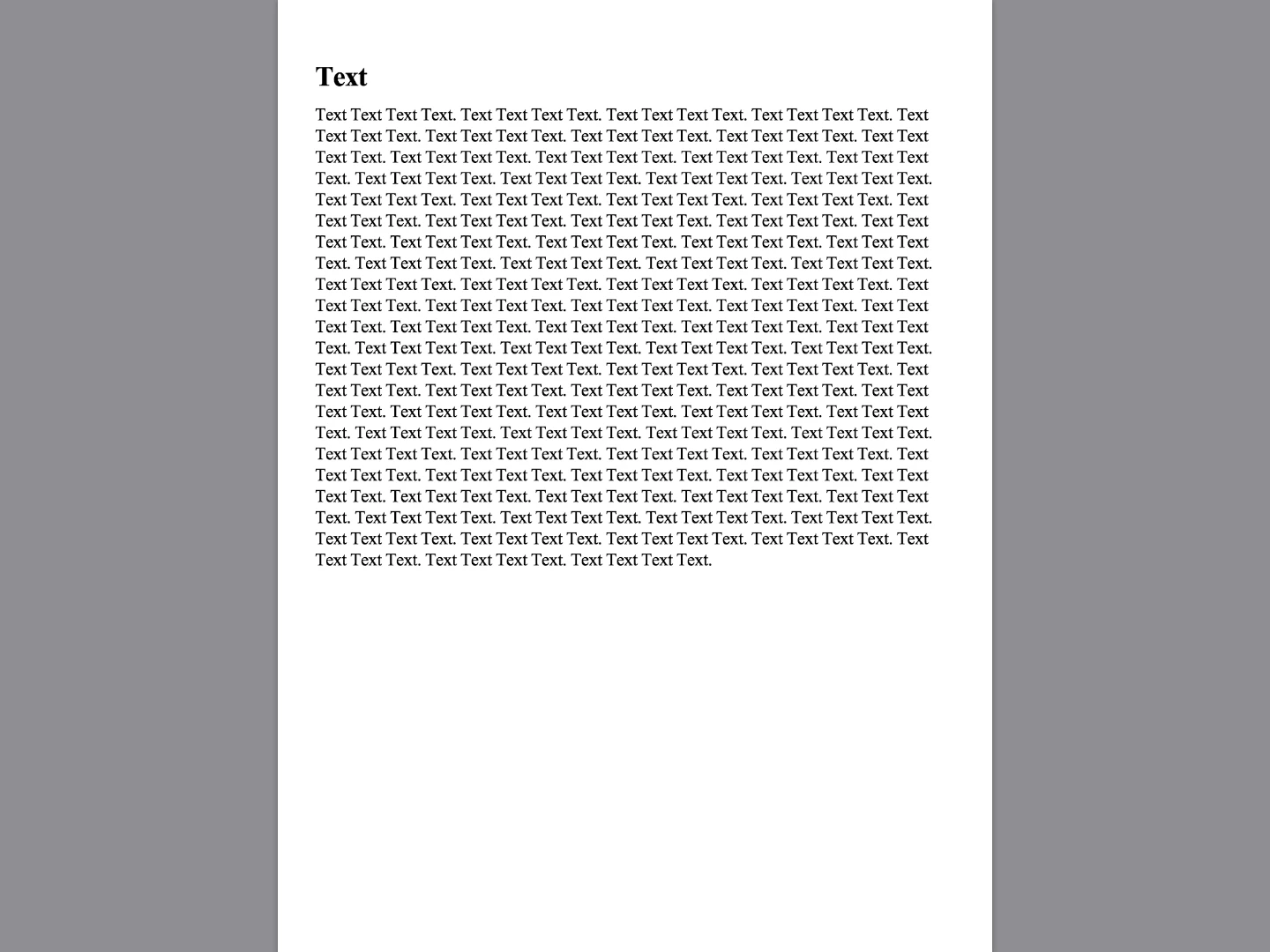
Then when I view it on iPad, the vertical page (the first page in the document, and the one that matches the master, looks good. iPad in portrait:
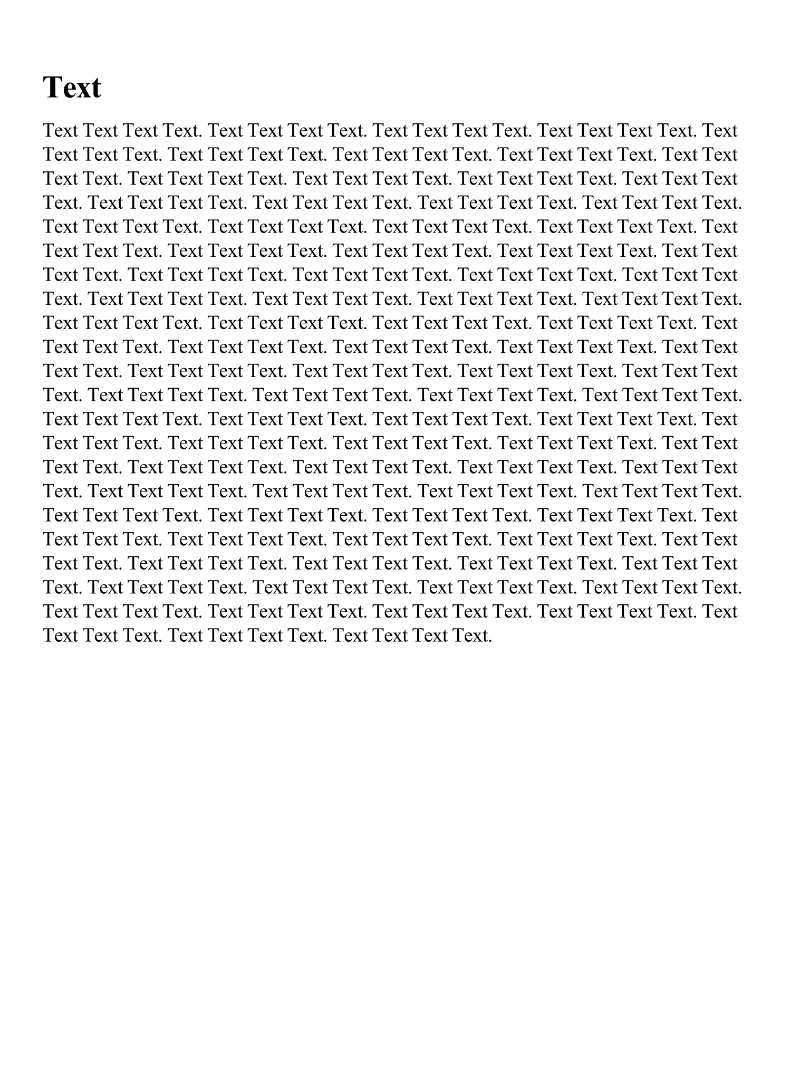
iPad in landscape:
But the landscape pages basically have a piece of them that is cut out to match the dimensions of the vertical page. There are two columns that should be symmetric but the right column is cut off. iPad in portrait:
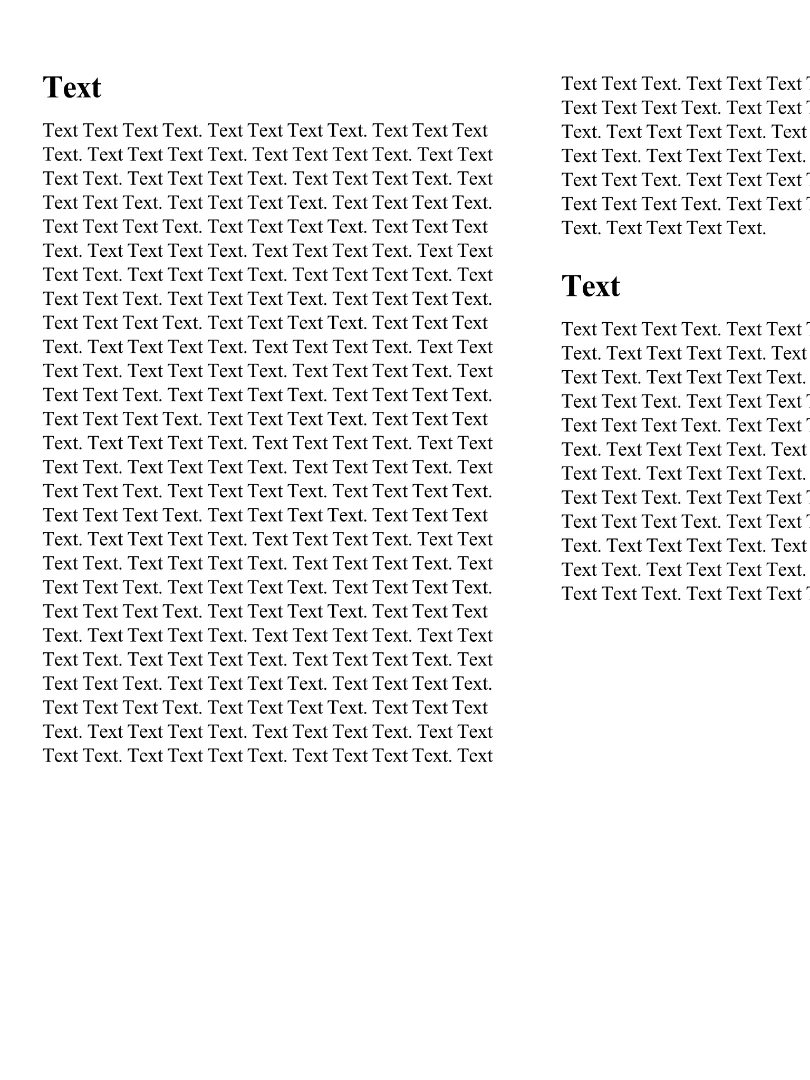
iPad in landscape:
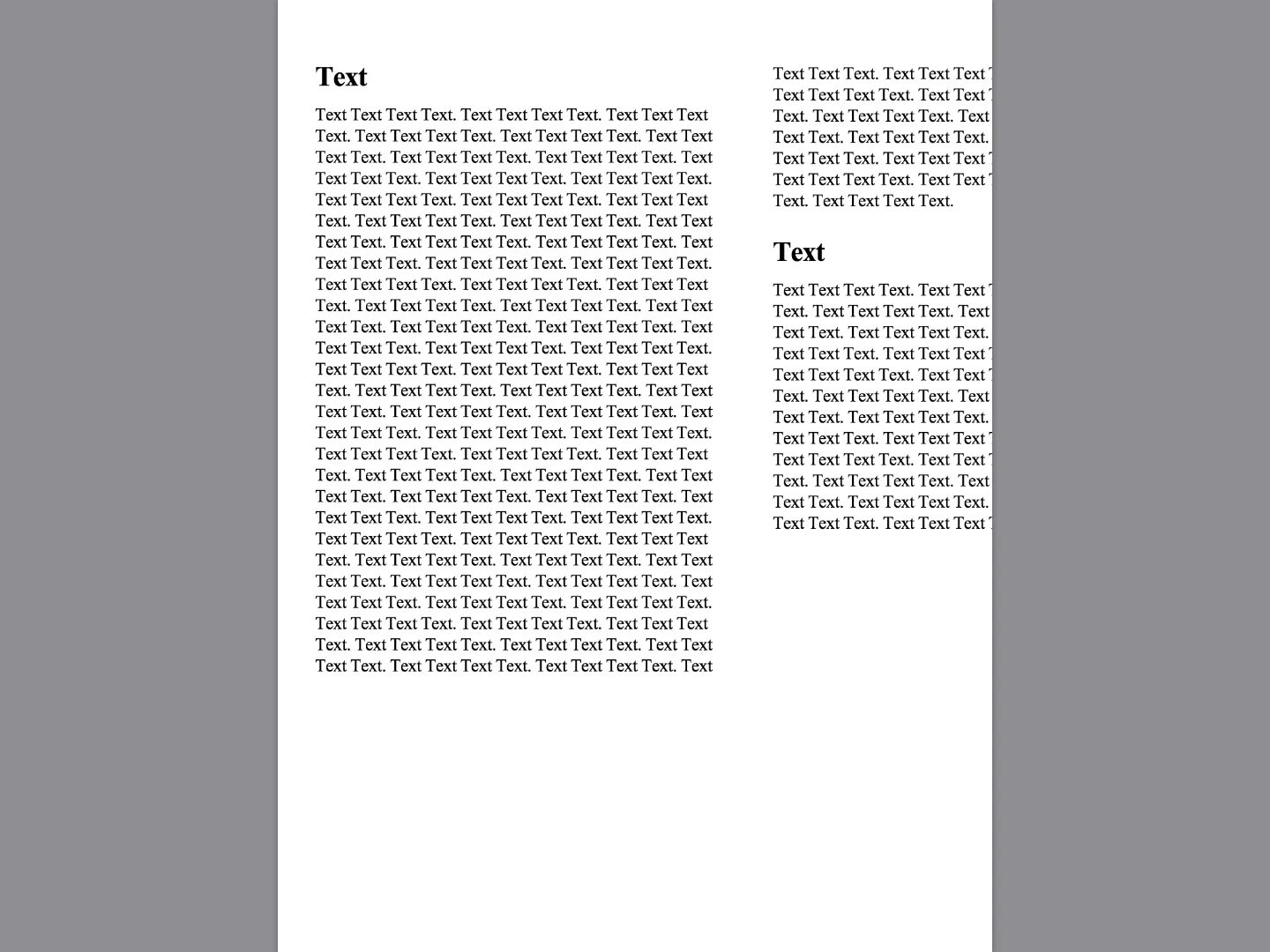
For frame of reference I am wanting to display the entirety of each of these pages regardless of the iPad's orientation. Ideally when the iPad is held up in portrait orientation, the portrait/vertical page should fill it completely, but in landscape I expect to see gray on both sides but still see the entire portrait/vertical page. Same thing the other way around. I tried experimenting with alternate layouts, but I think the solution I need is simpler than that. I basically want it to display like a PDF would with different orientations. Thanks!

This topic has been closed for replies.
Correct answer BobLevine

What you are trying to do is unsupported. Pick an orientation and stick with it. I recommend landscape.

4 replies

Participant
February 18, 2024

It can be done.

1. Download software like sigil.

2. open your e-pub file in it.

3. Find and  locate the file named “content.opf” in the “OEPS” folder

4. Find the line <meta property="rendition:orientation”>landscape</meta> or <meta property="rendition:orientation”>portrait</meta> near the beginning of the file

5. Change landscape or portrait in this line to “auto”, so that the line appears as <meta property="rendition:orientation”>auto</meta>

6. Save and close the content.opf file

7. Save your changes in epub file.


And Vola, see the magic happen. It also took me lot of time and depths of internet to find it, hope this helps for people, who try to find it in future.


BobLevine
Community Expert
Community Expert
February 18, 2024

That will do nothing for what was asked five years ago. All it will do is flip one orientation and make it look awful in the other.


This is an absolutely horrible idea and will create a very poor reader experience when the device is rotated a bit by accident.

zamon6996
zamon6996Author
Participant
February 26, 2019

Thanks Bob. That’s surprising but hopefully this feature will be incorporated in an update someday. Most of the ebook will be two column landscape but I have tables that would be best placed in portrait to have the text size be acceptable. I’ll have to figure out a work around - probably just make them super small to fit in one column of the landscape and take advantage of being able to zoom in with a fixed layout ePub. Thanks.

BobLevine
Community Expert
BobLevineCommunity ExpertCorrect answer
Community Expert
February 26, 2019

What you are trying to do is unsupported. Pick an orientation and stick with it. I recommend landscape.

Steve Werner
Community Expert
Community Expert
February 26, 2019

Moving to InDesign EPUB forum