Participant
January 9, 2022
Question

Pound sign when I make a text frame

  • January 9, 2022
  • 3 replies
  • 1640 views

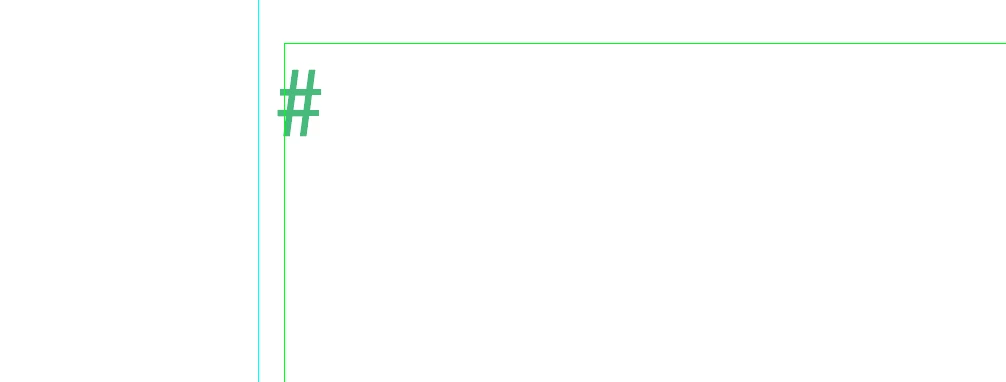
How come I keep getting a "Pound Sign" every time I make a text frame? It just appears. How can I get rid of it?


Thanks

This topic has been closed for replies.

3 replies

Derek Cross
Community Expert
Community Expert
January 9, 2022

To make sure you don't see these characters, disable from the Type menu, Show Hidden Characters and View the document in Preview mode.

(But you should know when to see and use these invisibles, as they can be useful.)

Abambo
Community Expert
Community Expert
January 9, 2022

It's a non-printing character, giving you additional information. The hash-mark tells you that that is the end of the story, as @BobLevine says correctly. In other words, there is no text, even not spaces, paragraphs, or anything else that cannot be seen behind this mark. Every empty text frame has effectively just that, except if it is a linked frame after the end-of-story-mark.


You can't get rid of it, but you can switch visibility on or off as needed:


ABAMBO | Hard- and Software Engineer | Photographer
BobLevine
Community Expert
Community Expert
January 9, 2022
That is an end of story marker which is shown if you have hidden characters set to display. You can't get rid of it.