


Preflight Panel Error: No Text Frame is Selected/Highlighted
Hello, community! I have an issue after changing the CHARACTER STYLE/FONT; from a sans to a sans serif font; which causes the changes of the text frames. Usually, when there is overwritten text, it will be highlighted, with a "+" symbol. However, it is not happening this time.
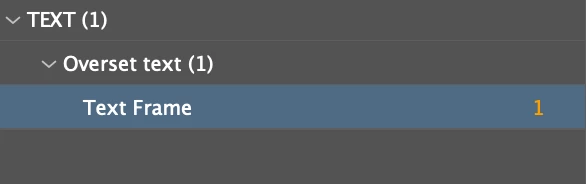
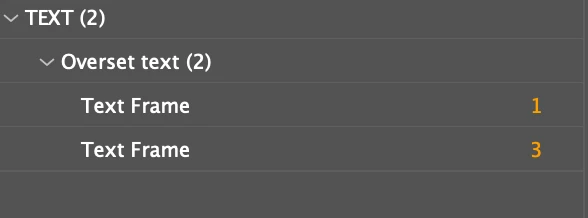
On the Preflight Panel, it shows 1 error, and I click the #1 nothing is selected/happened; after I duplicated the page(because I have two background colors on my page setting for the design), it changes to 2 errors with a #3; click on them and nothing happens again. Is it weird? If I duplicate ONE error, then it should be 2 x One error, right?
What I've tried so far:
1. I have backup my old document and I try to find out where are the error. The error appears after I edit that character style, so I believe it's the text issue. That's why I try to find it out in my "txt" layer. So I have tried deleting the whole text frame. Unfortunately, the error is still there even if it is just a blank page(see image below)
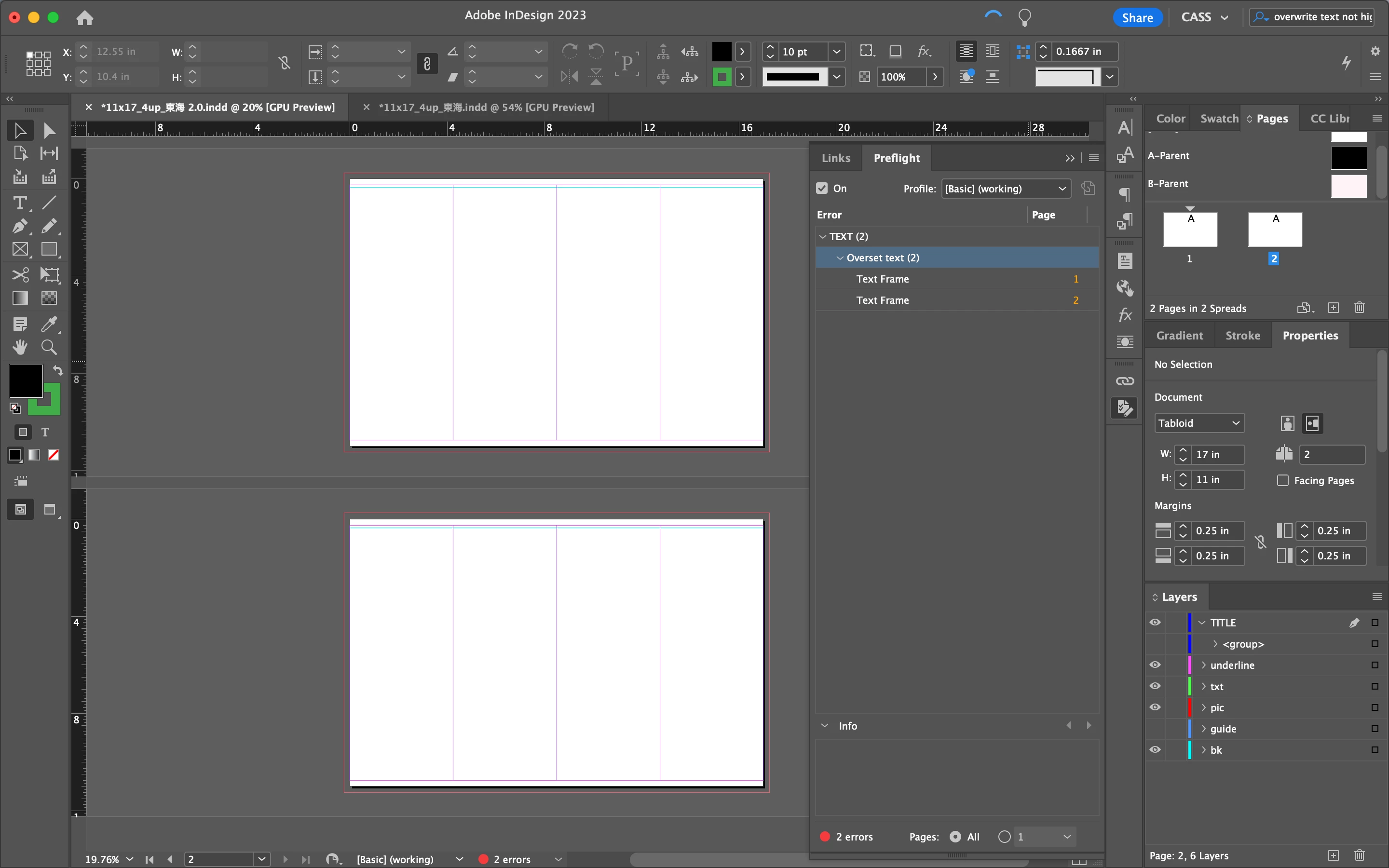
2. I have restarted my MacBook Pro and InDesign, same issue there. The only way the error will be disappeared is when I "Disvisable/👀" the "txt" layer. But it is a blank page already since I've single-clicked each text frame to be invisible; trying to find which one is the "Overset Text"... After all, nothing can be selected and the error is still there.
Here, may anyone let me know what is going on? And how can I fix it? Or is it just a BUG? The content and design in it take me a whole week, so it won't be a good idea to retype them again. Please help:)
 AdChoices