

Preflight profile: Allow only spot colours AND [Paper]
I have a few different preflight profiles that I use whenever I make documents for print. The one I use the most is for CMYK printing, and in this profile, under “Color Spaces and Modes Not Allowed”, I check Spot Color to make sure no Pantone or spot colours slip through and cause trouble further down the line. This works well.
Occasionally, I need to do the opposite: when I make documents that are to be printed with Pantone ink (and only Pantone ink – no CMYK inks will be loaded in the printer), I use a profile that has every option except Spot Color checked.
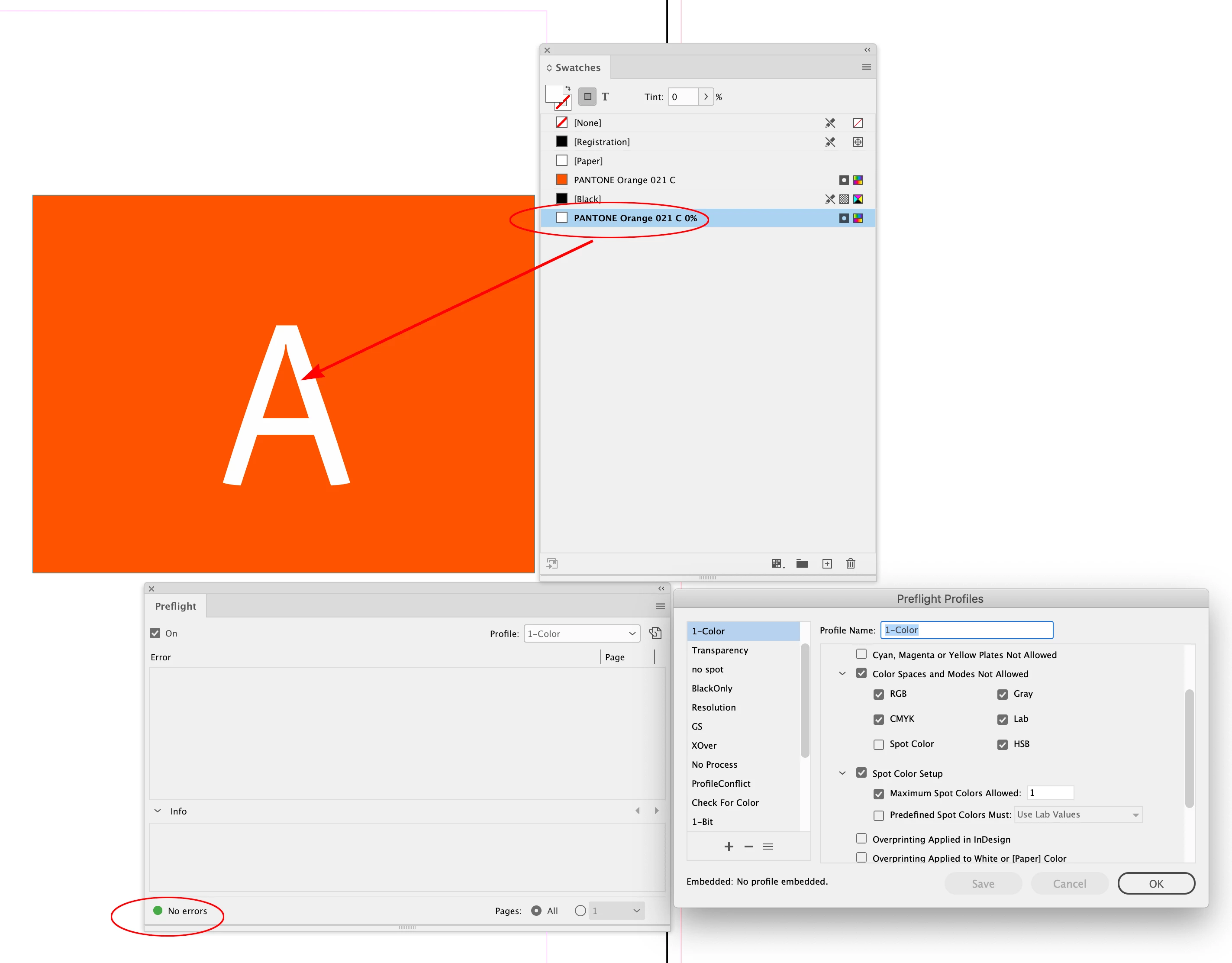
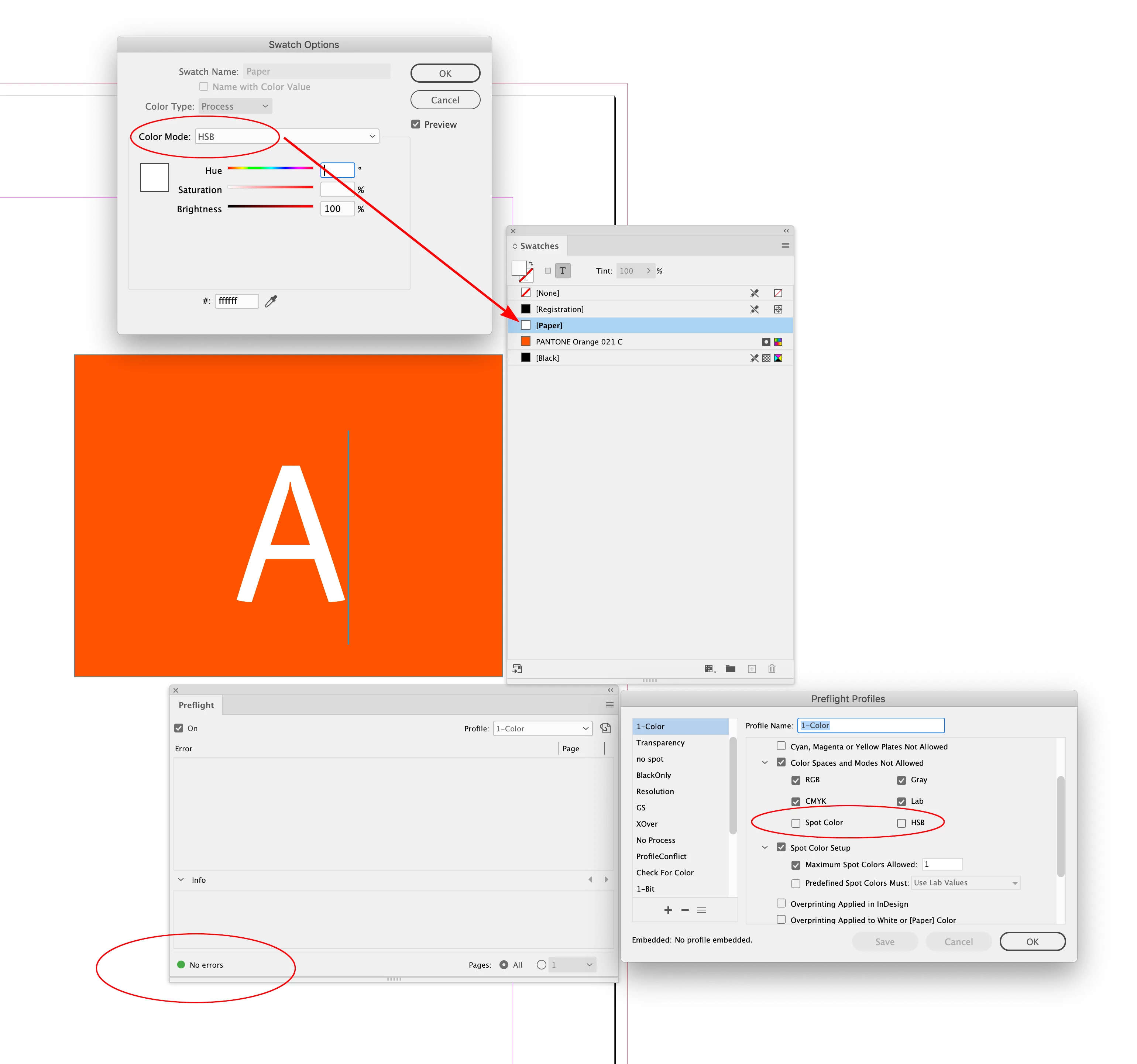
That also works fairly well, except that text in such documents will often be white (on a spot-coloured background), which in printing terms simply means no ink at all. Using the [Paper] swatch is the semantically correct way to achieve this, but since this special cannot be set up as a spot colour (it can only be a process colour defined in HSB, Lab, CMYK or RGB, nothing else), my preflight profile always complains about white text.
I would argue that this is incorrect behaviour since the [Paper] swatch is specifically for elements that are explicitly not going to translate to any printer ink. But InDesign does what it does, so arguing won’t get me far.
Is there some way to make sure that a preflight profile accepts only spot colours in a document, but always discounts the [Paper] swatch from its calculations?
 AdChoices