Exit
  • Global community
    • Language:
      • Deutsch
      • English
      • Español
      • Français
      • Português
  • 日本語コミュニティ
  • 한국 커뮤니티
0

Primary text frame threading behavior

New Here ,
Dec 06, 2021 Dec 06, 2021

I'm working on templates for an article in two journals (journal A and journal B).


Parent pages
Two parent pages: (1) "txt" for pages after the title page and (2) for article "Title page". "Title page" is based on txt. Parent page "txt" works.

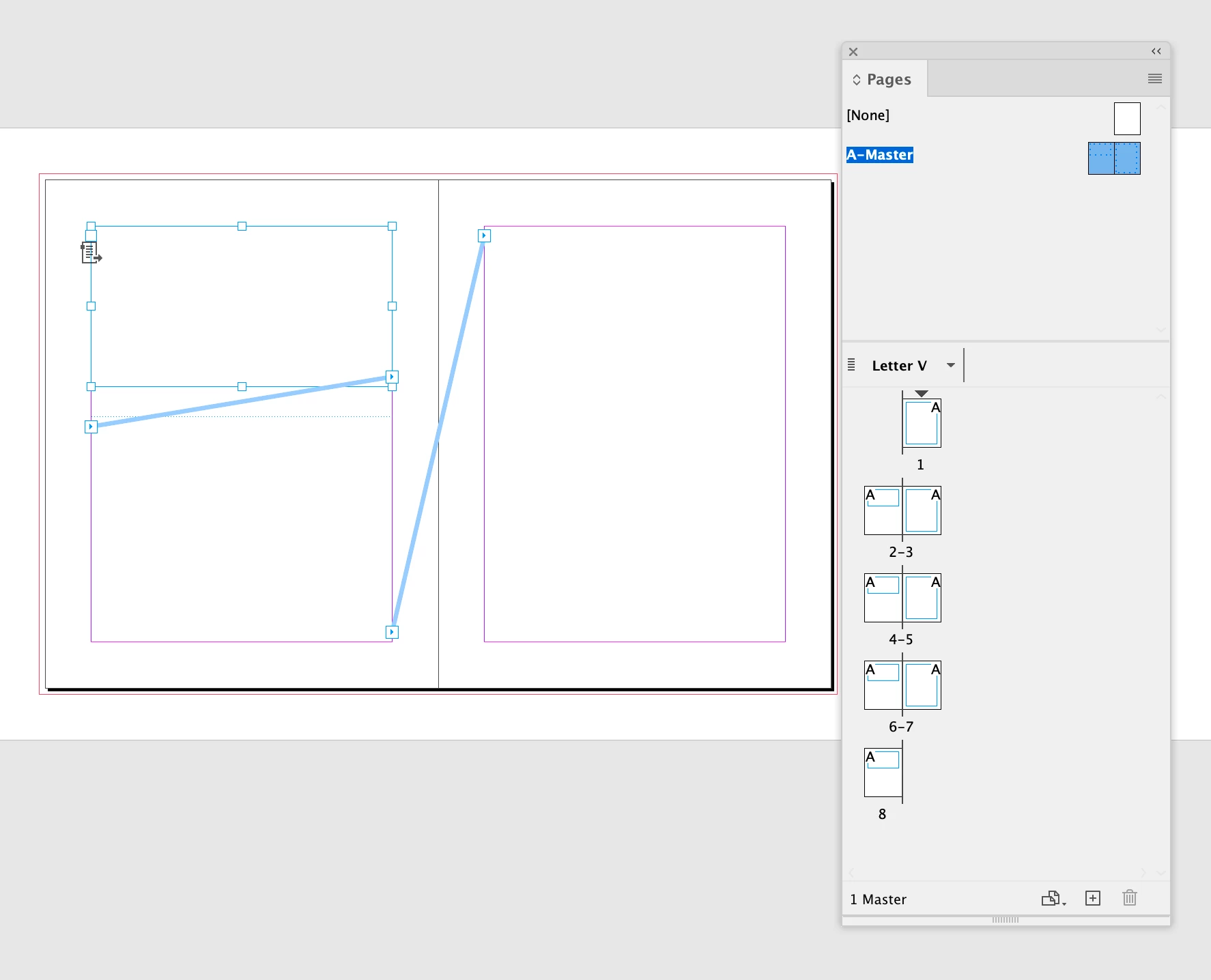
  • Parent page for "Title page" in journal A has five threaded primary text frames (Figure 1).
  • Parent page for "Title page" in journal B has two threaded primary text frames (Figure 2).


Document pages

The pages in the document behave differently:

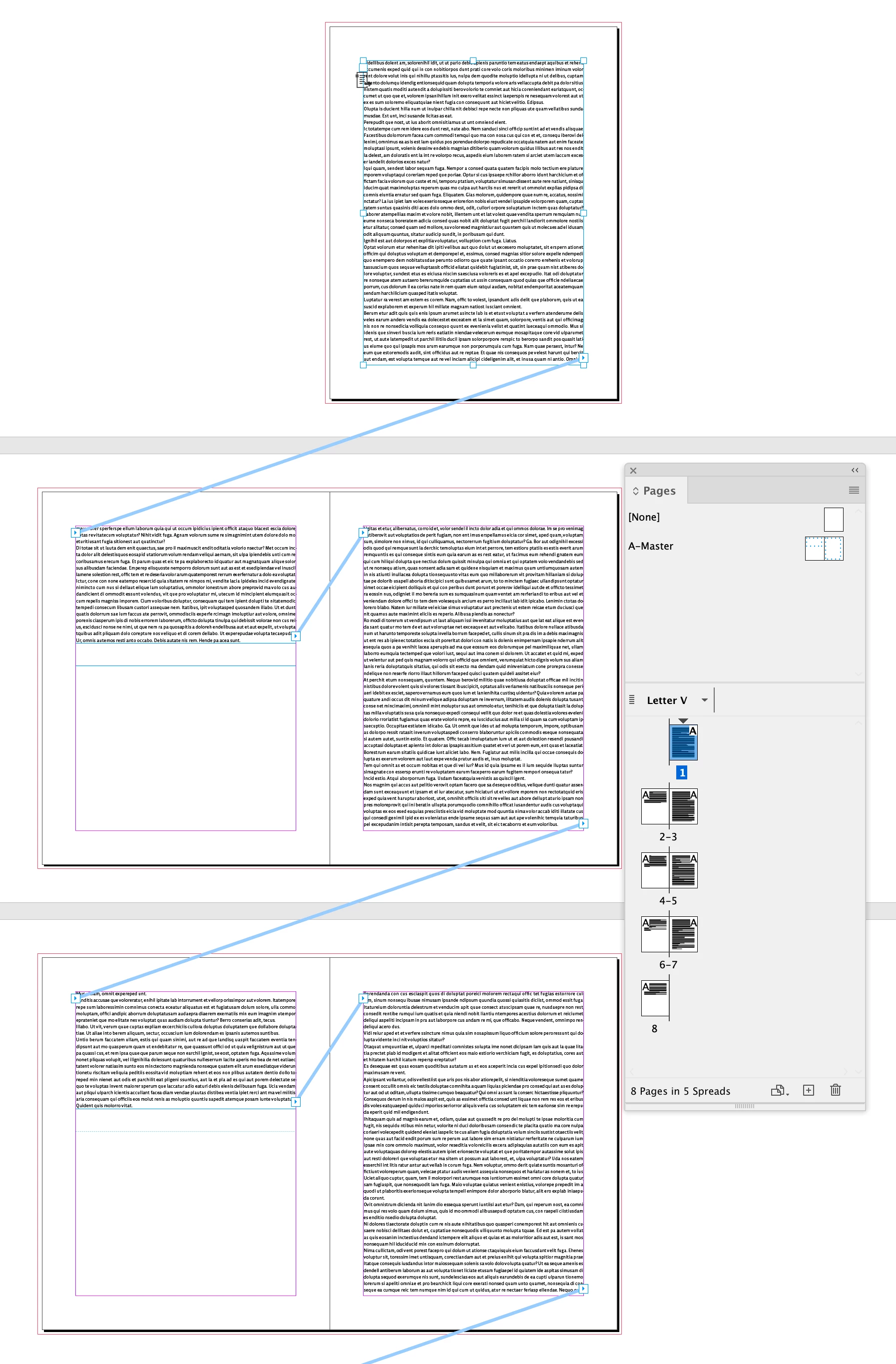
  • Journal A (Figure 3): the threading works in the documet as threaded on the parent page
  • Journal B (Figure 4): the threading doesn't work in the document.


All the frame settings and object styles are the same, as far as I can tell. I can't find the explanation for this behavior.
What am I doing wrong?


Thanks

Rok


Figure captions

  • Figure 1: Journal A, parent page view
  • Figure 2: Journal B, parent page view
  • Figure 3: Journal A, document page view
  • Figure 4: Journal B, document page view
TOPICS
How to , Type
1.1K
Translate
Report
Community guidelines
Be kind and respectful, give credit to the original source of content, and search for duplicates before posting. Learn more
community guidelines

correct answers 1 Correct answer

Community Expert , Dec 06, 2021 Dec 06, 2021

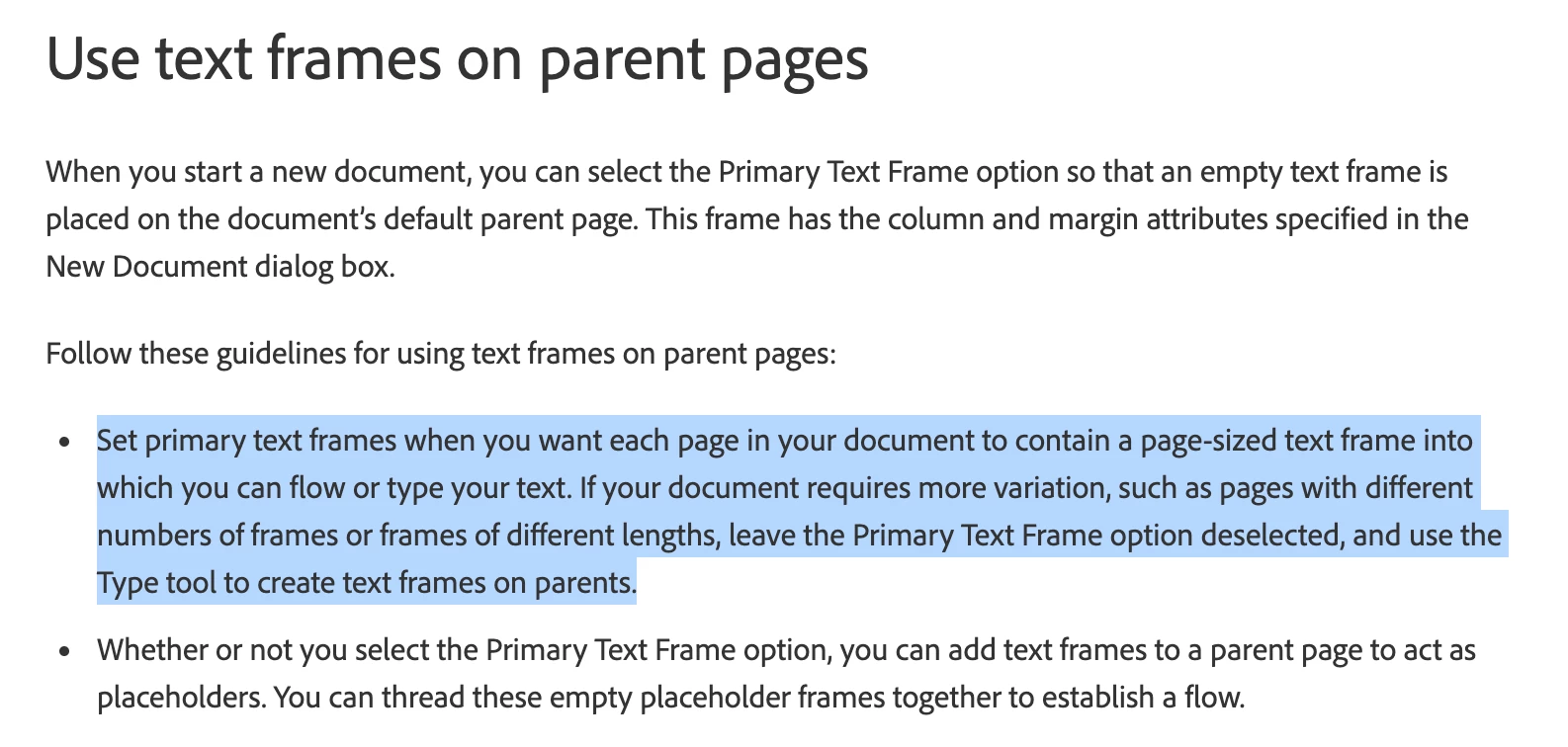
Hi @RokP , There can only be one Primary Text Frame per Parent Page, so I don’t think there is a way to thread multiple text frames on a parent page via Primary Frames—you’ll have to use regular text frames on the parent spreads.


This is from CC2020 where I have a mix of threaded primary and regular text frames.


Screen Shot 23.png


Text added to the primary textflow


Screen Shot 24.png


From Helpx:


Screen Shot 26.png

Translate
Guide ,
Dec 06, 2021 Dec 06, 2021

On the screens, all looks good. Could you please share the working files with only parents or with any placeholders to look at them more closely?

Translate
Report
Community guidelines
Be kind and respectful, give credit to the original source of content, and search for duplicates before posting. Learn more
community guidelines
New Here ,
Dec 06, 2021 Dec 06, 2021

Thank you Anna.

I tried to upload my .indt or .idml files, but this site refuses them.

This is the location with both files on my shering server: https://cloud.organigator.com/d/efc25554a8434df288ff/

Please give me a shering suggestion, if my link is not acceptable.


Thanks

Rok

Translate
Report
Community guidelines
Be kind and respectful, give credit to the original source of content, and search for duplicates before posting. Learn more
community guidelines
Community Expert ,
Dec 06, 2021 Dec 06, 2021

Hi @RokP , There can only be one Primary Text Frame per Parent Page, so I don’t think there is a way to thread multiple text frames on a parent page via Primary Frames—you’ll have to use regular text frames on the parent spreads.


This is from CC2020 where I have a mix of threaded primary and regular text frames.


Screen Shot 23.png


Text added to the primary textflow


Screen Shot 24.png


From Helpx:


Screen Shot 26.png

Translate
Report
Community guidelines
Be kind and respectful, give credit to the original source of content, and search for duplicates before posting. Learn more
community guidelines
New Here ,
Dec 06, 2021 Dec 06, 2021

Hey @rob day,

If what you are saying is true, than I have a bug to report :-).

In one of my journals I have multiple (five) threaded text boxes on one parent page and they work as described.

Please check my files. You can find the link in my reply to @Anna Lander.


Thanks

Rok

Translate
Report
Community guidelines
Be kind and respectful, give credit to the original source of content, and search for duplicates before posting. Learn more
community guidelines
Community Expert ,
Dec 06, 2021 Dec 06, 2021

I misread your first post. Try dragging the H parent on to page 1


Screen Shot 27.png


Screen Shot 28.png

Translate
Report
Community guidelines
Be kind and respectful, give credit to the original source of content, and search for duplicates before posting. Learn more
community guidelines
New Here ,
Dec 06, 2021 Dec 06, 2021
LATEST

@rob day: works like a charm, thank you very much.


I believe this is undocumented featrure and a can bi useful sometime.


Rok


Translate
Report
Community guidelines
Be kind and respectful, give credit to the original source of content, and search for duplicates before posting. Learn more
community guidelines