
Print booklet is junk.
I've been using Indesign for 15+ years, mostly CS3 - which was, and is, a tremendous piece of software. But because nothing ever stays the same, I've been forced to move to the current cloud based software running on Windows 10 Pro.
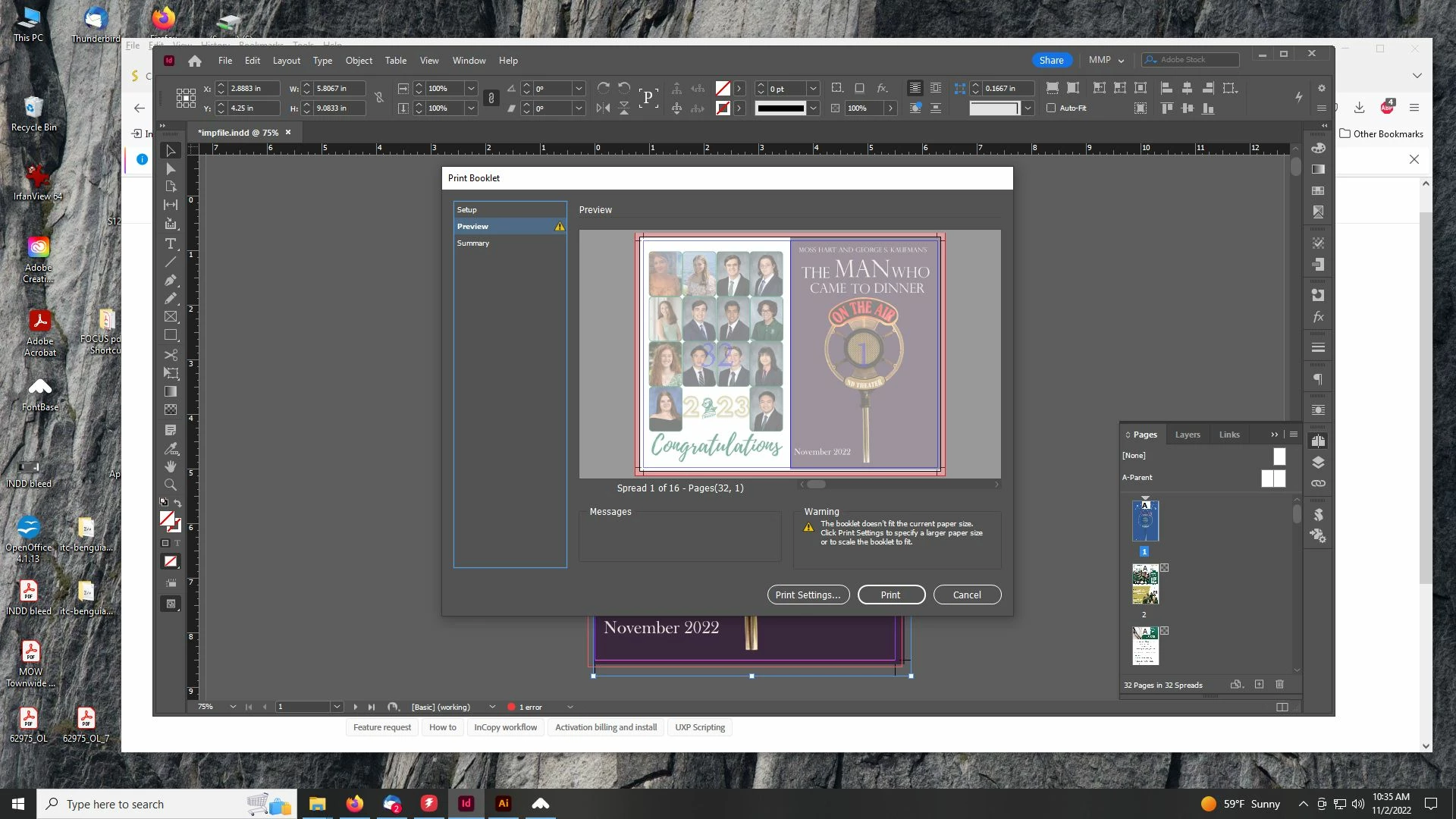
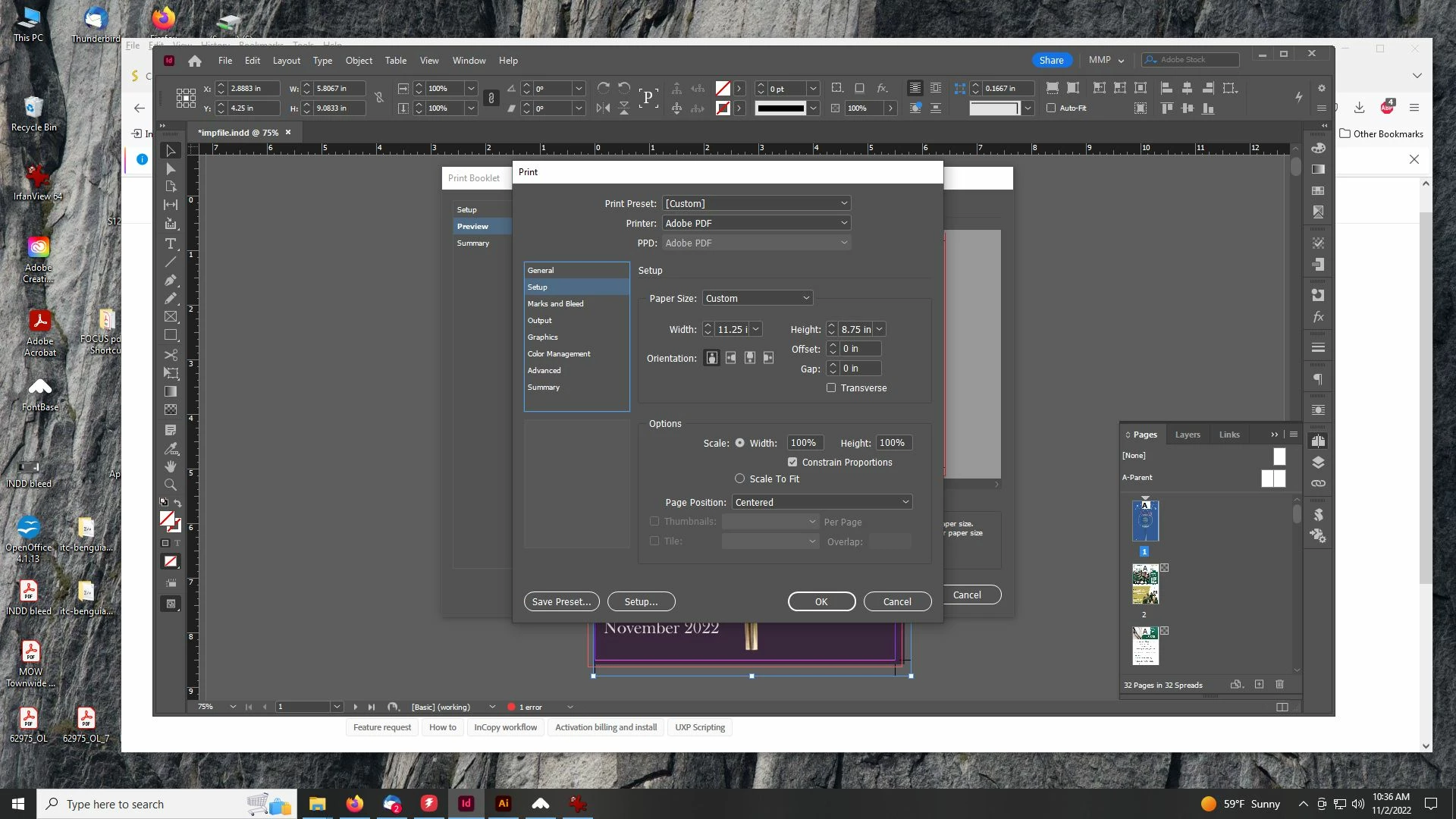
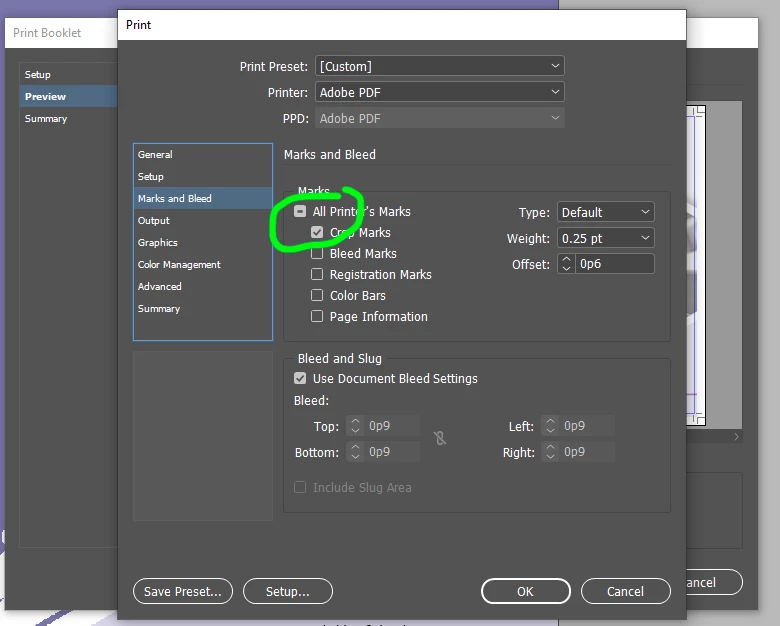
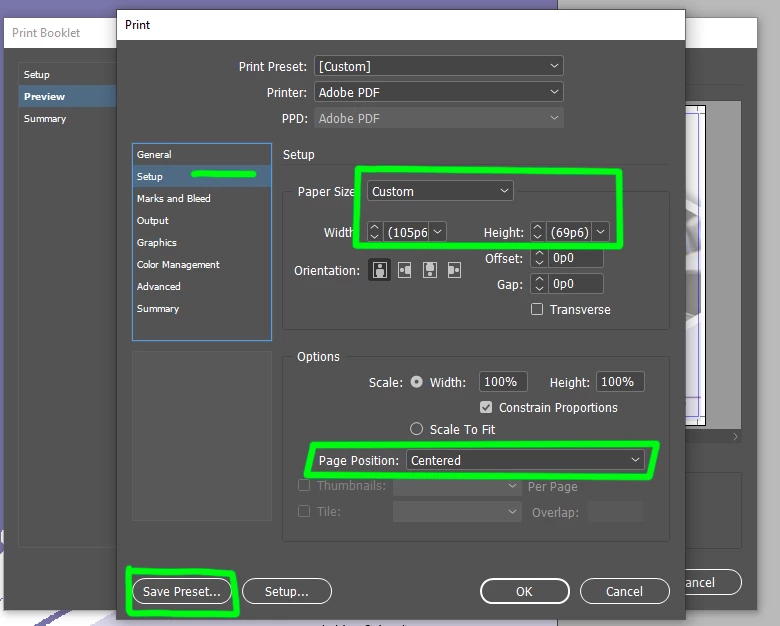
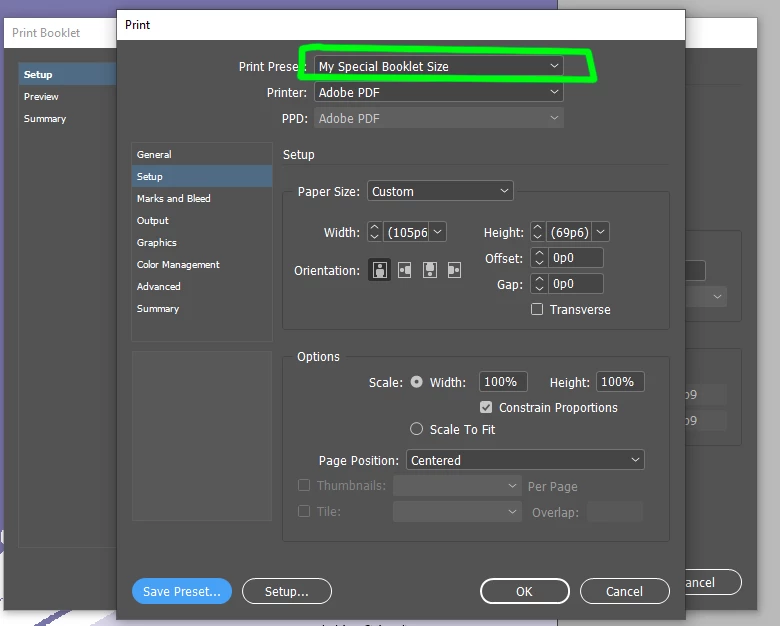
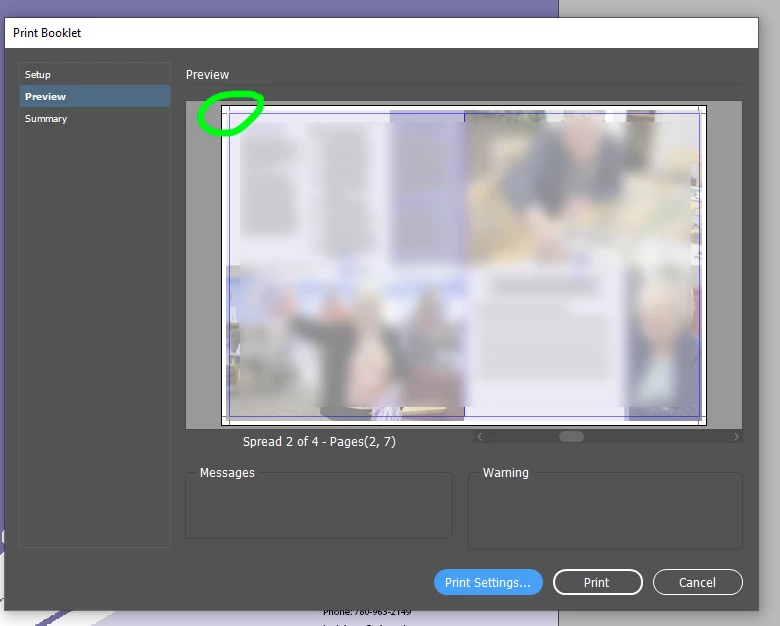
Attempting to create printer spreads using the print booklet feature, as I've done hundreds of times in the past using CS3. It's a digest size book when completed, 32 pages, with .125" bleed on the 5.5" x 8.5" page. I drop all of the single page PDF files in to my 32 page document, select print booklet, select my Adobe PDF printer, set the page size to letter, include crop marks, use document bleed settings (.125"), blah blah blah....literally all the same stuff I've done for years. Yet this program WILL.NOT.INCLUDE. crop marks and create the page size required for the marks to be included unless I manually set the page size to something larger than 8.75 x 11.25. I have never had to do this with CS3 - it would automatically set the page size needed whether you included no bleed, bleed, bleed with crop marks, or bleed with crop marks and bleed marks.
Screen shots inserted.
It's great that the software is 'more powerful'....but it's less functional than the previous platform. And not being a stand alone is definitely a detraction, not a benefit.
 AdChoices