
Participant
May 6, 2022
Question

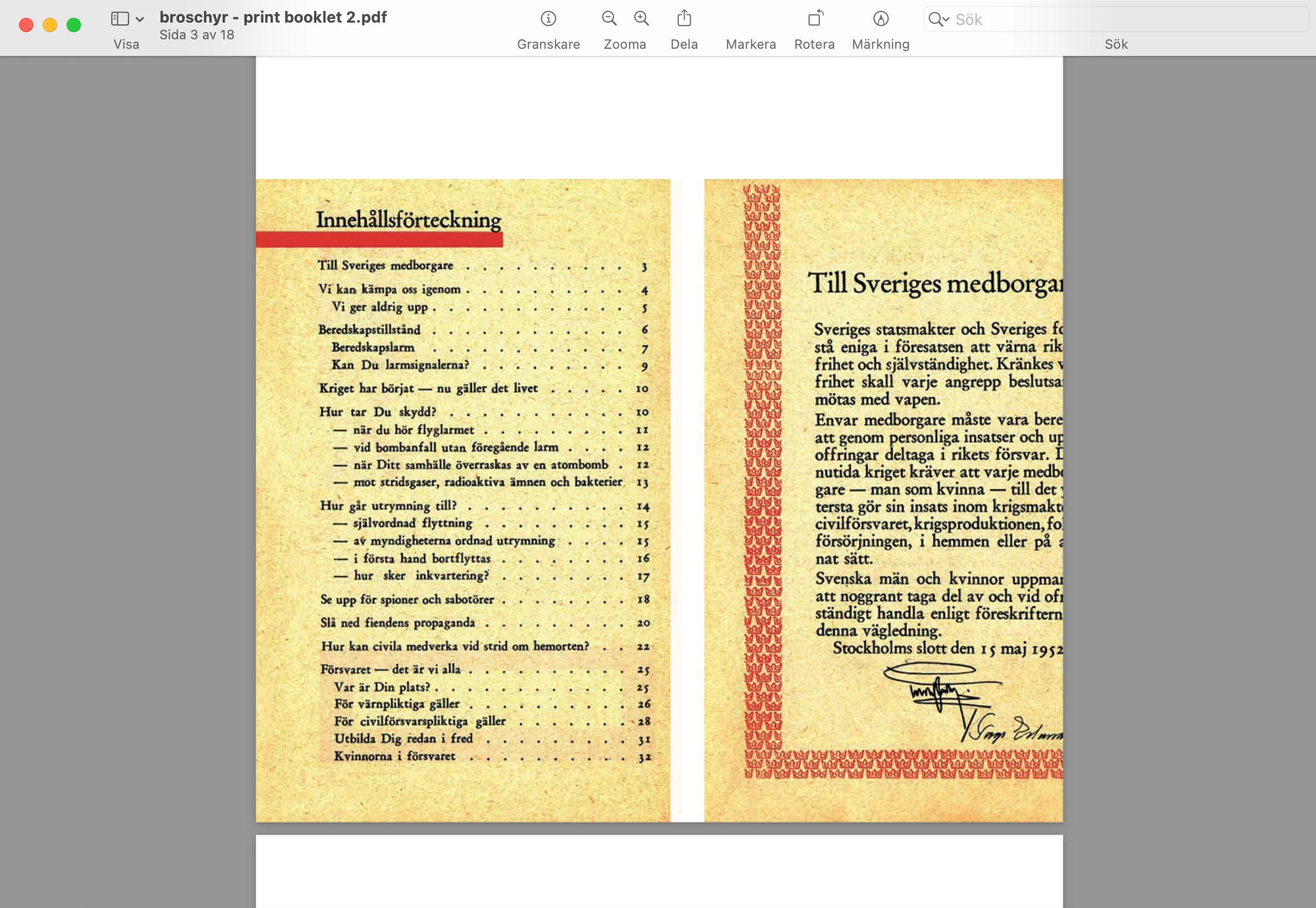
Print Booklet: When opening the PDF in "Preview" it has cut of a piece of the left side

  • May 6, 2022
  • 3 replies
  • 265 views

I need some help with printing a brochure. I have tried changing the margins but it still cuts of the page so that you can't see most of the text. 

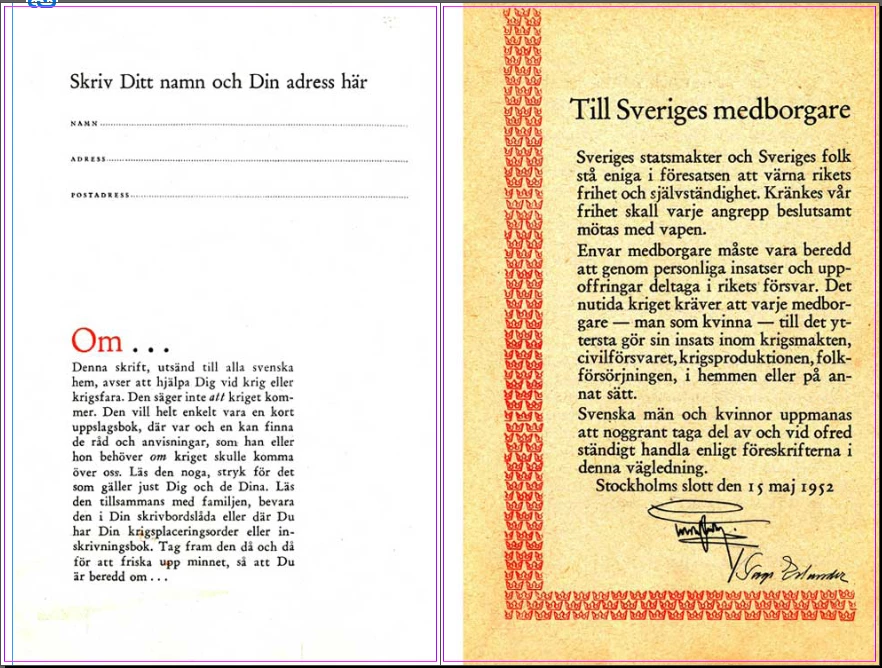
This what the spread looks like in Indesign:


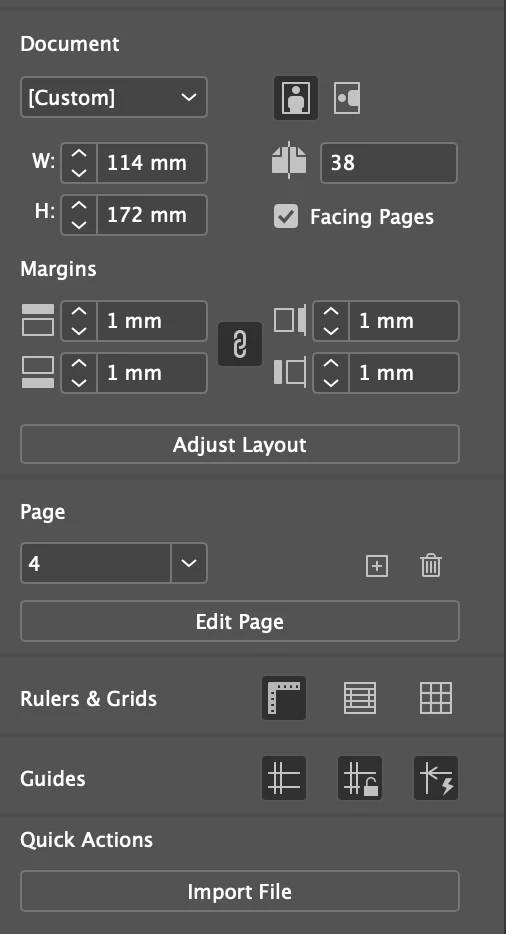
This is how my settings looks:
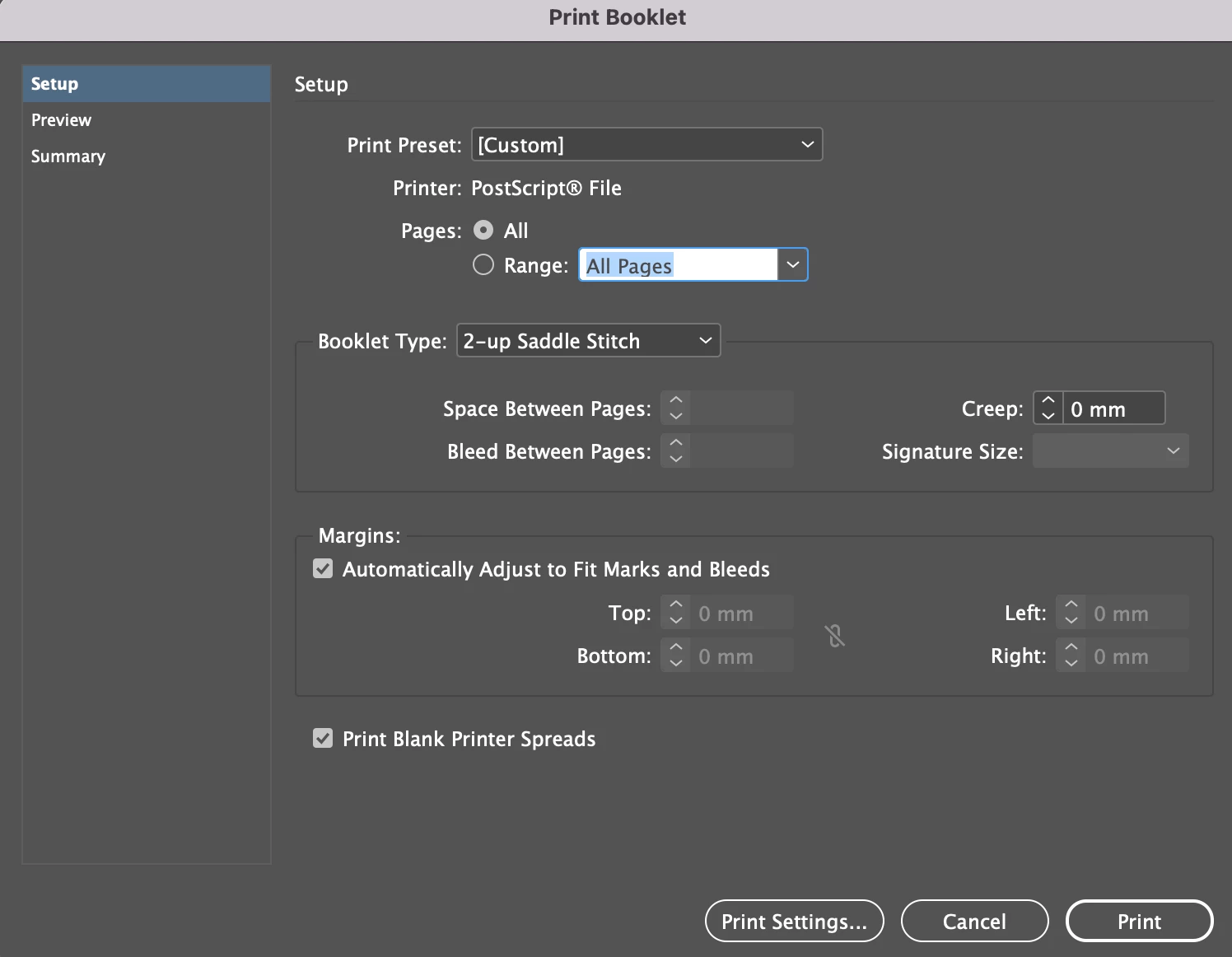
This is how the Print Booklet settings looks like:
And this is the results in Macs Preview of the PDF:
 

Thanks a lot!

This topic has been closed for replies.

3 replies

Willi Adelberger
Community Expert
Community Expert
May 6, 2022

For what purpose you want to impose the book? Does the printer require it? Or do you want to help to make the book?

BobLevine
Community Expert
Community Expert
May 6, 2022

First things, first; Preview is absolute trash.


If you really need an imposed booklet, export a proper PDF and then use Acrobat's booklet feature to print it.

Participant
May 6, 2022

Hi! I've tried that as well, but it looks the same in Acrobat...

BobLevine
Community Expert
Community Expert
May 6, 2022

That is not what I advised you to do. Go back to InDesign and EXPORT a proper PDF using the X/4 preset. Open that in Acrobat and use the booklet feature there.

rob day
Community Expert
Community Expert
May 6, 2022

Hi @Linnea5F88 , you need the AdobePDF 9.0 PPD to control the page size in postscript output. You can download it here, follow the installation instrctions carefully—the PPD folder is case sensitive


https://helpx.adobe.com/indesign/kb/add-acrobat-ppd.html


After installing go to Print Settings... and make sure the Paper Width and Height are large enough to hold the printer spreads. More here:


https://community.adobe.com/t5/indesign-discussions/indesign-print-booklet-only-half-pages-exporting/td-p/10713554