
jMarc
Participant
August 31, 2022
Answered

printer's marks when packaging document

  • August 31, 2022
  • 3 replies
  • 1751 views

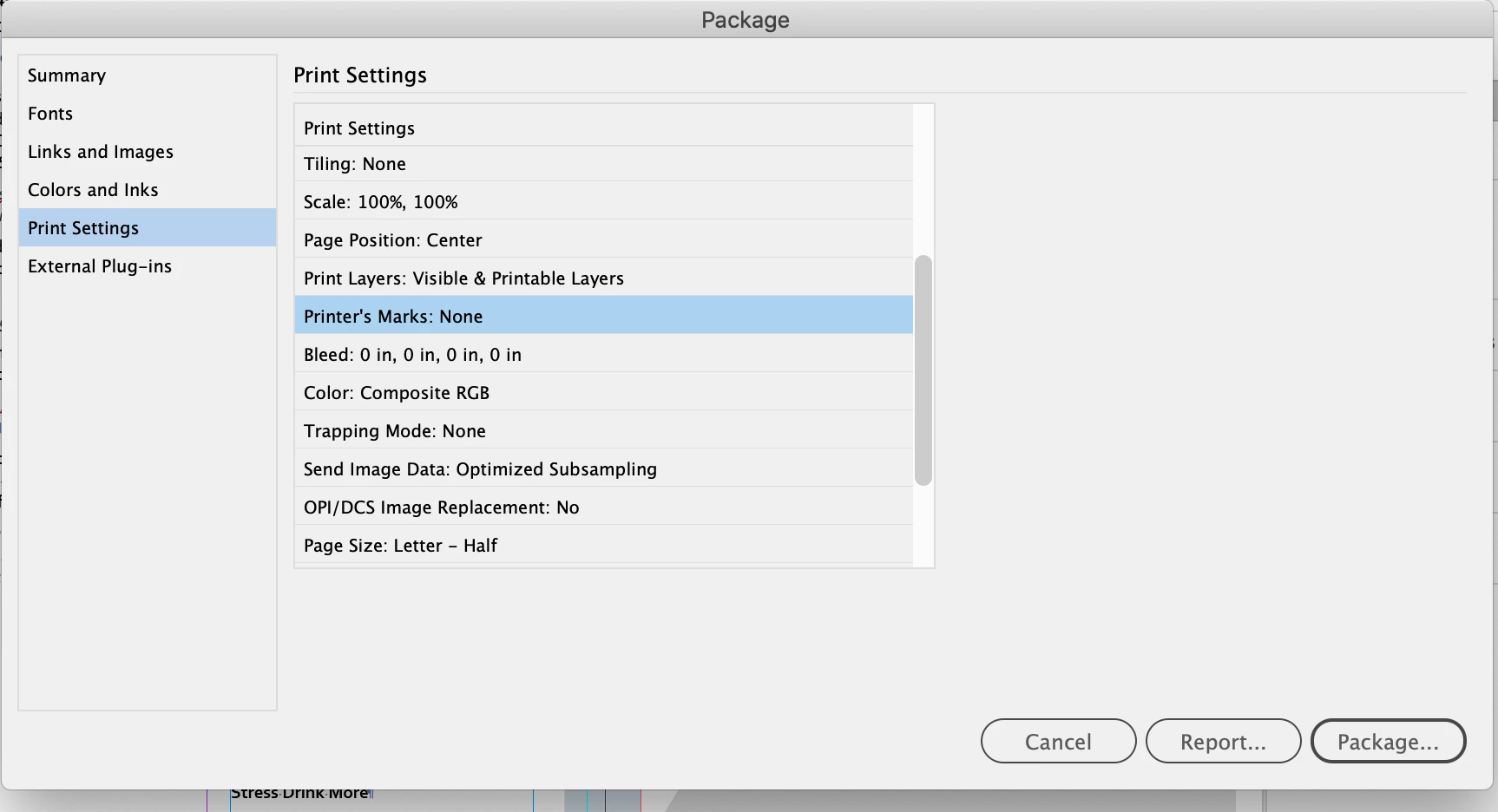
I feel like this should be easier than it seems to me. But when I try to package a file to send to a printer it doesn't give me the option to add printer's makers, and I do have bleeds and crops in the document. It just shows me "Printer's Marks: No"


Any advise on adding the documents bleeds/crop marks, etc.
 

Thank you!!

This topic has been closed for replies.
Correct answer Scott Falkner

Printers marks are not something that is added to the InDesign file, it is in the exported PDF or printout. You can certainly draw your own or use a script to add them, but there is no reason to do so. You can turn on printers’ marks in the print settings for the file, but again, there is no reason to worry about this. The printer will turn those on, or not, as needed.

3 replies

rob day
Community Expert
Community Expert
October 24, 2022

Hi @jMarc , Also, the Package>Print Settings dialog is showing the document’s current Print settings, so if I load a Print Preset that includes Marks they will show in the Package report.


The current Print settings for the document


On a Package:


Sorry I missed Scott’s post.

James Gifford—NitroPress
Legend
October 23, 2022

Just on a different tack... it has long been preferable to send nothing to printers but an optimized PDF. Bundling up a whole project and sending it for print is — IMHO — a throwback to the PageMaker days when many designers could make a pretty picture on the screen but had no idea how to make a technically optimal, press-ready file.


Packaging is (again IMHO) for sending project to another designer, or doing a suspenders-and-belt archive of a project. It's not — need I say IMHO? — the right method for submitting a project for print.


Scott Falkner
Community Expert
Scott FalknerCommunity ExpertCorrect answer
Community Expert
August 31, 2022

Printers marks are not something that is added to the InDesign file, it is in the exported PDF or printout. You can certainly draw your own or use a script to add them, but there is no reason to do so. You can turn on printers’ marks in the print settings for the file, but again, there is no reason to worry about this. The printer will turn those on, or not, as needed.

jMarc
jMarcAuthor
Participant
October 23, 2022

Thank you Scott.