
Printing with VIVID Toner – Knockout CMYK object from VIVID layer, but keep it unprinted
We have a Xerox Versant 180 Press that is capable of printing with a VIVID Toner Set (white, gold, silver, clear). I'm designing an invitation and I have a silver border in the background that I want to be knocked out by some floral PNG shapes above it.
I can't figure out how to set it up so that the VIVID document has the Silver box with the knocked out areas... I either get the CMYK floral images "converted" to the VIVID set, or I just get a complete box, uninterrupted.
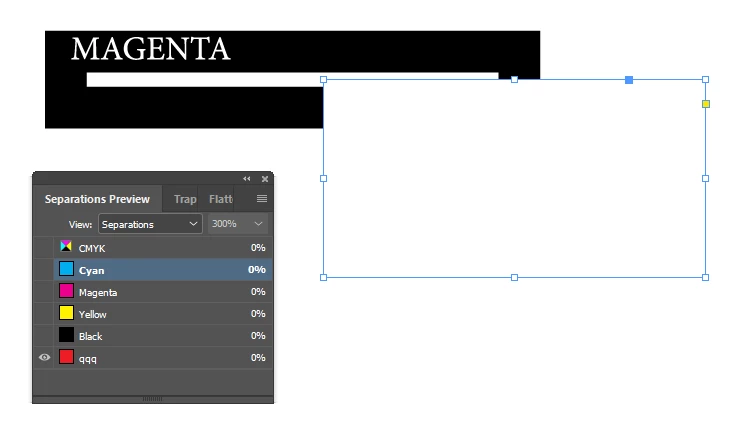
Below is a screenshot of the screen preview. So I would like to export JUST the Silver border where it is visible here, and it be cut out where these flowers overlap. I hope that makes sense.
I have tried setting the flower objects to "Knockout Group" but that didn't work. I'm not sure where to look!


 AdChoices