
Problem alligning crop marks in .pdf document (cover made in indesign, rest made in acrobat)
Hello and sorry for confusing title.
So i am working on this nightmare of a file (40 pages product manual), originaly made in corel draw, i re-made all of the content using technique - pdf opened in acrobat - edited in illustrator, saved back to pdf page by page. The whole project is done now, but i customized the cover of the manual in indesign.
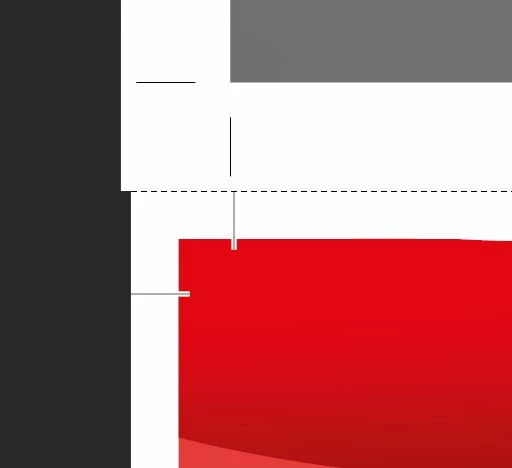
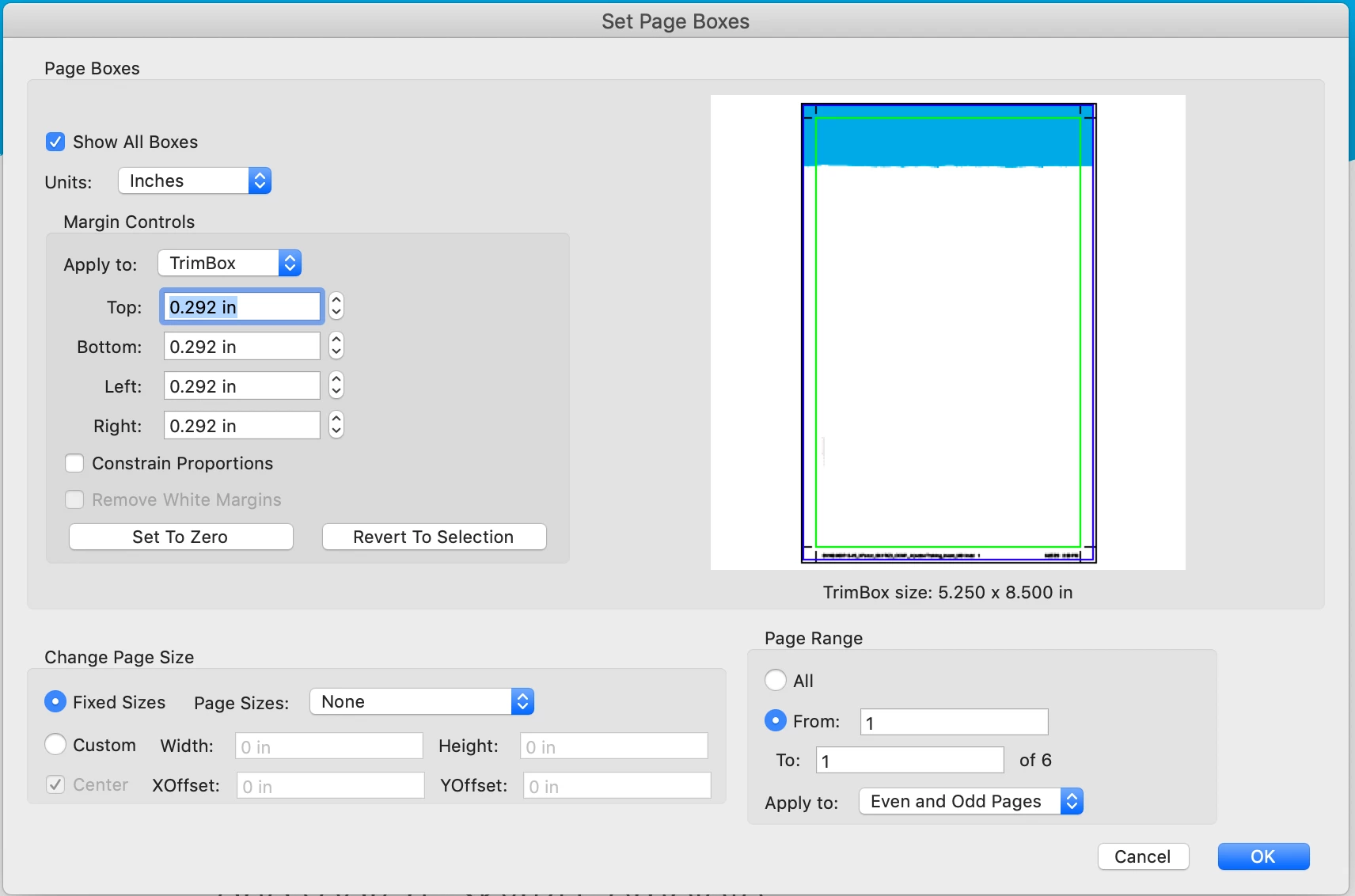
The thing is, 38 of those 40 pages (the contents of the book) had crop marks added by acrobat pro. The other two pages made in indesign, i added myself while exporting it into pdf, and those two just does not match each other, size of the cover pages after crop seem to be a slightly smaller than the rest of the pages. (see the attachment below)
Is there any way that i can maybe move the crop marks (to enlarge the area that is going to get cut by printers)? Any advice is welcome.
Thanks a lot in advance.
 AdChoices