Participant
November 13, 2025
Question

Problem creating Interactive PDF in InDesign

  • November 13, 2025
  • 1 reply
  • 178 views

I'm trying to create Interactive PDF using InDesign, but I'm running into couple of issues.

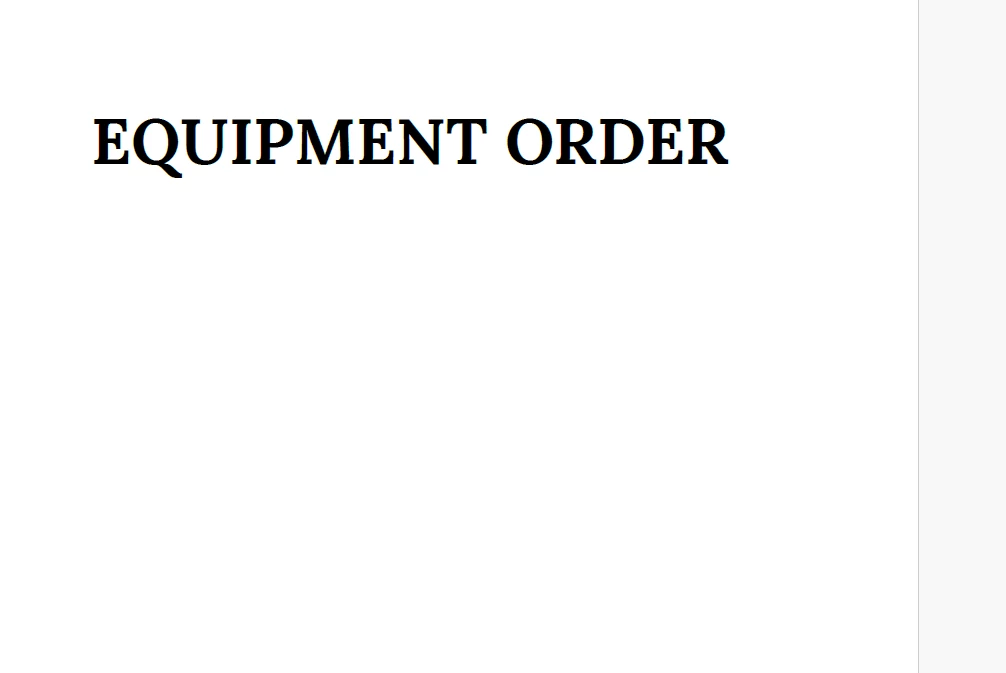
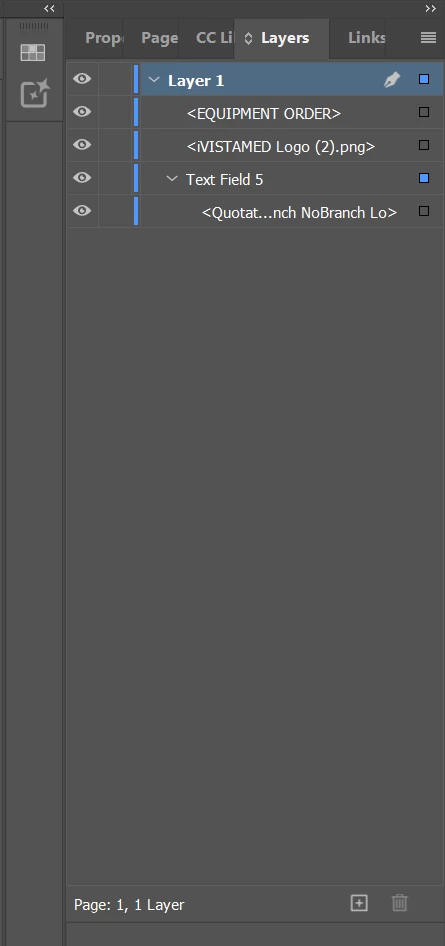
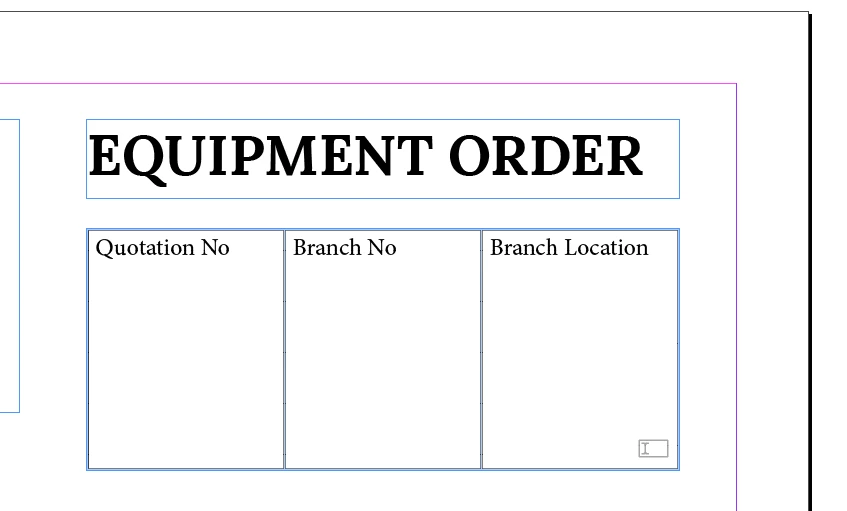
When I'm exporting this design  file as Interactive PDF, I'm not able to see this table in the exported PDF. I checked the layers panel and everything looks okay (even asked perplexity for help). 


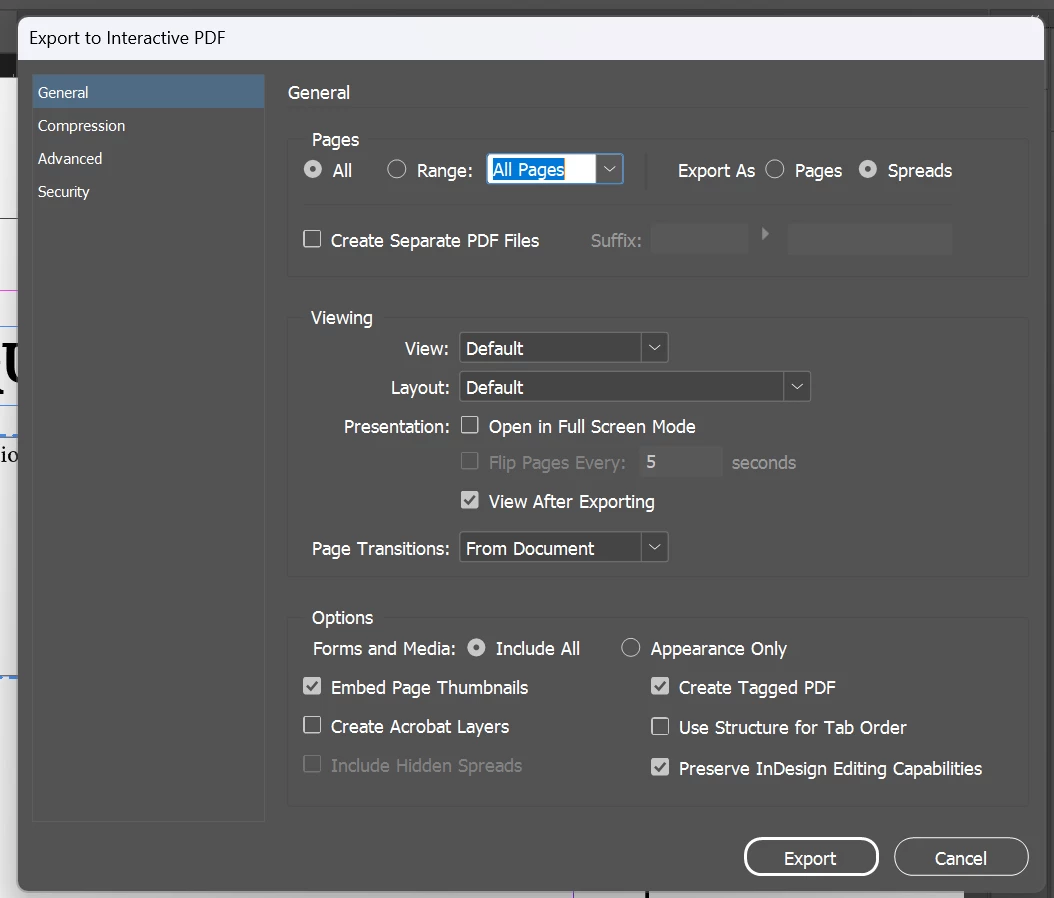
I've attached all relevant screenshots. Can someone please help me understand what I'm doing wrong?


1 reply

BobLevine
Community Expert
Community Expert
November 13, 2025

You need to show us the resultant PDF, not just a screenshot.


But that's a text field. Are you expecting people to fill out three choices in one field? Finally, where you looking at this? In Acrobat? A third party PDF Reader?

Participant
November 13, 2025

I'm checking it in the Acrobat. Its a 3 different text field and I expect people to add the information.

Participant
November 14, 2025

I can tell what you did, I think. You created a table and added what you thought would be placeholder text. You right clicked it and chose Interactive > Converted to Text Field.


That's not how it works and you'll need to add the placeholder text in Acrobat after you create the three text fields separately.


I don't think so I understood it clearly, as I just started learning InDesign, but I'll check out some YT videos. However, thank you for your help