
Problem pasting Arabic text from Word to inDesign using "Find/Change" feature
Hello everyone,
As the subject suggesting i'm having a hard time trying to copy/paste text in "Arabic" from Microsoft Word document to indesign when using the "Find/Change" feature.
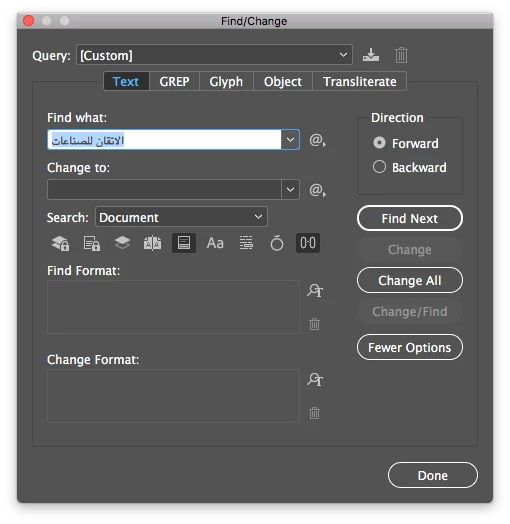
The idea is that i need to search for a specific text in the indesign and replace it with a new one, so i copy the text from the word document and paste it in the "Find/Change" window but once i do so weird symbols appear instead of the "spaces" between words, as the following pictures show:
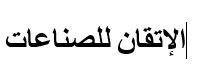
Text copied from word as it appears in M.S Word :
Text after pasting it into indesign "Find/Change" windows, as it appears in indesign:

From what i know spaces are special characters where indesign replaces them with symbols, but this comes in the way to find what i need, because it always gives me "Cannot find match".
Typing manually doesn't produce the same problem, it happens only with pasting from M.S word document. Also pasting to the document doesn't produce the same problem. I am using Adobe in design CC 2017 and Microsoft Word 2016.
I am new to indesign and i don't have the experience to tell what is the exact problem over here, so i'd appreciate any help from you guys.
Thanks in advance,
 AdChoices