
Answered
Problem placing EPS logo with RGB swatches into INDD file for Web - swatches convert to CMYK
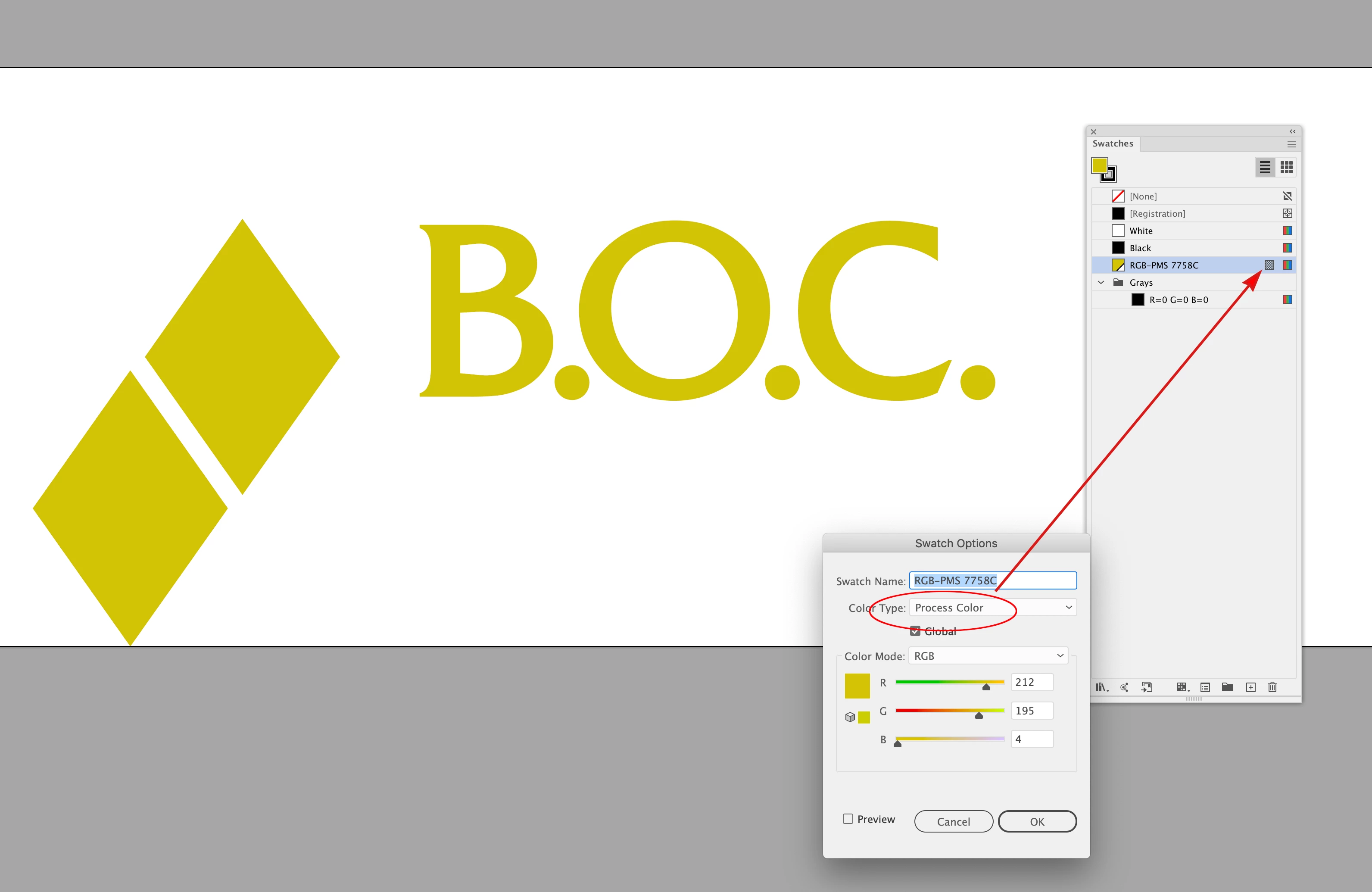
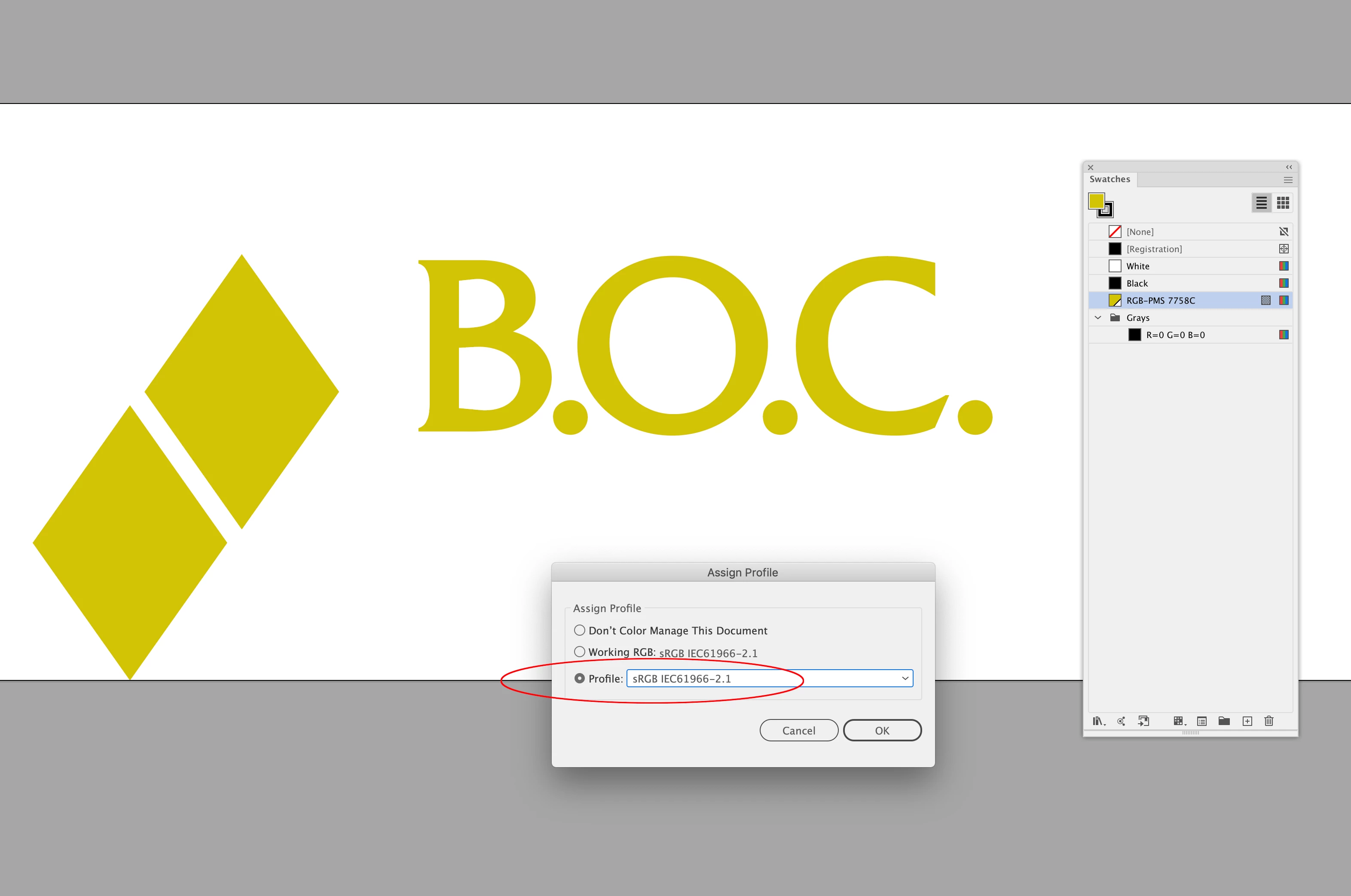
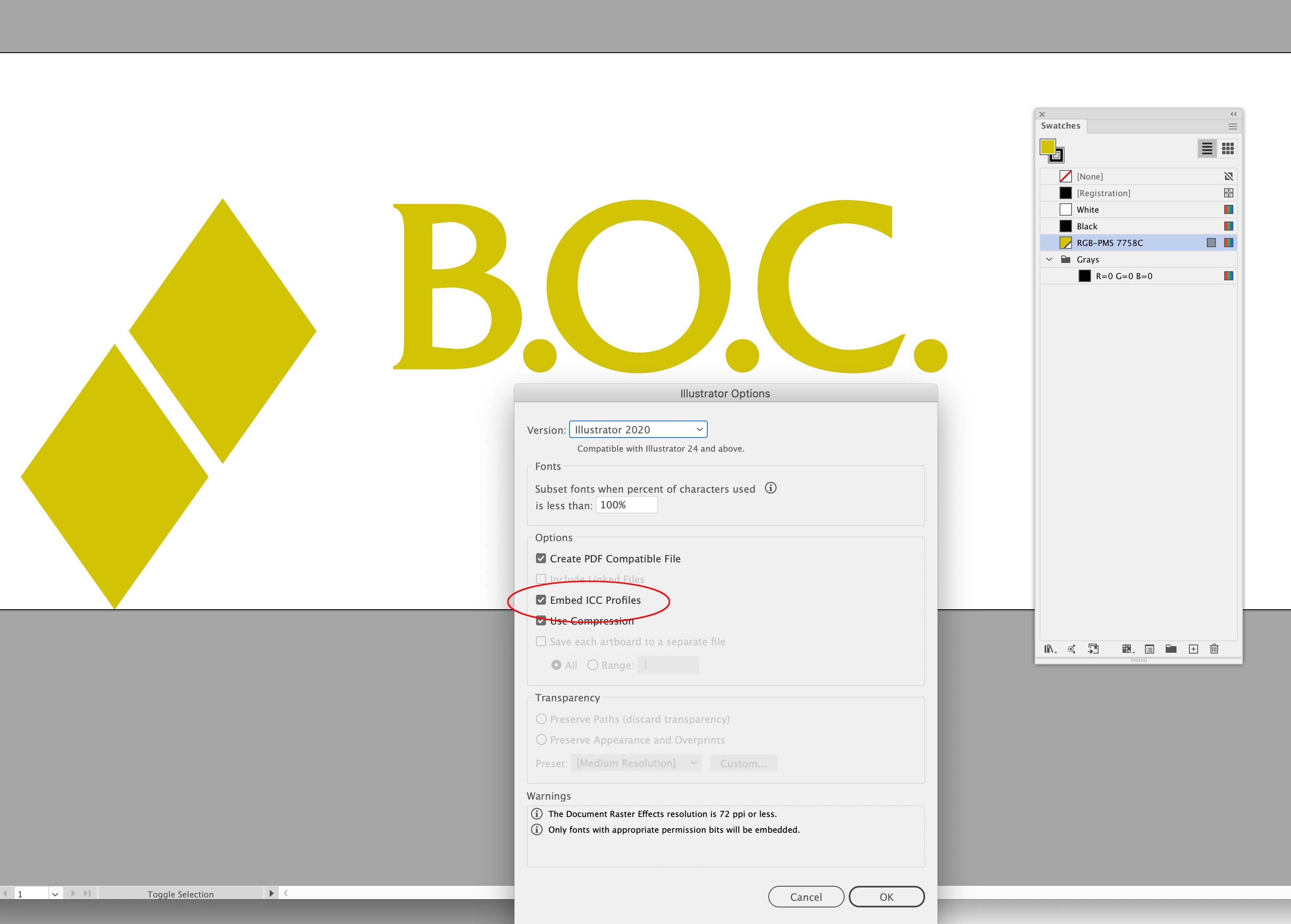
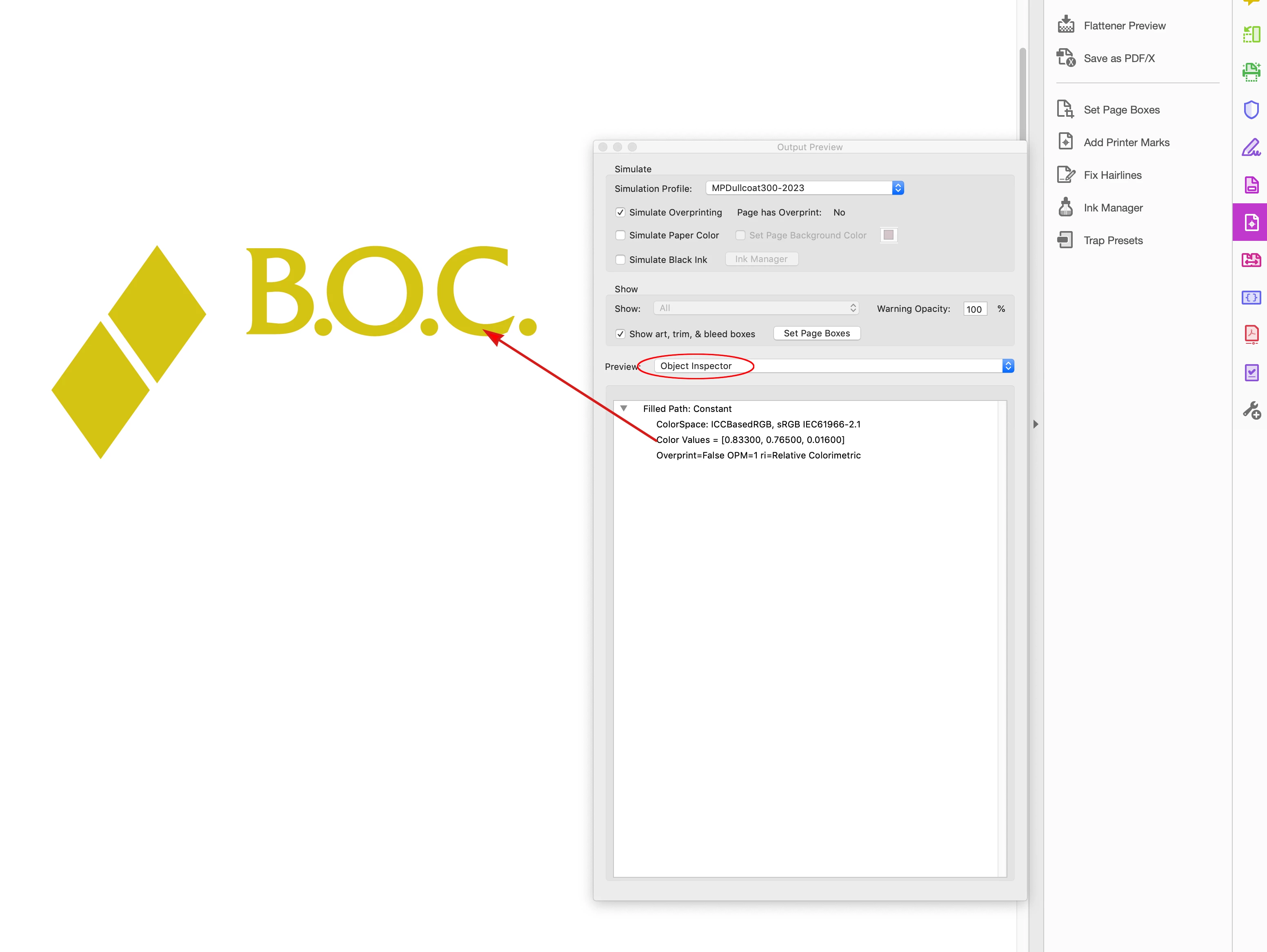
Hello – I have an INDD document with Document Settings > Intent set to Web. Swatches are all RGB. I try to place a logo file into the document – an EPS file that was built for screens, with RGB swatches – but INDD is converting the RGB colors in the logo to CMYK. I now have CMYK swatches in my swatch panel that are associated with the logo.
I've tried placing other RGB logos in this document and the same thing happens. I have never had this issue before and can't figure out how to fix it. Any suggestions?
 AdChoices