

Problem with ToC,
I am building a template for a client
The template was designed originally in FrameMaker by my supervisor. It was visually approved by the client so design decisions are final. I need to build an InDesign template required by the client for quick adjustments and translations
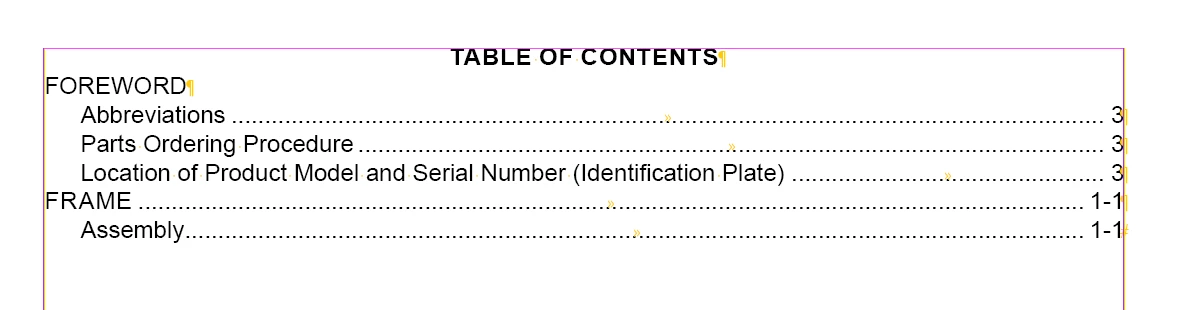
I have found a way to create a Table of Contents using multiple Paragraph Styles and I am able to update master page headers using a running header through Character Styles and a text variable. Unfortunately, due to the document design being concrete, I'm running into problems with how the template is to be built and I could use some guidance
My original thought was to have a chapter introduction using a 'Heading' Paragraph style, and dividing each chapter into sections using a 'Sub Heading' Paragraph Style as this would allow the Table of Contents to automate properly and handle linking to each section. Because the designs are concrete, I am unable to add a chapter introduction. So now I have to figure out a way to incorporate a chapter title onto pages both with and without a header while keeping all of the sections in their proper chapters in place in the ToC.
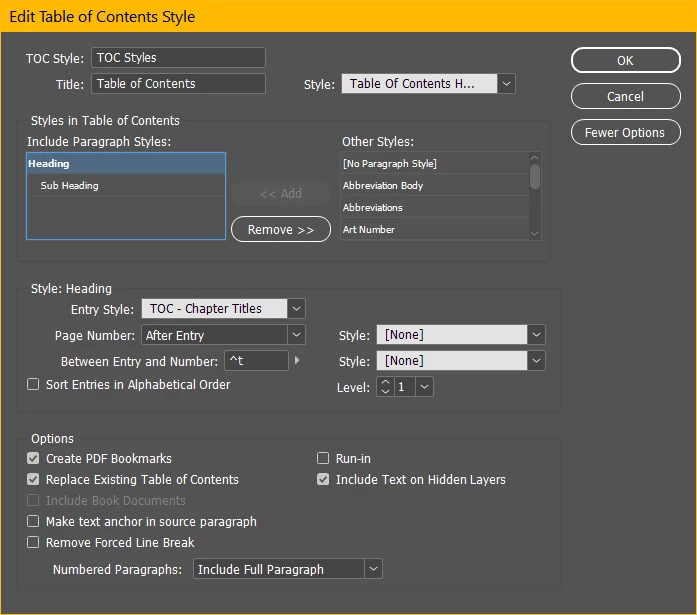
The way I have built the ToC chooses a 'Heading' Paragraph style as the first level, and a 'Sub Heading' Paragraph Style as the second level when populating a ToC. Any instances of these styles in the indd will be found and tallied for what will become a ToC
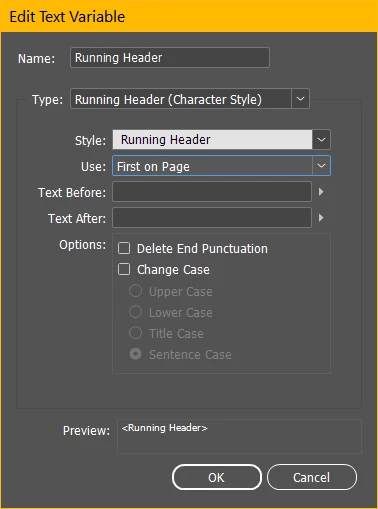
The way I am utilizing a running header is by establishing a blank character style, defining the running header text variable to include the running header style, and placing the running header variable on corners of the master book pages.

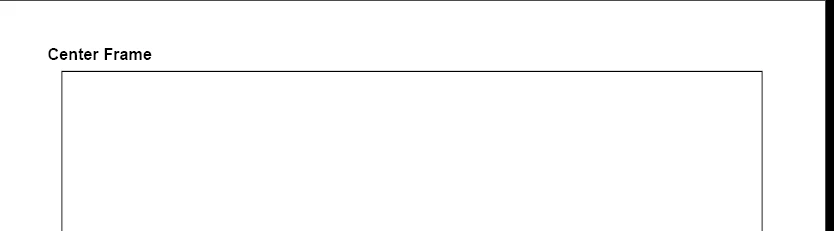
What I cannot seem to figure out is how I can effectively name a chapter and define the Running Header variable while being presented with inconsistent design. Not all chapters have a header in the corner, so I don't have a clear way to define the start of a chapter for the ToC. Here's an example of a page which starts a chapter with a subheading, but doesn't have a header:
I have attempted putting the chapter title on its own layer and hiding the layer, but the header text disappears as well. I've also attempted lowering the opacity of a chapter title textbox though this may be too convoluted for someone to navigate when working with the document in the future. Despite this, the latter seems like the best approach. For one of the modern software standards in professional publication design, is there a way I can do this that is more intuitive?
Please excuse the scatterbrained type. Hopefully this makes some sense. Ask questions if you have them, I'm happy to clarify. I'm not allowed to upload the document due to confidentiality reasons, but I could build a template (of the template lol) if someone wished for a copy.
Thank you in advance
 AdChoices