
Question
Problems pasting vector objects
Im having a weird problem pasting vector images in the InDesign 2020. When I paste the image it has a bounding box and not an image frame. When I resize the object using the bounding box the box remains the same but the object changes shape. It's not like a traditional image frame where I could fit to object or resize it to crop the object. It also looks different. 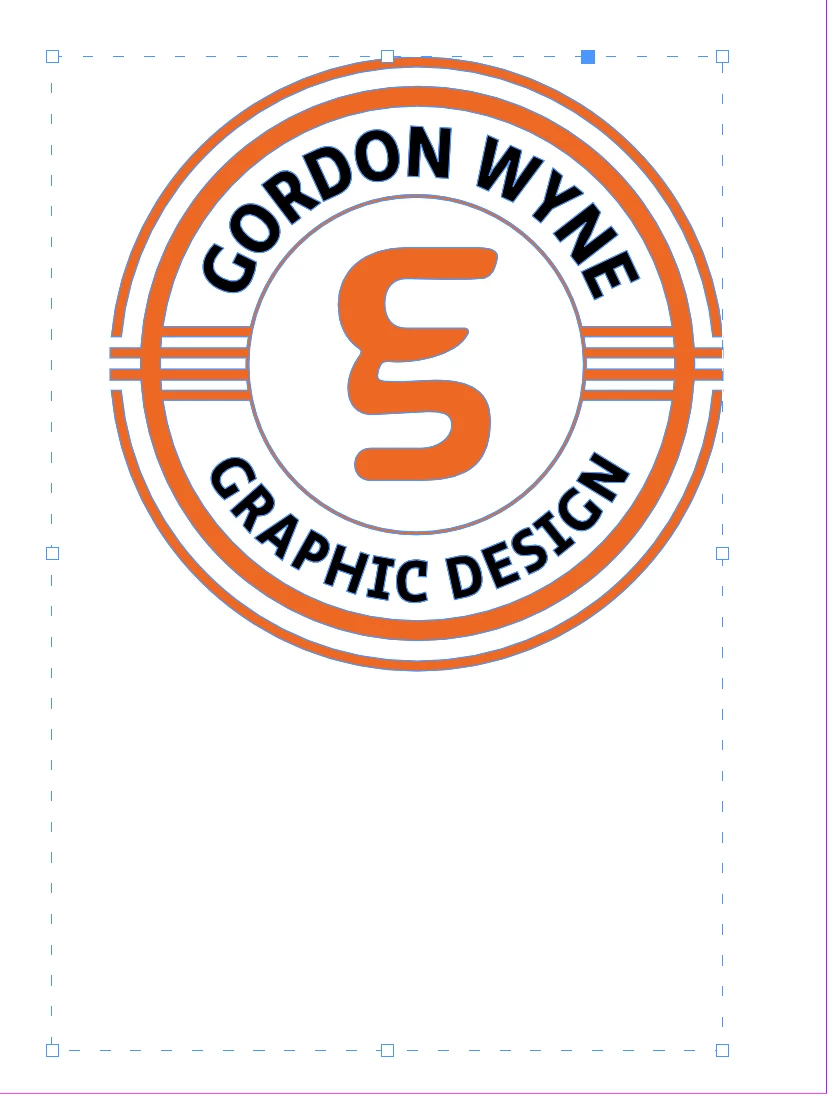 You'll notice the strange dotted line. If I click on that line I can't resize or reshape it. The other weird thing is the object isn't centered in the frame. I've never seen this before. Is it a feature of 2020?
 AdChoices