
Inspiring
November 10, 2019
Question

Problems pasting vector objects

  • November 10, 2019
  • 2 replies
  • 3095 views

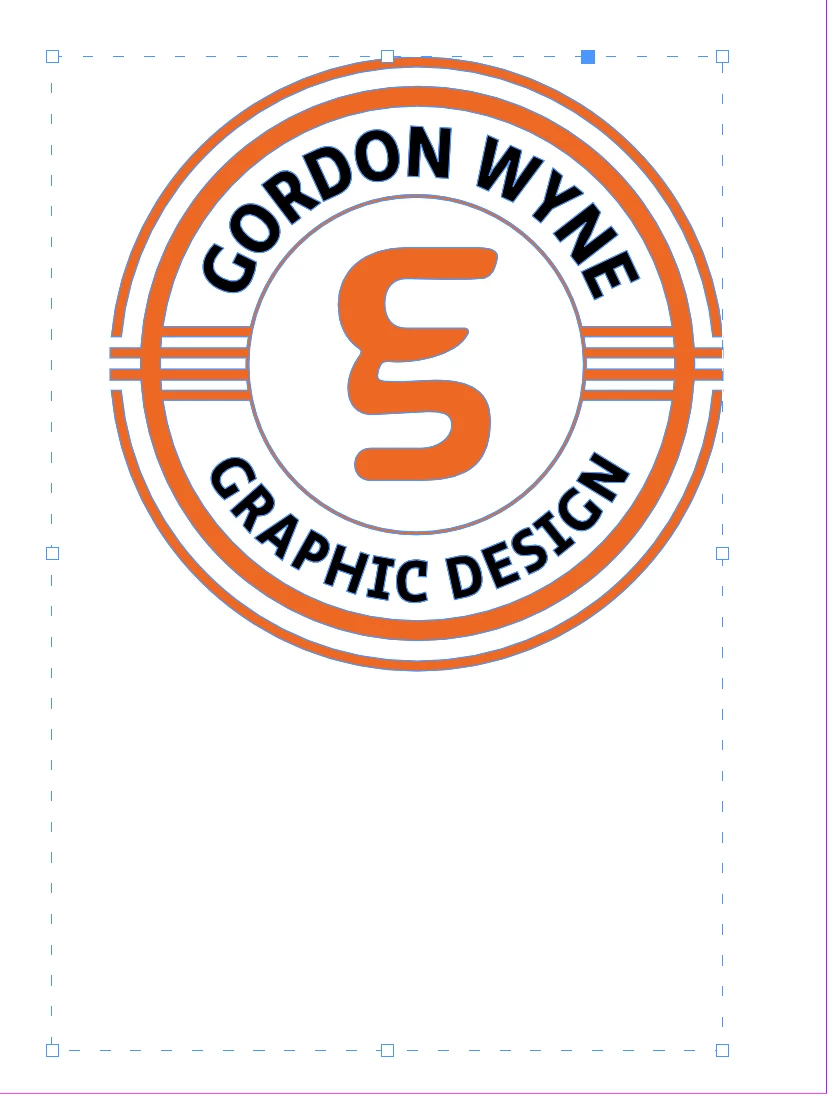
Im having a weird problem pasting vector images in the InDesign 2020. When I paste the image it has a bounding box and not an image frame. When I resize the object using the bounding box the box remains the same but the object changes shape. It's not like a traditional image frame where I could fit to object or resize it to crop the object. It also looks different. You'll notice the strange dotted line. If I click on that line I can't resize or reshape it. The other weird thing is the object isn't centered in the frame. I've never seen this before. Is it a feature of 2020?
This topic has been closed for replies.

2 replies

Steve Werner
Community Expert
Community Expert
November 10, 2019

I believe that the dashed line and bounding box you're seeing is because you have a group selected. That would mean you have two or more objects selected and grouped. But I believe that you can't tell that because you may have Show Frame Edges turned off. Try choosing View >  Extras > Show Frame Edges. Then I bet you could choose Object > Ungroup.


I could diuplicate you have (showing in these illustrations):


COGordonWAuthor
Inspiring
November 13, 2019

Steve you marked another one of my questions as duplicate because of this. This question is about pasting vector objects from Illustrator into InDesign. The question you marked as duplicate is about text boxes changing size when cut and pasted from one Indesign document to another. Please reopen that thread. I need that question addressed.

Steve Werner
Community Expert
Community Expert
November 13, 2019

If I mis-read your re-posting (I may have made a mistake), please repost. I have not magical way to find it in the forums.


Steve

Community Expert
November 10, 2019

Don't copy and paste .

Save the file in the programme you are using.

Use File>Place to insert the image.


If you have top copy and paste (which is not recommended) then https://indesignsecrets.com/copy-vectors-from-illustrator-to-indesign-or-vice-versa.php