

Problems placing EPS and AI files
Hi all,
I'm trying to create a 13" x 19" image in InDesign CS6 using (what was originally an) eps file and some text. I placed the eps file and it initially looked fine on screen, but when I printed it, I noticed that some of the stars were all pixelated. I went back to the file, zoomed in, and realized that I could see this on screen.
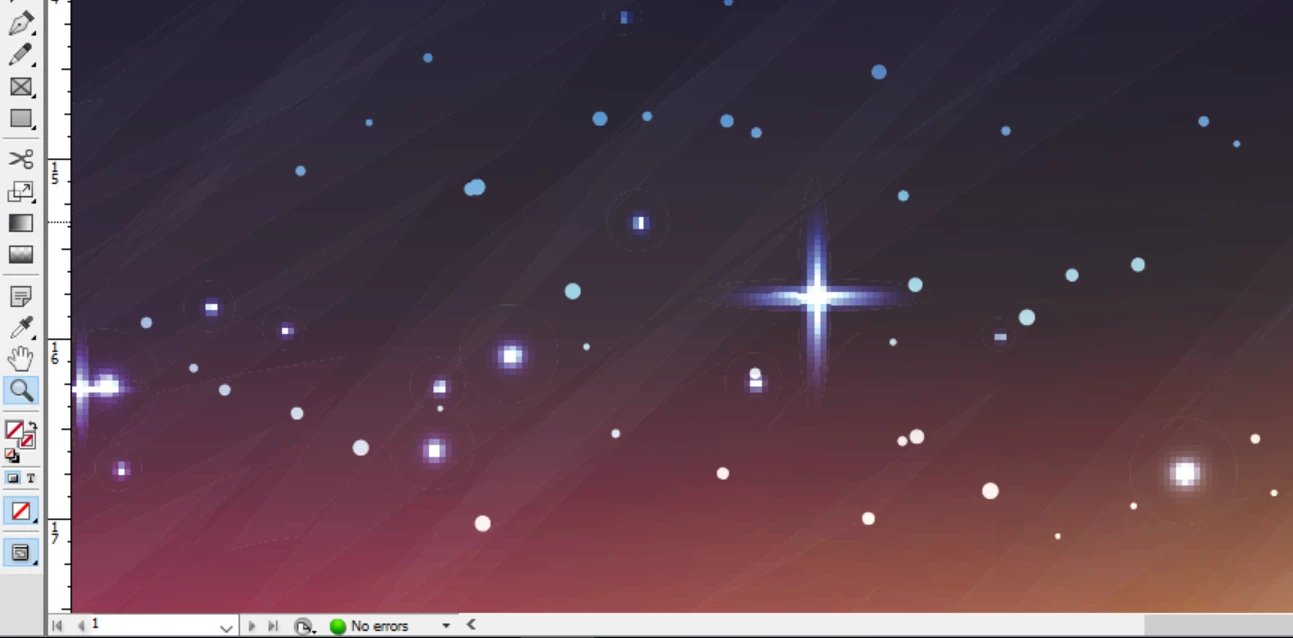
So I tried saving the file as an ai file and placing that. But InDesign seemed to think I was placing a PDF file and the output was even weirder.
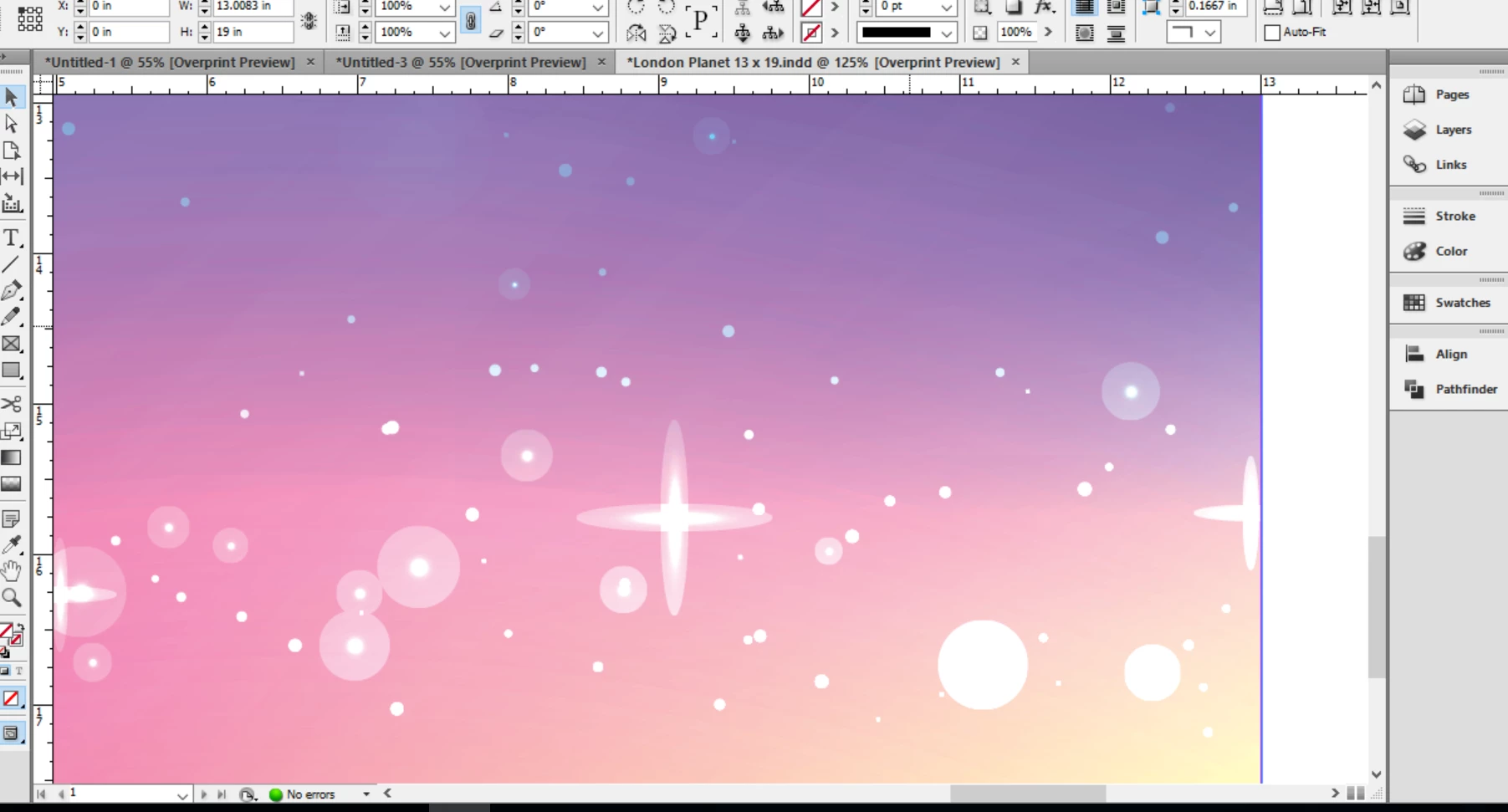
I'm stumped for what's wrong and how to fix it. For what it's worth, here's a link to the original file. And here are the screens that came up when I placed both the EPS and AI (read as PDF) versions of the file. I didn't really know what to make of either screen and so just left the default settings on.
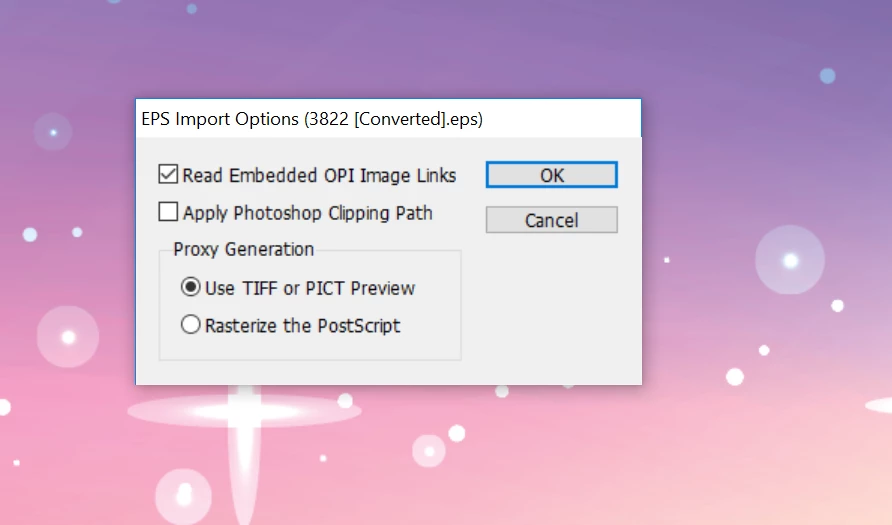
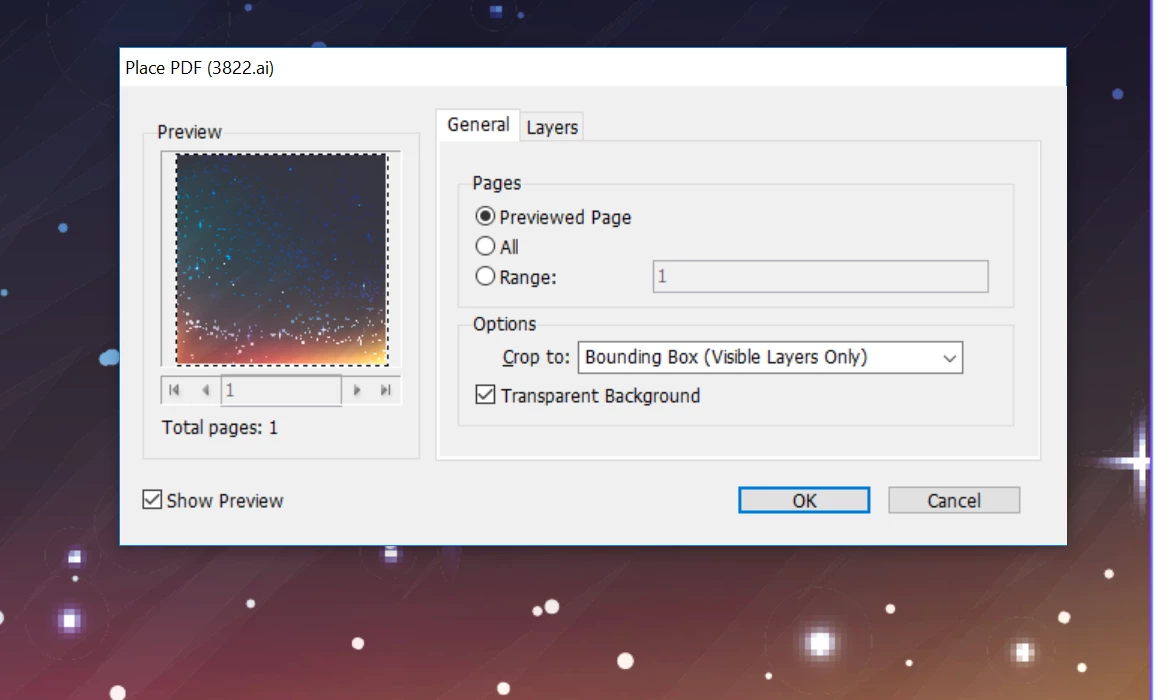
Does anybody have any ideas for how I can fix this?
EDIT [link gives 404 fail – moderator]
 AdChoices