


Participant
May 17, 2023
Question

Problems with indesign (imagines and package)

  • May 17, 2023
  • 6 replies
  • 513 views

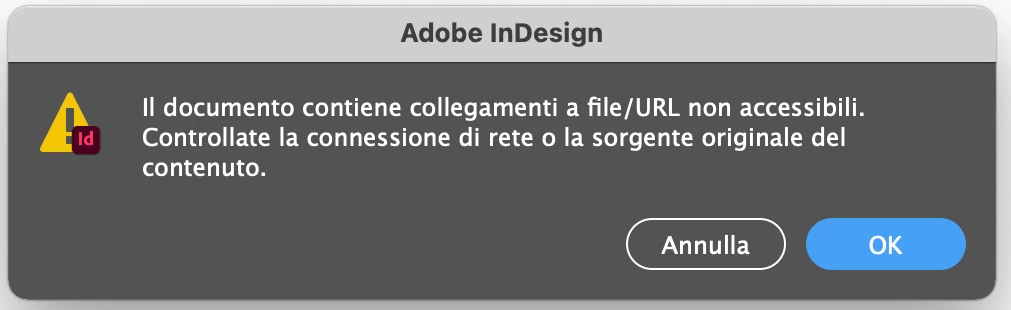
I have a problem with Indesign. With some documents that I create, when I then save them and close the program, when I go to open them again, the images are crashing, even though the links are correct.
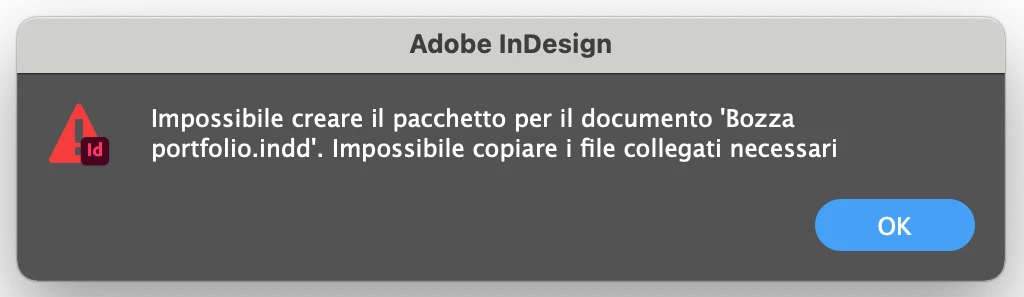
Also I can't do packages and I get warnings which I've attached below.
Thanks a lot to anyone who can be of any help!
This topic has been closed for replies.

6 replies

Willi Adelberger
Community Expert
Community Expert
May 18, 2023

Do you work with dropbox?

Brad @ Roaring Mouse
Community Expert
Community Expert
May 18, 2023

What is your System (Mac or PC) and version?

Peter Spier
Community Expert
Community Expert
May 17, 2023

We see quite a few similar reports from Mac users that turn out to be permissions issues...

Steve Werner
Community Expert
Community Expert
May 17, 2023

In addition to the good suggestions given by @Rishabh_Tiwari, it's possible there is corruption in the files which are failing. You can see if this can be fixed by saving the file as an IDML file (File > Save As > InDesign CS4 or Later [IDML]. Open the created IDML file in InDesign and see if the problem(s) reoccur.

Rishabh_Tiwari
Community Manager
Community Manager
May 17, 2023

Hi @Emma29926016xcok ,


Sorry to hear about the trouble. Check the image links. Make sure that the links to the images are correct and that the images are stored in the same location as the InDesign document. Ensure that you have proper read and write permissions for the folder where you're trying to save the packaged files. If you're working on a networked or shared drive, ensure you have the necessary permissions to access and modify files.


Let us know how it goes, we'll try our best to assist you.


Thanks

Rishabh

kglad
Community Expert
Community Expert
May 17, 2023

<moved from enterprise&teams>