

Problems with indesigning not finding fonts
I have a continual issue with the above typically when I am editing a doc created by a third party. Even though I have the 2 x fonts installed it always states 'the fonts are currently unavailable on your computer' meaning everytime I have to go through a v laborious process of 'finding/replacing font' - these are for menus and brochures for a business.
The two fonts causing all the issues are purchased - SangBlue Empire and Euclid.
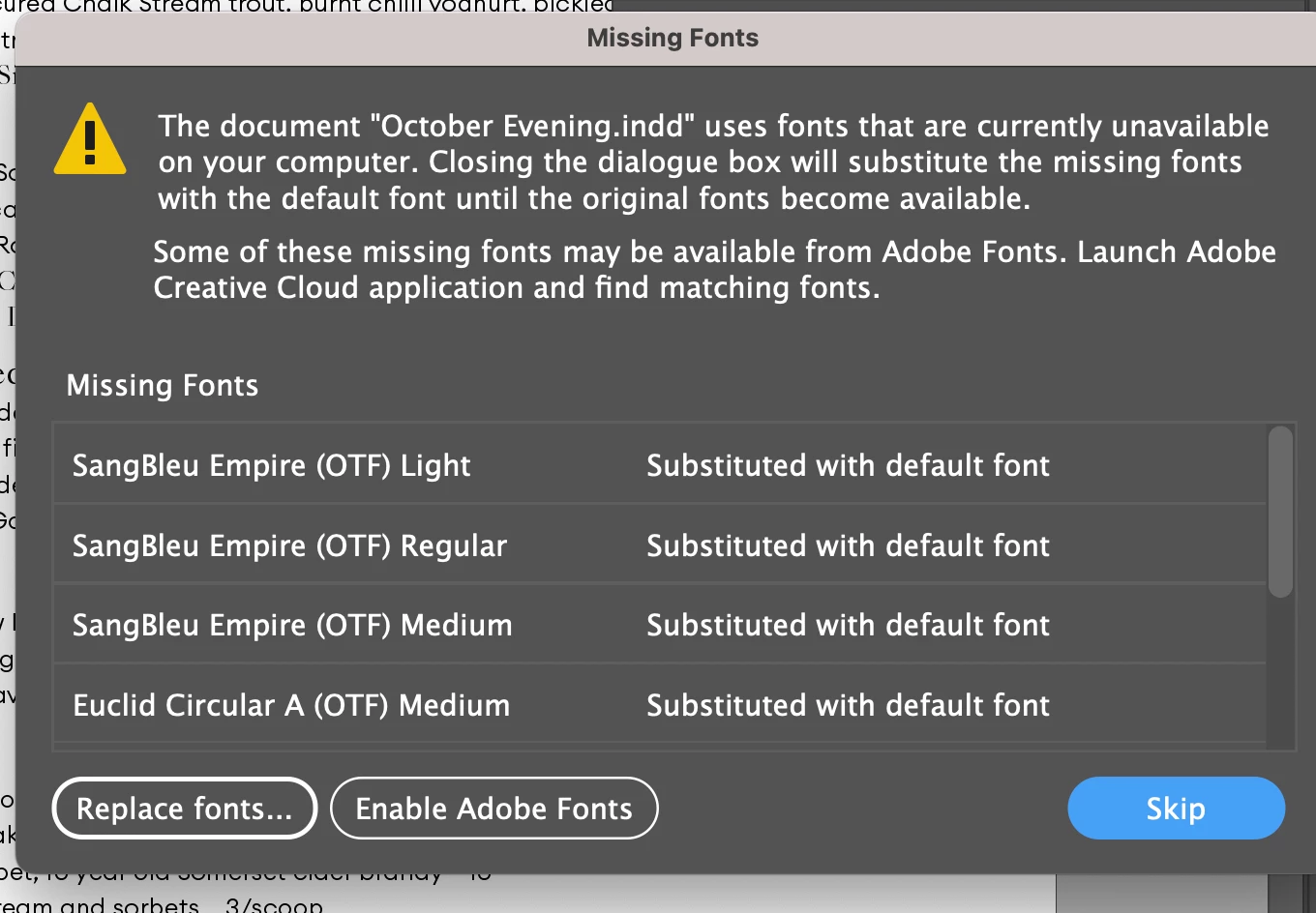
I have just tried to delete the 2 fonts hoping to re-install them, but even though I have deleted them in the Adobe fonts folder they still show up in the Type / Font drop down list of fonts.
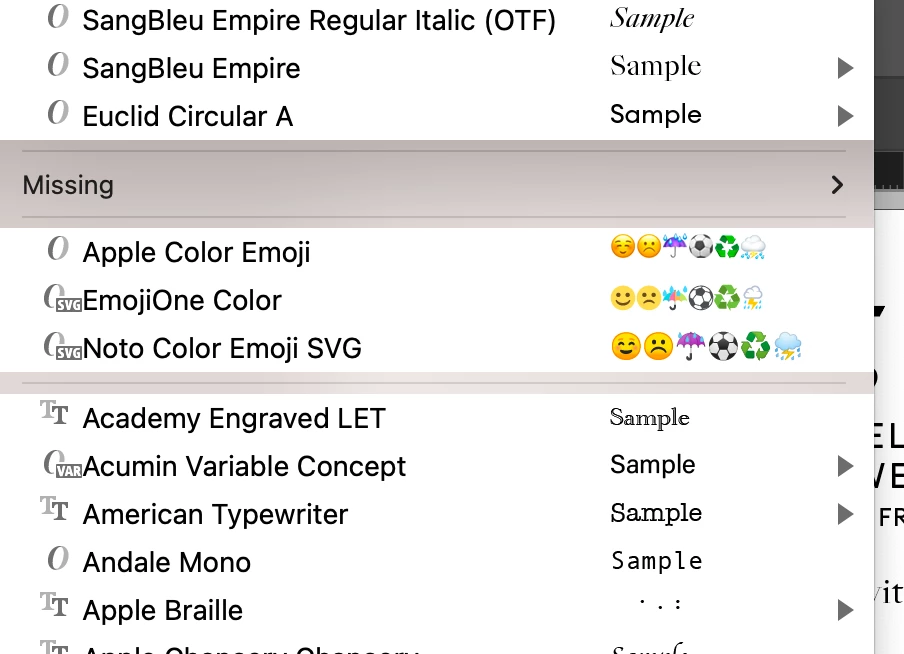
When I click on the Missing drop down it lists these two fonts, yet they are clearly shown above the Missing row.
Any assistance greatly appreciated - is there a In Design live person / co that one can speak to that can help with these matters??
thanks
 AdChoices