

scottmosher
Inspiring
October 30, 2018
Answered

Problems with Page Numbering and Sections.

  • October 30, 2018
  • 1 reply
  • 4450 views

Wondering if this is a NEW ID 14.0 bug or just me.
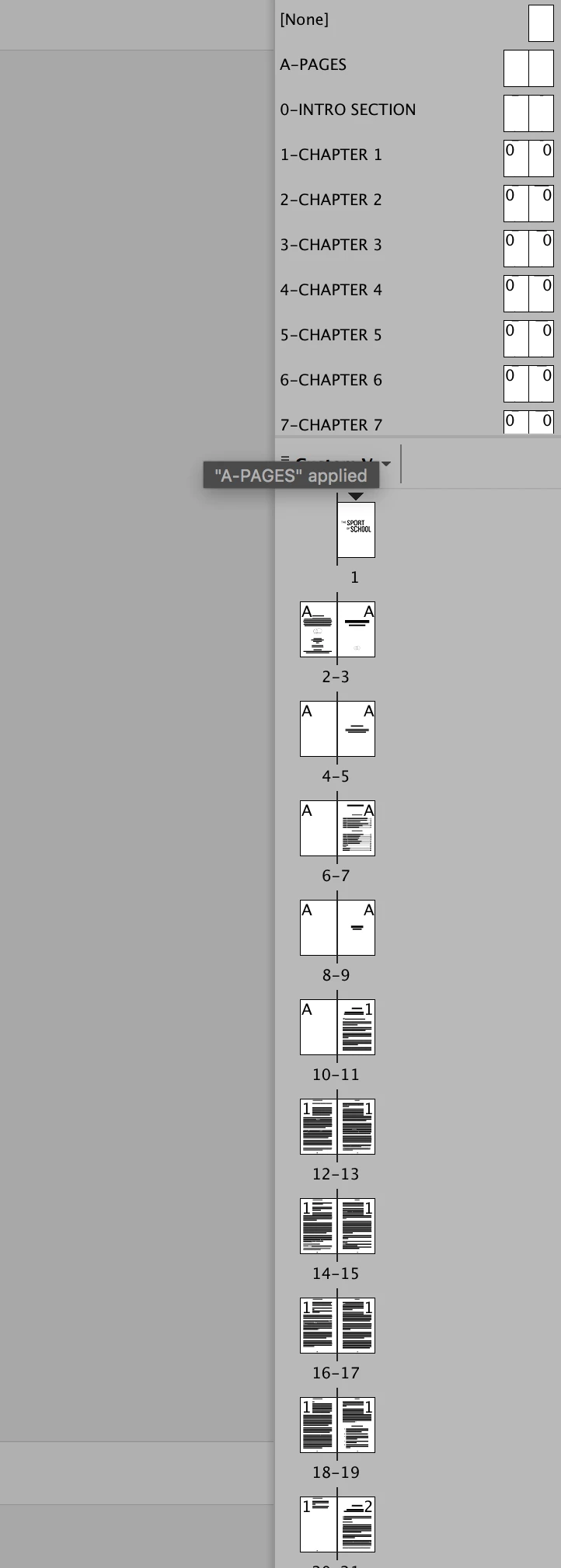
I can't seem to change the page numbering and sections in a 100+ page ID document. The front matter (pages 1-8) I'm trying to label with lower case roman numerals, and the rest of the book, page 9 onwards, should be numbered page 1, etc. Any ideas why I can't change ANYTHING? I can't seem to turn the first 8 pages into section 1 with roman numerals, and pages 9- onward to another section with page counting starting at 1.
This topic has been closed for replies.
Correct answer scottmosher

We'd like to help, but you haven't explained what steps you are taking to try changing the page numbering, and what happens when you try. 

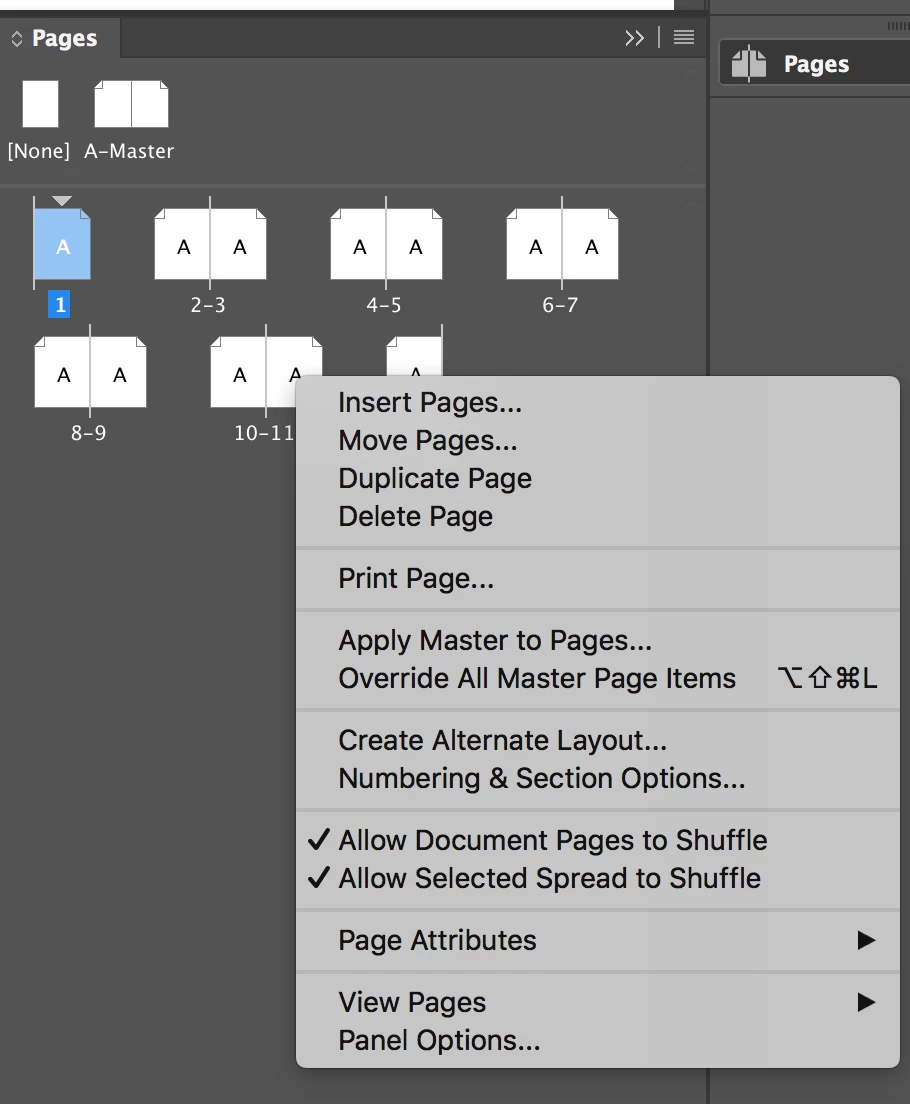
You should be able to right-click on the first page and bring up Numbering and Section Options. From there you can change the numbers to i, ii, etc. 

Then do the same on the page that you want to be page 1 to make it start over at 1, and use 1,2,3 etc.


I solved in, in a roundabout manner. I just had to create an alternative layout, delete the original layout and re-number. I assume

1 reply

Willi Adelberger
Community Expert
Community Expert
October 30, 2018

Click twice on the thumbnail of page 9, in the panel menu go to section & numbering and start now a new section.

BTW Why do you have for each chapter a separate master? It seems wrong to me.

scottmosher
Inspiring
October 30, 2018

Each Chapter NEEDS a separate master because each chapter has a title and that title needs to be on the opposing page header.

Legend
October 30, 2018

scottmosher  wrote

Each Chapter NEEDS a separate master because each chapter has a title and that title needs to be on the opposing page header.

You could achieve that with just one Master if you used Running Headers to pick up the Chapter Title