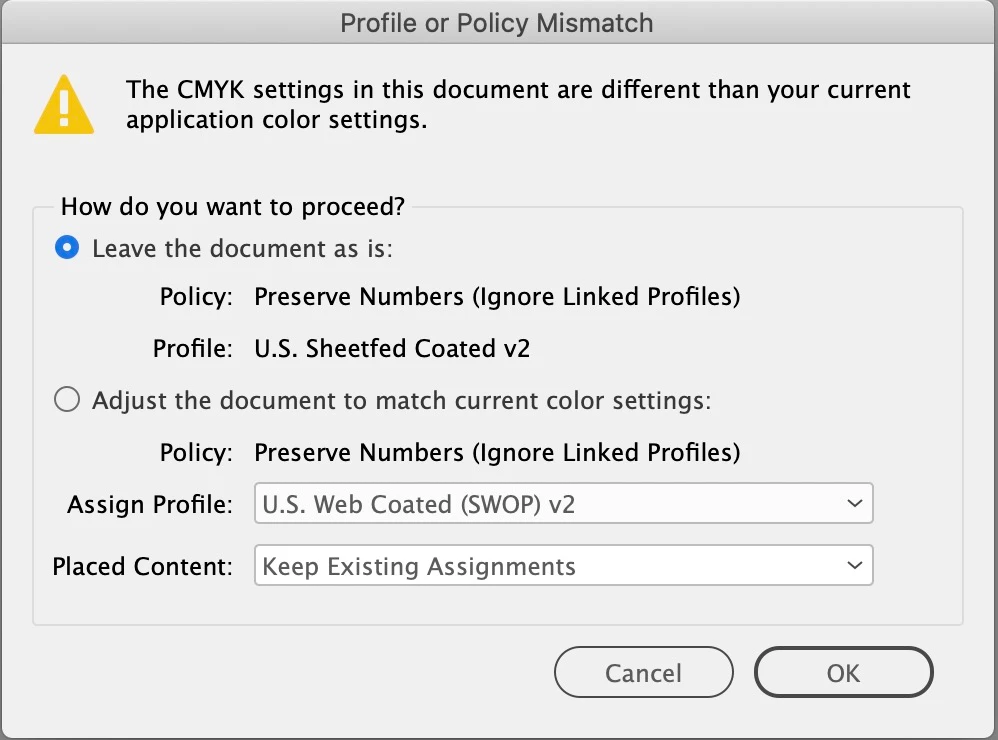
Ok, starting to make more sense. If I'm working on a specific doc for offset printing is there ever a reason for me to Assign a Profile to that doc?
Secondly, should all the photos in the doc have this specific profile? Do I have to go through each photo and check them?
Many thanks, Rob.
If I'm working on a specific doc for offset printing is there ever a reason for me to Assign a Profile to that doc?
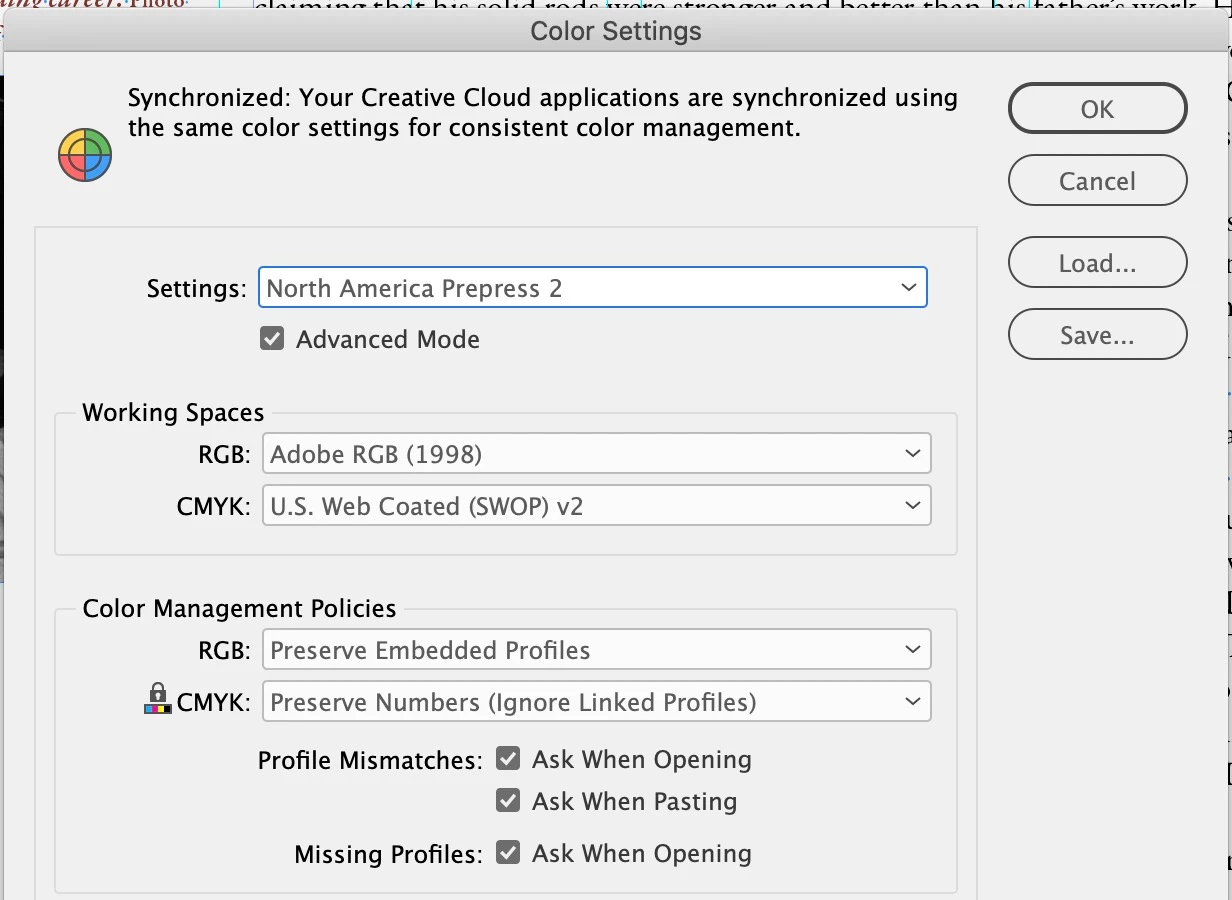
The CMYK assignment should always be the recommended offset press profile—if the printer is printing to the Coated GRACol standard, your assignment should be the Coated GRACol profile. Just keep in mind it is the document assignment that handles color management, not the Color Settings Working Spaces.
If you are placing RGB images make sure they have an embedded profile. Normally you want to edit in a large RGB space like AdobeRGB. RGB color has to have a source profile embedded in order to be converted correctly to the print CMYK space, which can happen either on a PDF export or at print output.
It is more efficient to place RGB, because all of the images can be converted at once. If you are placing CMYK that has no embedded profile, InDesign’s document profile will get assigned when you place. Ideally you do not want a document and images with conflicting CMYK profiles. Color Settings has a CMYK policy that will ignore conflicting CMYK profiles and assign the document profile—Preserve Numbers (Ignore linked profiles).


 AdChoices