Copier le lien dans le Presse-papiers
Copié
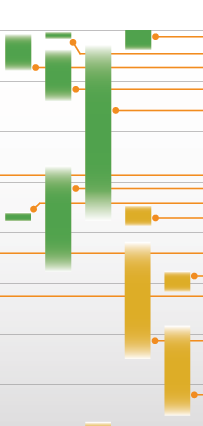
I have been creating a timeline using graphic boxes with fills and gradients, please see attached Screen Shot 2022-02-04 | 220204. How do I:
• remove the gradient so that I have a solid fill;
• determine which specific swatch I used in the box (I have an extensive collection of swatches in which I often have numerous tints for a single colour)? I cannot seem to find a way to identify a swatch used in a box once a it has been applied. In the case of this timeline, I began working on it about a year ago, then had to address other projects, and I am only getting back to it now, hence no memory of which swatch was used where.
Thanks in advance.

I'm going to assume that you created the gradients in InDesign. You create them by choosing New Gradient Swatch from the Swatches panel menu (Window > Swatches). Then you may have picked solid colored swatches of green and Paper colors in the Gradient panel (Window > Gradient) and applied them to the bar at the bottom of the panel. Each color stop (looks like a little house) represents a swatch color. I had to rotate the gradient 90 degrees (also on the Gradient panel) to get it to run the lengt
...Copier le lien dans le Presse-papiers
Copié
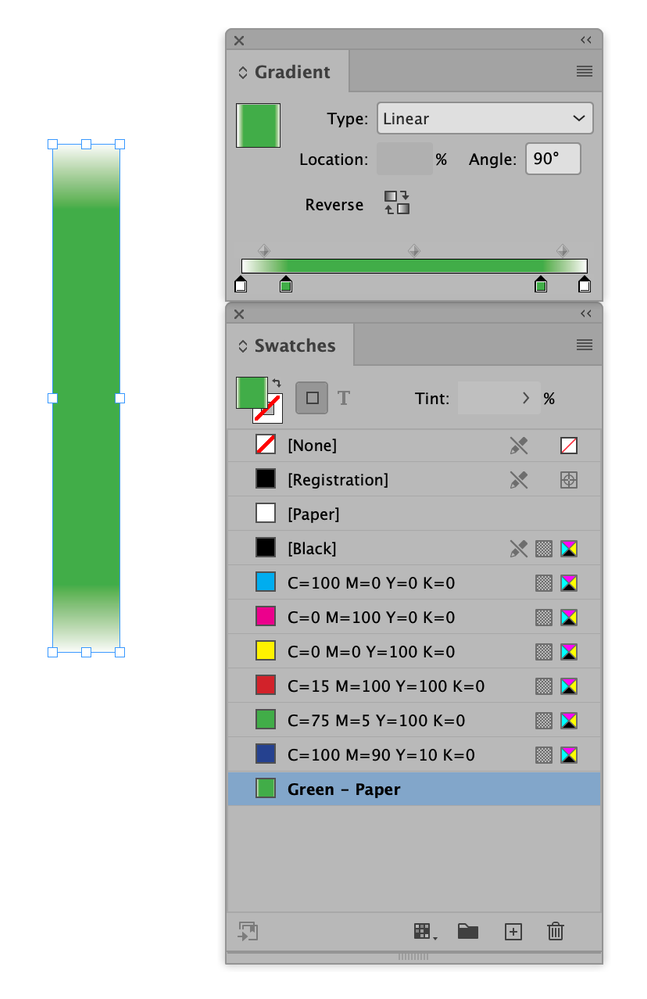
I'm going to assume that you created the gradients in InDesign. You create them by choosing New Gradient Swatch from the Swatches panel menu (Window > Swatches). Then you may have picked solid colored swatches of green and Paper colors in the Gradient panel (Window > Gradient) and applied them to the bar at the bottom of the panel. Each color stop (looks like a little house) represents a swatch color. I had to rotate the gradient 90 degrees (also on the Gradient panel) to get it to run the length of the rectangular shape:
To see what gradient swatch is applied, use the Selection tool (black arrow) and if the Gradient swatch was saved it should appear in the Swatches panel. I named my gradient to make it easier to recognize: Green - Paper color.
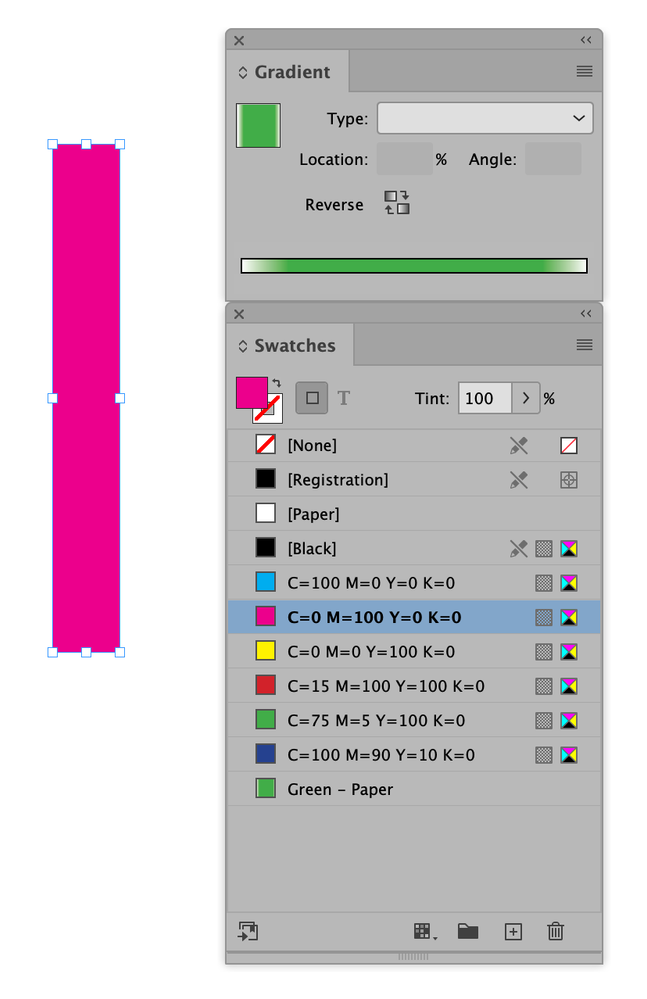
To change the rectangle from gradient to solid color, you must select the rectangle with the Selection tool and choosing one of your solid color swatches:
Copier le lien dans le Presse-papiers
Copié
This InDesign Help file about Gradients will probably also help:
https://helpx.adobe.com/indesign/using/gradients.html
Préparez-vous ! Une expérience Adobe Community améliorée arrive en janvier.
En savoir plus