
daniels59958
Participant
February 26, 2023
Answered

"Remove Blank Lines" in Data Merge is Overriding Paragraph Styles

  • February 26, 2023
  • 1 reply
  • 1248 views

[InDesign 18.1, Mac)S 11.7.4]

How to "Remove Blank Lines" without affecting paragraph styles?


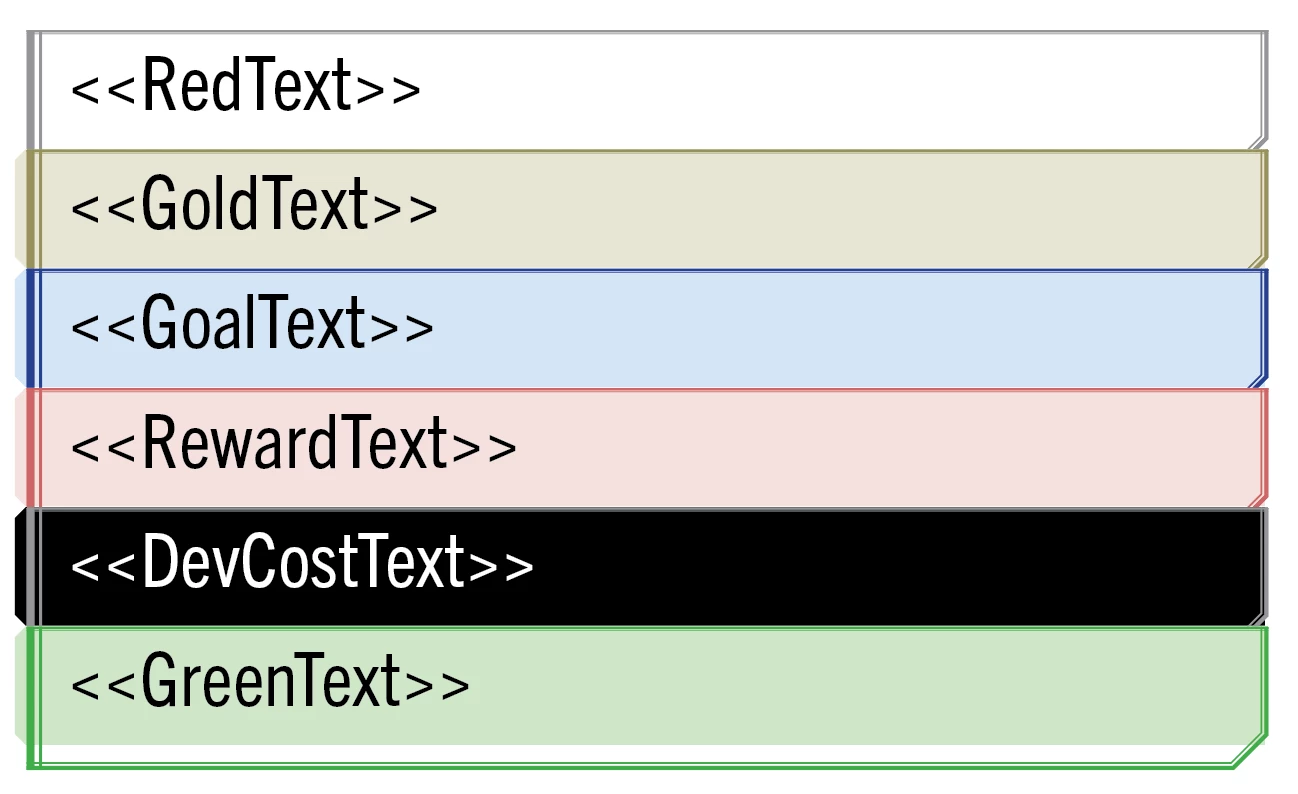
I'm designing cards for a board game. The client requested that each card ability have a distinct background and border, so I've made different Paragraph Styles for each. Each ability is its own column in the spreadsheet. No cards have all ability types, but most cards have a mix of 2 or 3. You can see them linked here with the Paragraph Style applied to each one.
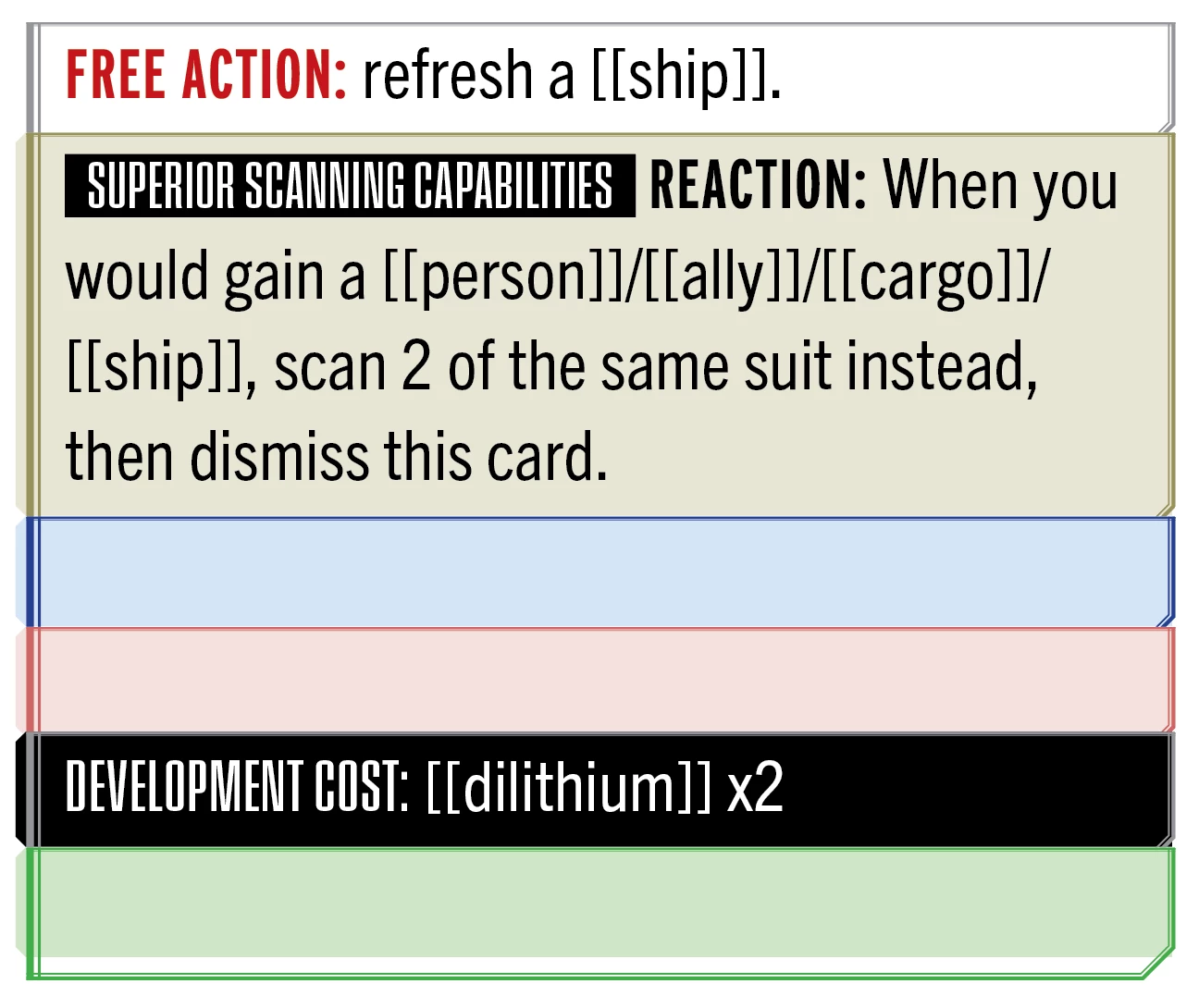
When I preview this normally, here's how one of the cards looks. I'd like to automatically remove those blank variables from the deck when I create a merged document.
If I use activate "Remove Blank Lines..." in Content Placement Options, I get paragraph style overrides. In the example below, the previous page had a blank variable for the second paragraph, so it was deleted. However, that means the second paragraph on this page has the first Paragraph Style. 

Over the course of an entire deck, eventually all paragraphs in this text field get the first Paragraph Style instead of keeping their own.


I saw some bug reports that this has been fixed in InDesign v17.1, so I'm not sure why it's still occurring in 18.1.


tl;dr: Any advise for how to delete these blank lines without overriding the paragraph styles? I'd really prefer to do this at the data merge level rather than a post-merge script or search-replace.

This topic has been closed for replies.
Correct answer Peter Spier

There is a very long thread from 2013 at https://community.adobe.com/t5/indesign-discussions/multiple-record-data-merge-into-paragraph-styles-applies-the-wrong-style/td-p/5633549#5883785 that covers this problem and has a scripting solution worked out by Uwe Laubender.

1 reply

Peter Spier
Community Expert
Peter SpierCommunity ExpertCorrect answer
Community Expert
February 26, 2023

There is a very long thread from 2013 at https://community.adobe.com/t5/indesign-discussions/multiple-record-data-merge-into-paragraph-styles-applies-the-wrong-style/td-p/5633549#5883785 that covers this problem and has a scripting solution worked out by Uwe Laubender.

daniels59958
Participant
February 26, 2023

@Peter Spier I found one small hitch in this solution. It results in one extra white space character at the end of the text, making a gap from the bottom of the text frame. (This text frame is set to flow from the bottom):


I'm not sure what that special character is. I can't select it, but I can manually delete it, resulting in what I would prefer the text to look like. 


Any idea what I should be searching for to get rid of that one last pesky blank line?

daniels59958
Participant
February 26, 2023

@Peter Spier Oh! I figured it out. Just GREP searched and deleted \r\z and that did the trick. Thanks again!