
Random line spacing in Indesign
Hello!
PLEASE SOMEONE HELP! I've never been able to figure this out: sometimes when I am making a single paragraph that has multiple lines in a single text frame, the leading of one line of text is different than all the others' leading.
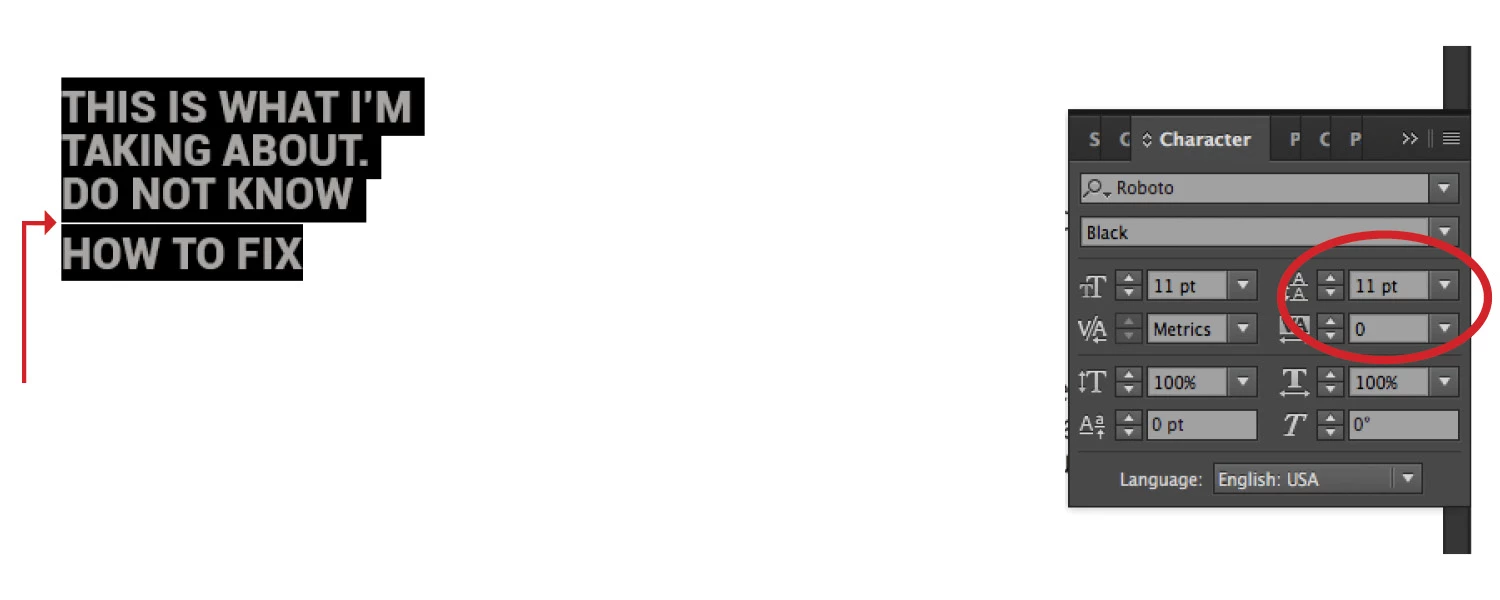
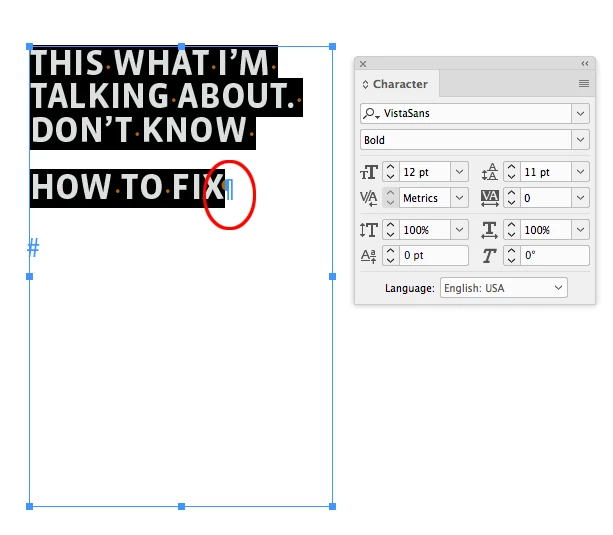
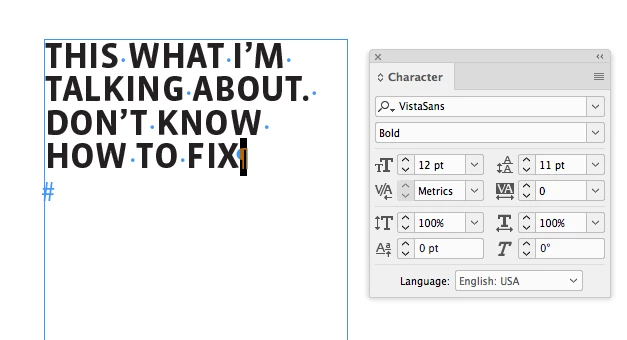
Terrible explanation. I attached a picture, hopefully that will help! In the picture I highlighted the text I'm talking about. The first three lines of type are fine. But then the last line has more leading than the others. I also highlighted the text to point out that the WHOLE paragraph's leading is at 11 pts. So that means no line has a different amount, if they were different amounts that leading box would just be greyed out. So in theory they should all have the same amount of leading. I've also tried messing with the space before/after settings, and they're all set at 0.
PLEASE someone help me out with this. Thank you!

 AdChoices