
Participant
August 28, 2023
Answered

Random text fading makes printing impossible

  • August 28, 2023
  • 3 replies
  • 630 views

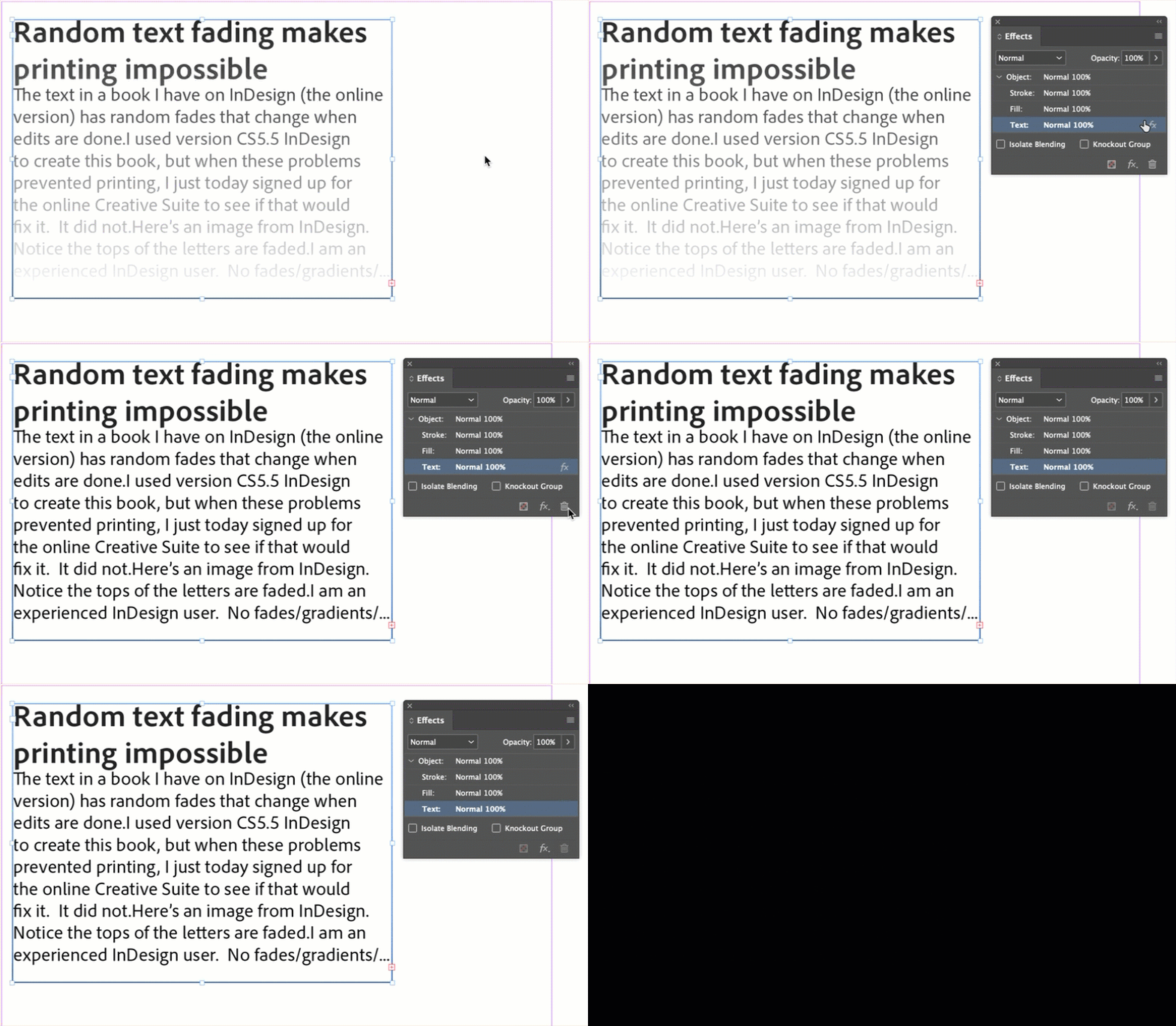
The text in a book I have on InDesign (the online version) has random fades that change when edits are done.

I used version CS5.5 InDesign to create this book, but when these problems prevented printing, I just today signed up for the online Creative Suite to see if that would fix it.  It did not.

Here's an image from InDesign.  Notice the tops of the letters are faded.

I am an experienced InDesign user.  No fades/gradients/... used.
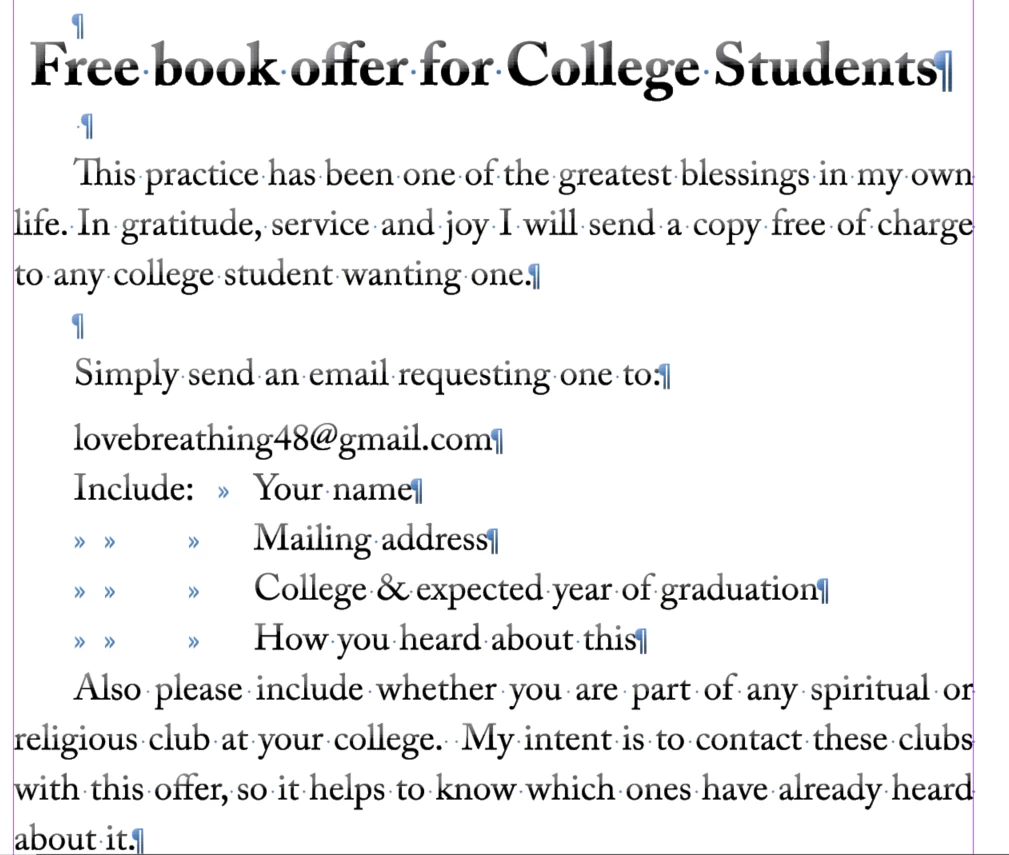


If I add one letter to the page, the fading goes away. Added extra "o" to book.

The fading went away right after I added the extra letter.


However as soon as I do something else like try to print

the fading comes back (before I can print).
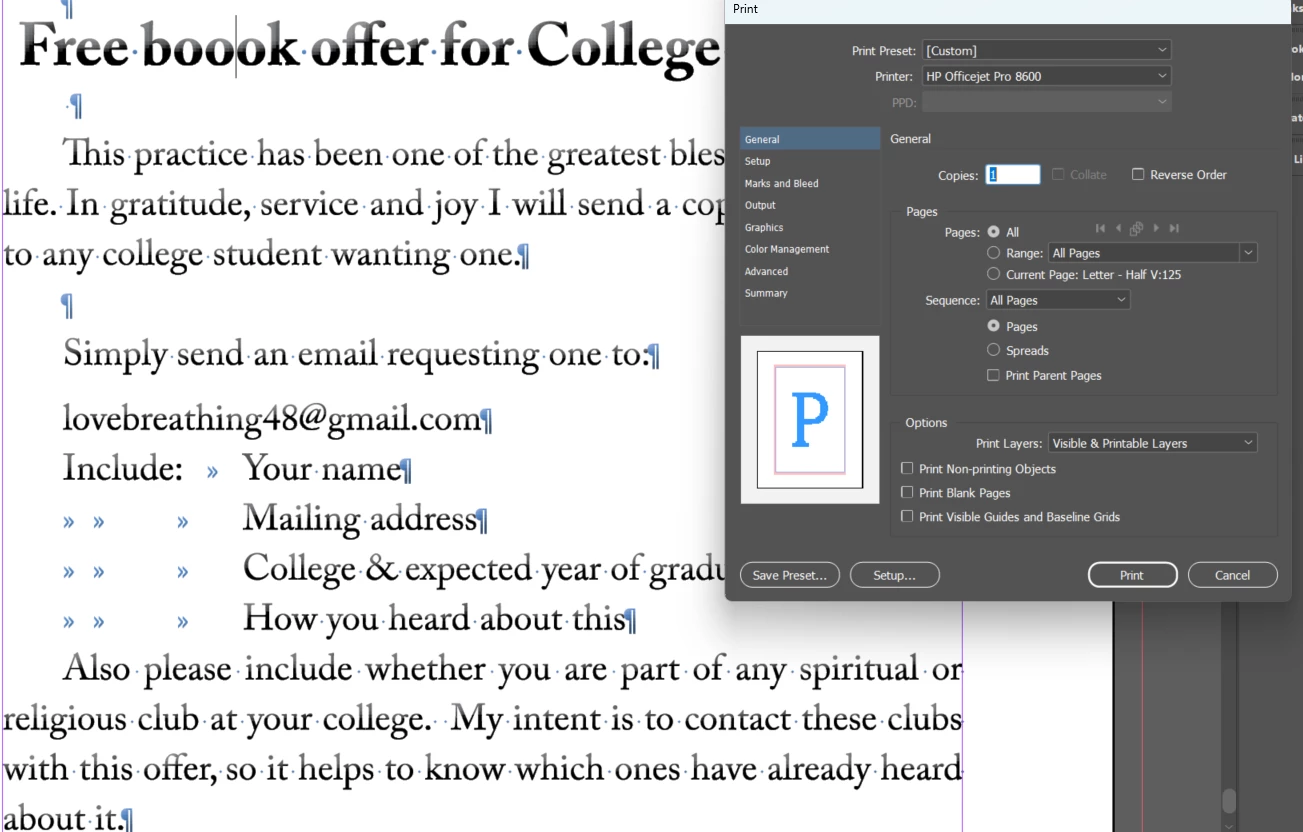


HELP ADOBE!  This is obviously a bug and it is making your program totally unsuable for me.

What can I do to stop triggering this bug?


I have been using a purchased copy of InDesign about 10 years old.

But now it seems the old version and the latest online version will not work.

I'd be happy to pay your subscription fee, but can't unless this is resolved.


Thanks in advance.


This topic has been closed for replies.
Correct answer Barb Binder

Hi Eric:


Drag the fx next to the Text to the trash can. Does that take care of it?


~Barb


3 replies

Barb Binder
Community Expert
Community Expert
August 29, 2023

Terrific. Glad you are back on track.


~Barb

~Barb at Rocky Mountain Training
Barb Binder
Community Expert
Barb BinderCommunity ExpertCorrect answer
Community Expert
August 29, 2023

Hi Eric:


Drag the fx next to the Text to the trash can. Does that take care of it?


~Barb


~Barb at Rocky Mountain Training
Participant
August 29, 2023

That was it!!!!!!!!

Thank you!!!!!


I had Bevel&Emboss for text selected.  Must have just randomly copied over from page to page when I copied the text frame.


If you want a free book, send me an email. 🙂 🙂


Peter Spier
Community Expert
Community Expert
August 29, 2023
quote

I had Bevel&Emboss for text selected.  Must have just randomly copied over from page to page when I copied the text frame.


By @Eric31938799qc7a


Not random. Defaults are set by making changes with nothing selected, so at some point you must have opened the effects settings and set up the bevel and emboss (probably intentionally, to apply the effect to something that you hadn't selected but thought you had -- happens to us all), not realizing you were creating a new default when nothing seemed to happen.

Barb Binder
Community Expert
Community Expert
August 28, 2023

Please select that frame with the Selection tool (the 1st arrow) and share a screen shot of Window > Effects (with that frame selected.)


~Barb

~Barb at Rocky Mountain Training
Participant
August 29, 2023

Here it is.  Hope someone can help.

Thanks