dzgnr89
Inspiring
January 20, 2023
Question

Recent file thumbnails not showing up in homescreen

  • January 20, 2023
  • 3 replies
  • 2128 views

Whenever I open Indesign 2023, v18.1 the Home screen does not display the names and thumbnails of the recent files made.
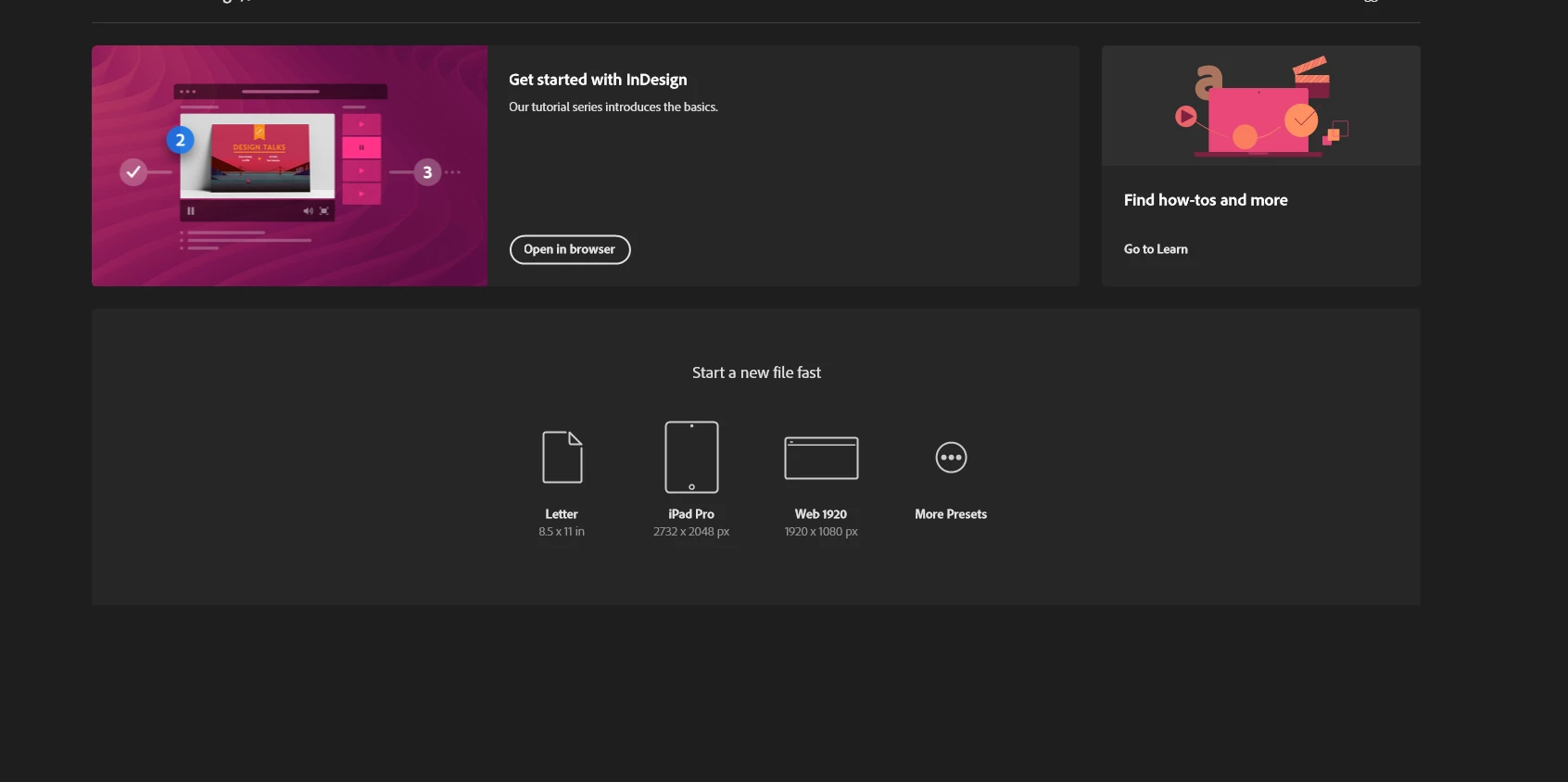


What should I do to solve this issue?


I tried uninstalling and re-installing but I still encounter this problem.

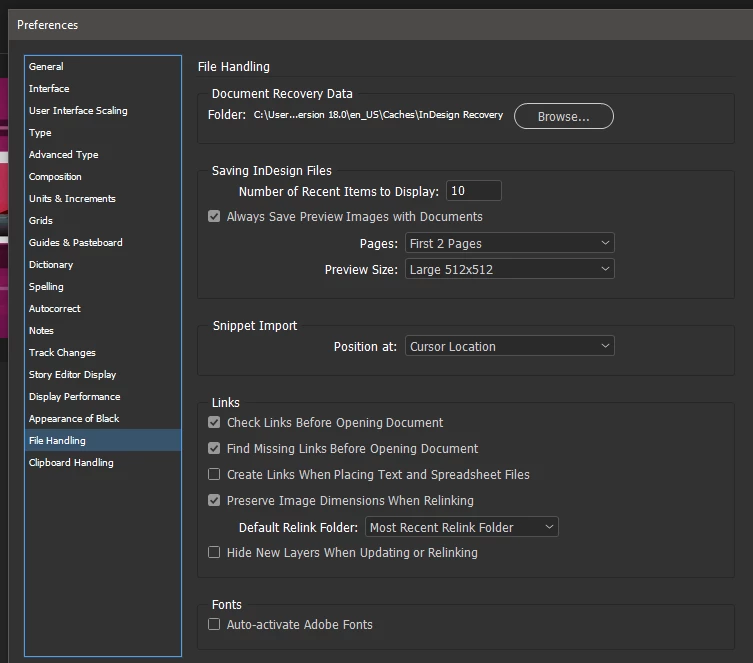
I have set my recent file preferences like this.
 

This topic has been closed for replies.

3 replies

Participant
July 11, 2024

I am having the same problem. InDesign suddenty decided to stop showing my recent items on the home screen. I've tried restarting. Can someone who actually works for Adobe please look into this issue and respond?

Anubhav M
Community Manager
Community Manager
August 12, 2024

Hello @briem91802965,

We understand that technical issues can be frustrating. Would you mind sharing more details, like the exact version of the OS/InDesign, whether this started after a recent update, whether it happens with all files, and whether all files are stored in the same location so we can better assist you?

Looking forward to hearing from you.


Thanks,

Anubhav

dzgnr89
dzgnr89Author
Inspiring
February 8, 2023

Bump.....

Inspiring
January 28, 2024

Just happened to me in ps 2024 after the latest update.


Steve Werner
Community Expert
Community Expert
January 28, 2024

Photoshop issues will need to be posted in the appropriate forum. Each application has its own management and its own issues. Here's the one you want:


https://community.adobe.com/t5/photoshop-ecosystem/ct-p/ct-photoshop?page=1&sort=latest_replies&lang=all&tabid=all

Steve Werner
Community Expert
Community Expert
January 20, 2023

I would try restoring your InDesign preferences and caches. Here's how:


https://www.rockymountaintraining.com/adobe-indesign-rebuilding-preferences-cache/

dzgnr89
dzgnr89Author
Inspiring
January 21, 2023

Just tried all the methods given there


  • Rebuilding the preference files by holding ctrl+shift+alt during startup
  • Manually removing 'InDesign SavedData' and 'InDesign Defaults'


  •  Rebuilding the cache files by removing folders here

           C:\Users\user\AppData\Roaming\Adobe\InDesign
           C:\Users\user\AppData\Local\Adobe\InDesign

Still facing the same issue.

dzgnr89
dzgnr89Author
Inspiring
January 21, 2023

Go to Preferences > File Handling. Check to make sure number of Recent Items to Display is not 0.


Make sure Always Save Preview Images with Document is checked.


Yes. These options have been like that already by default since I reset preferences and cleared cache. They are  in accordance with enabling of thumbnail preview in homescreen.