Participant
August 16, 2022
Answered

Red Box covering content of a .pdf when "Placing" onto a page

  • August 16, 2022
  • 1 reply
  • 473 views

Hi everyone, I'm wondering if someone might be able to explain why this is happening to my pdf's that I'm placing into an InDesign file.
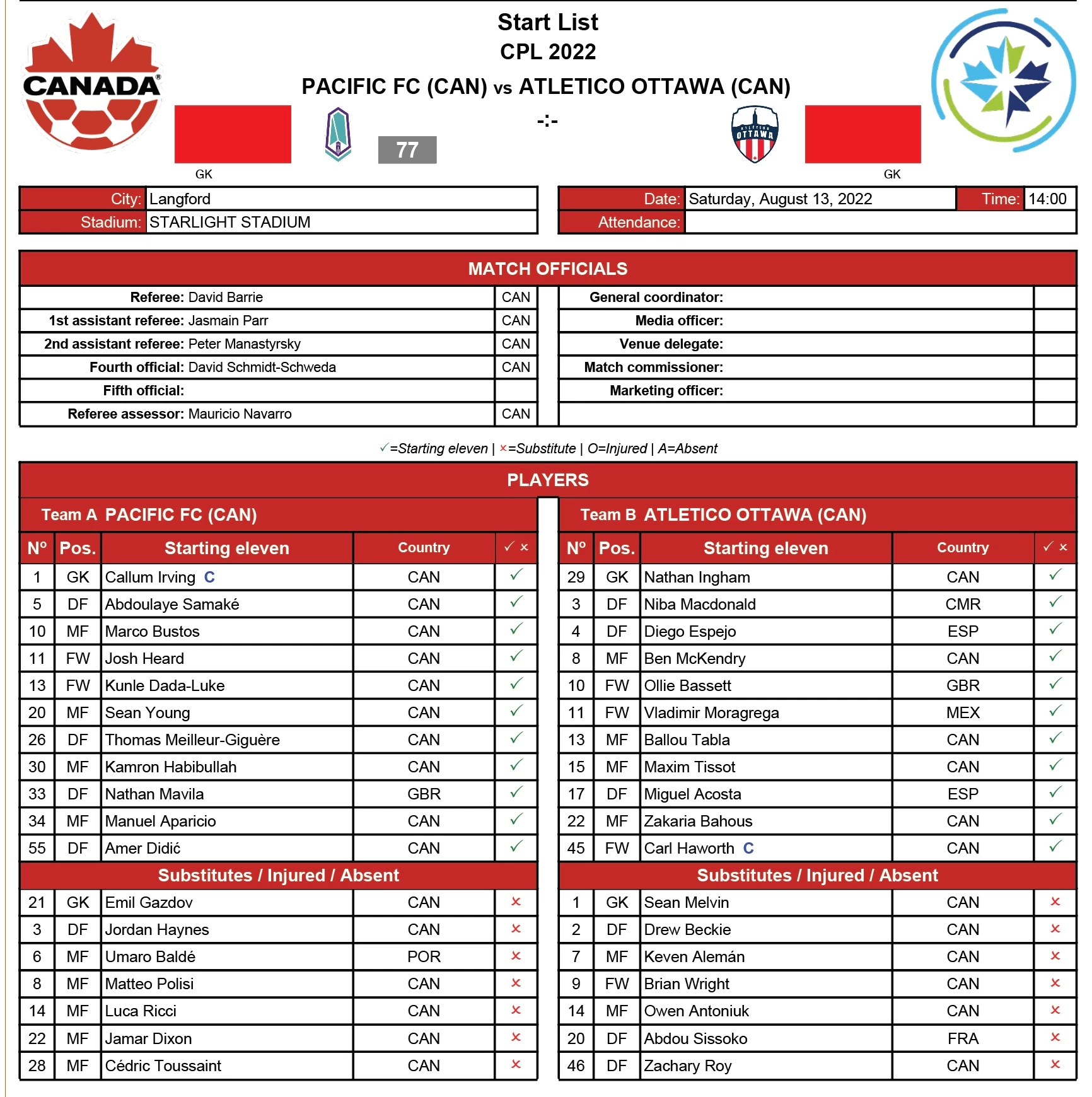
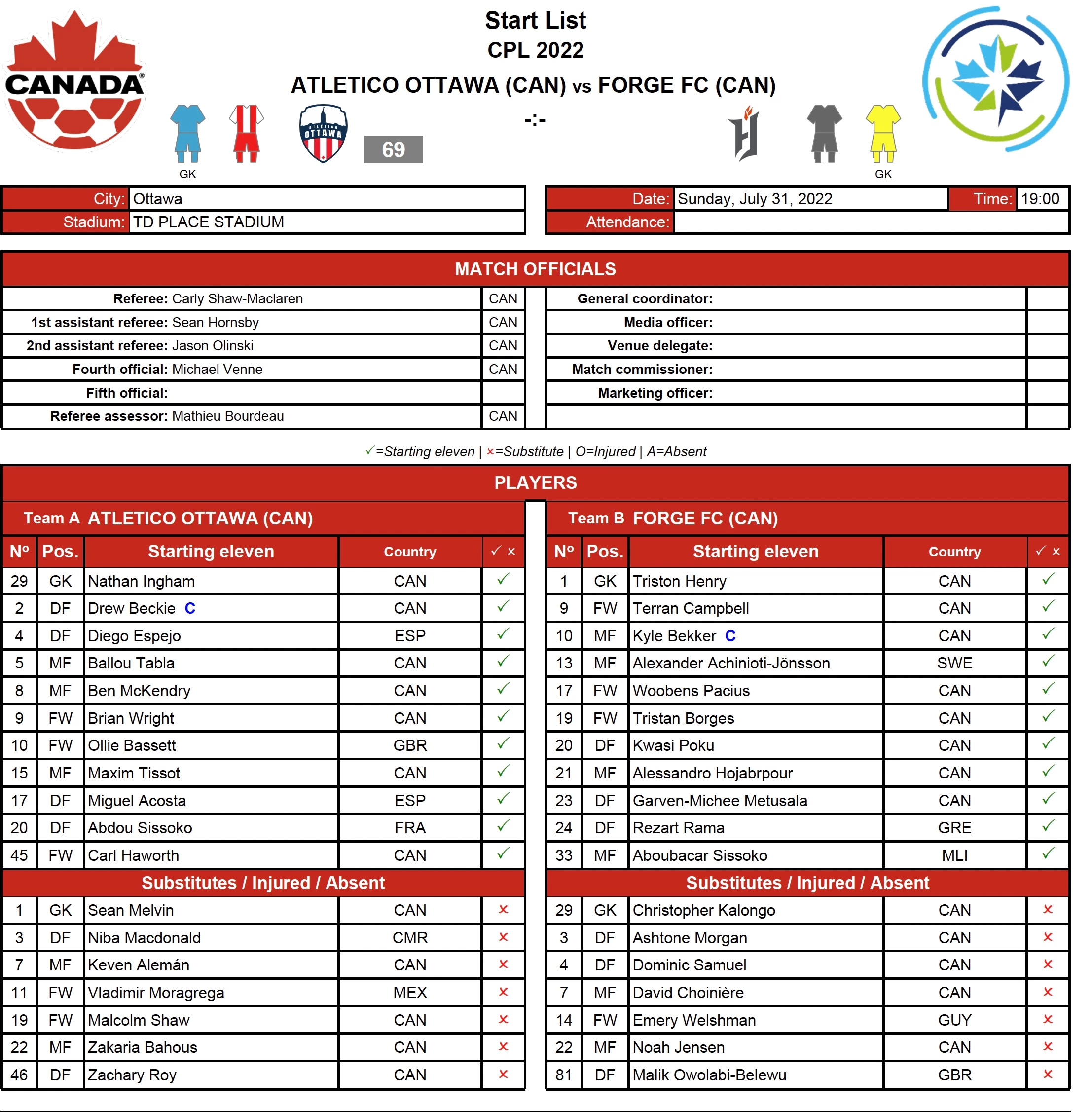


As you can see, in the PDF I am importing, there are two red rectangles covering pictures of uniform colours when I place that file into my document. It is not there in the actual file itself, so I'm sure it's just a setting I am missing.


Any tips on how to resolve this would be appreciated. Thanks

This topic has been closed for replies.
Correct answer ajenky9

It does not, but based on that question I was able to resolve the issue. I deleted the object and re-placed it with the "SHOW IMPORT OPTIONS" box selected, then inside of those options I de-selected "TRANSPARENT BACKGROUND" and that got rid of the boxes.


Strange that only those sections were being covered with a red box when there was no fill colour or anything behind it, but at least now they are no longer there.


So in a roundabout way, thank you, John!

1 reply

John Mensinger
Community Expert
Community Expert
August 16, 2022

Does the frame have a fill color applied?

ajenky9AuthorCorrect answer
Participant
August 16, 2022

It does not, but based on that question I was able to resolve the issue. I deleted the object and re-placed it with the "SHOW IMPORT OPTIONS" box selected, then inside of those options I de-selected "TRANSPARENT BACKGROUND" and that got rid of the boxes.


Strange that only those sections were being covered with a red box when there was no fill colour or anything behind it, but at least now they are no longer there.


So in a roundabout way, thank you, John!