Participant
October 8, 2018
Answered

Remove the ID Publish online Button

  • October 8, 2018
  • 2 replies
  • 4471 views

I am trying to remove the ID Publish online button that appears in the top left hand corner of an embedded Published online document.
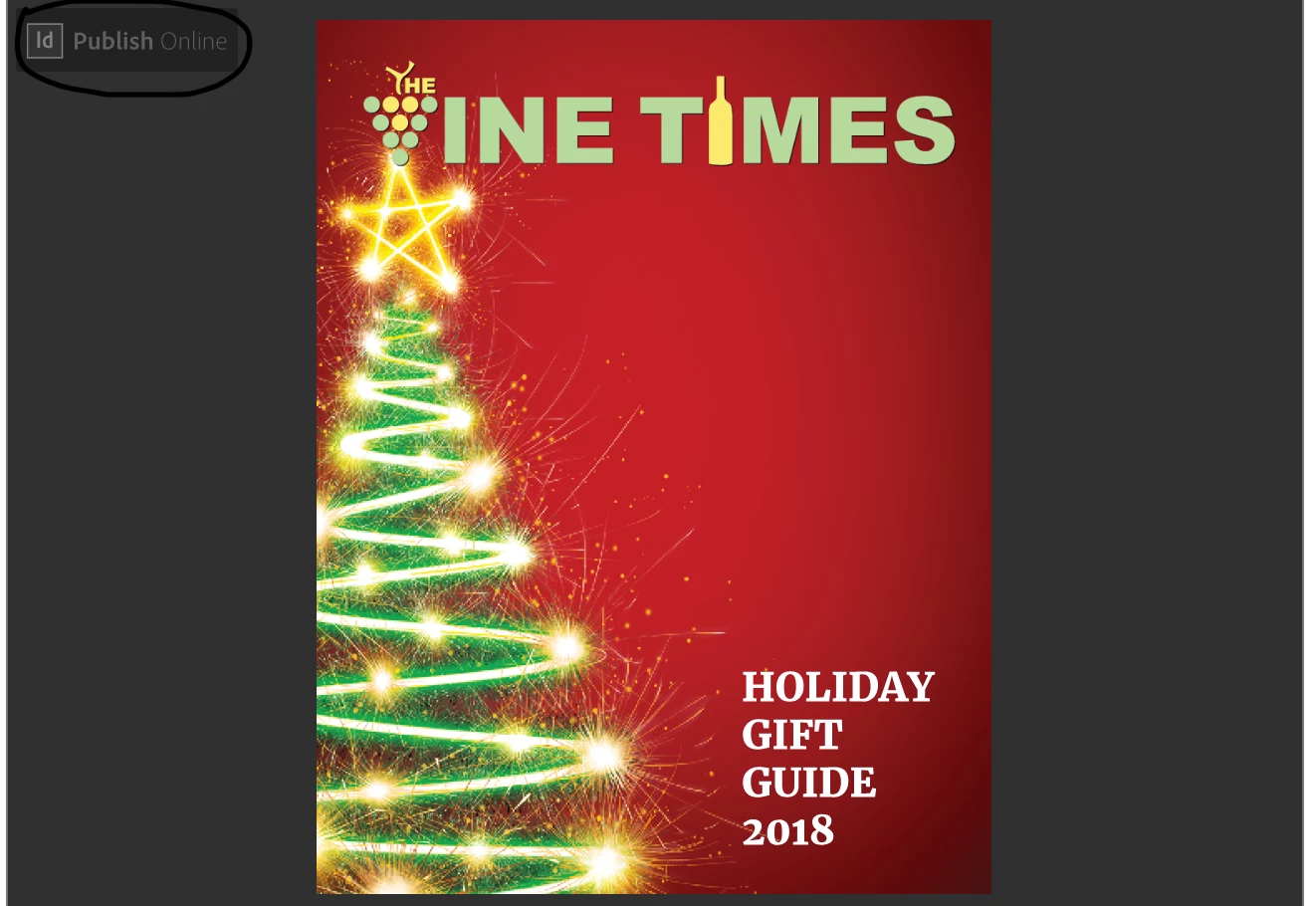
This topic has been closed for replies.
Correct answer Om Nath Jha

Hi all,

Yes, this is as per design. The logo would show up when someone embed a "Publish Online" document from InDesign.

Thanks,

Om

2 replies

Om Nath Jha
Om Nath JhaCorrect answer
Legend
November 30, 2018

Hi all,

Yes, this is as per design. The logo would show up when someone embed a "Publish Online" document from InDesign.

Thanks,

Om

yanwarcak
Inspiring
December 9, 2020

This had the Publish Online removed along with the icons showing up on embed window.


https://www.murdochs.com/sales/flyer

yanwarcak
Inspiring
December 10, 2020

Not sure what you mean by "Indesign Publish Online from the interface"? Is this a different publishing method?


I think I found the answer sir. 


We need to make an iframe embed window completely separate from adobe and use the link from https://indd.adobe.com/dashboard# instead of the embed link that is provided from Adobe. 


You will notice a /embed/ on the link that will have the ID PUBLISH ONLINE button on top left, while the other link will be/view/


This makes it viewable, icons appear upon hover, and the ID PUBLISH ONLINE is not on the top left.


Hope that helps.

Srishti Bali
Community Manager
Community Manager
October 8, 2018

Hi Al-Hernandez,

This is not a normal behavior on Publish online. Could you please share some screenshots of the actual InDesign file along with following details?

  • Operating System(Exact Version of Windows or MAC)
  • Exact Version of InDesign
  • Which browser you are using to view the Published document.
  • Link of the Published Document.

Regards,

Srishti

Participant
October 8, 2018

OS is MacOS Mojave

Indesign cc 2018 v 13.1

Browser is Safari 12.0.1 (14606.2.100) and Chrome 69.0.3497.100

https://indd.adobe.com/view/6e905e6e-8618-4547-a936-e4ea4059f5b5

https://www.thevinetimes.com/test.html  (this is where it appears) 

Scott Falkner
Community Expert
Community Expert
October 9, 2018

It does not appear to me using Safari or Chrome.
